Prevent Linux Kernel Privilege Escalation: Top Defenses
Hardening the kernel requires limiting user actions before they reach the core, because once code executes there, traditional security controls fail completely.

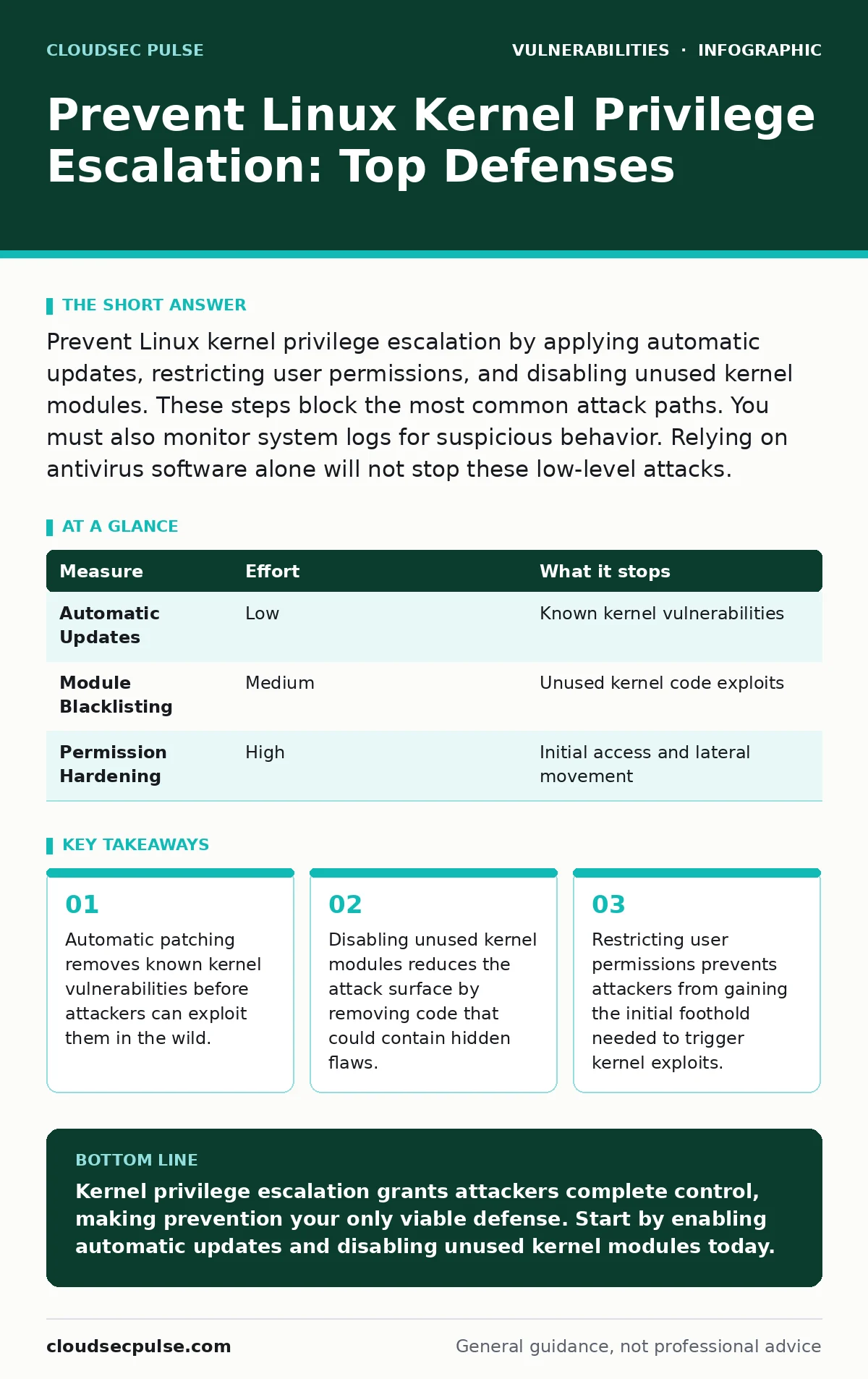
Prevent Linux kernel privilege escalation by applying automatic updates, restricting user permissions, and disabling unused kernel modules. These steps block the most common attack paths. You must also monitor system logs for suspicious behavior. Relying on antivirus software alone will not stop these low-level attacks.
The Hidden Cost of Kernel Access
Linux kernel privilege escalation occurs when a user gains unauthorized root access through a flaw in the operating system core. The kernel manages hardware resources, memory, and process scheduling. It runs with the highest possible privileges. If an attacker exploits a vulnerability here, they bypass all application-level security controls. They gain complete control over the system. This access allows them to install backdoors, steal data, or pivot to other systems. The damage is often immediate and irreversible. You cannot restore a compromised kernel without reinstalling the entire operating system. Understanding this risk changes how you approach server security.
Priority One: Automatic Kernel Updates
The most effective defense against kernel exploitation is timely patching. Vendors release security updates to fix known vulnerabilities shortly after discovery. Attackers often target systems that have not been updated for weeks or months. Manual updates are prone to human error and delay. Configure your system to apply security patches automatically. This ensures that known vulnerabilities are closed before they can be widely exploited. You must test updates in a staging environment first. Some kernel changes can break compatibility with specific hardware or software. Balance security with stability by scheduling reboots during maintenance windows.
| Measure | Effort | What it stops |
|---|---|---|
| Automatic Updates | Low | Known kernel vulnerabilities |
| Module Blacklisting | Medium | Unused kernel code exploits |
| Permission Hardening | High | Initial access and lateral movement |
Disabling Unused Kernel Modules
The Linux kernel is modular. It loads drivers and features only when needed. Many modules are loaded by default, even if your system does not use them. Each loaded module increases the attack surface. Attackers look for vulnerabilities in these modules to escalate privileges. Identify which modules your system actually needs. Disable the rest by blacklisting them in the configuration files. This prevents the kernel from loading unnecessary code. It reduces the number of potential entry points for an attacker. You must verify that disabling a module does not break critical functionality. Test this change carefully before deploying it to production servers.
Restricting User Permissions
Most kernel exploits require an initial foothold on the system. Attackers often start with a low-privileged user account. They then use a vulnerability to escalate to root. Restricting user permissions limits the damage they can do. Use the principle of least privilege. Grant users only the access they need to perform their tasks. Disable root login over the network. Use sudo for administrative tasks instead of logging in as root. This creates an audit trail of who performed which actions. It also prevents attackers from easily gaining full control. You must also secure SSH keys and disable password authentication where possible.
Monitoring System Logs for Anomalies
Kernel exploits often leave traces in system logs. Attackers may try to hide their activity, but they rarely erase all evidence. Configure your system to send logs to a remote server. This prevents attackers from deleting local logs to cover their tracks. Monitor for unusual patterns, such as failed login attempts or unexpected process creations. Look for signs of privilege escalation, such as new root processes spawned by non-root users. Set up alerts for these events. This allows you to respond quickly to potential compromises. You must also ensure that log files are protected from tampering. Use append-only file systems or remote logging services.
The Limits of Application Firewalls
Many administrators believe that a firewall protects them from kernel exploits. This is a dangerous misconception. Firewalls control network traffic. They block unauthorized connections from outside the network. However, they cannot stop an attacker who already has access to the system. If an attacker exploits a web application, they may gain shell access. From there, they can attempt kernel privilege escalation. The firewall remains silent because the traffic originated from inside. You must defend in depth. Combine network security with host-based controls. Do not rely on a single layer of defense.
What Does Not Work
Some security measures provide a false sense of security against kernel exploits. Antivirus software scans for known malware signatures. It does not inspect kernel memory for logic flaws. Intrusion detection systems monitor network traffic. They may miss attacks that occur entirely within the kernel. Virtualization isolation helps contain breaches, but it does not prevent them. If the hypervisor itself is compromised, all virtual machines are at risk. You must focus on reducing the attack surface. This means minimizing the code that runs with kernel privileges. It also means keeping the system updated and configured securely.
Checklist for Immediate Action
Secure your Linux servers today with these three steps. First, enable automatic security updates for the kernel. Second, identify and disable unused kernel modules. Third, review user permissions and disable root login. These actions reduce your risk significantly. They address the most common causes of kernel privilege escalation. You must also monitor your system logs for signs of compromise. This proactive approach helps you detect and respond to attacks quickly. Do not wait for a breach to take action. The cost of prevention is far lower than the cost of recovery.
Key takeaways
- Automatic patching removes known kernel vulnerabilities before attackers can exploit them in the wild.
- Disabling unused kernel modules reduces the attack surface by removing code that could contain hidden flaws.
- Restricting user permissions prevents attackers from gaining the initial foothold needed to trigger kernel exploits.
Kernel privilege escalation grants attackers complete control, making prevention your only viable defense. Start by enabling automatic updates and disabling unused kernel modules today.
Frequently asked questions
How do I know if my Linux kernel has been exploited?
Look for unusual processes running as root, unexpected changes to system files, or new user accounts. Check system logs for failed login attempts and privilege escalation events.
Can a firewall stop a kernel privilege escalation attack?
No. Firewalls block network traffic but cannot stop attacks that originate from within the system or exploit local vulnerabilities. You need host-based security measures.
What is the difference between user-space and kernel-space exploits?
User-space exploits target applications running above the kernel. Kernel-space exploits target the operating system core, granting the attacker full control over the hardware and software.
Should I disable all kernel modules for better security?
Only disable modules that your system does not need. Disabling necessary modules can break functionality. Test changes in a staging environment before applying them to production.
How this guide was produced: written by the CloudSec Pulse editorial team with AI assistance, checked against the public references listed below, and reviewed when the facts change. See our editorial policy or report an error.