Hard-Coded Credentials Explained: Why Baking Keys Into Software Fails
Hard-coded credentials embed access secrets directly into software code, creating a permanent backdoor that remains visible to anyone who examines the application’s source files.

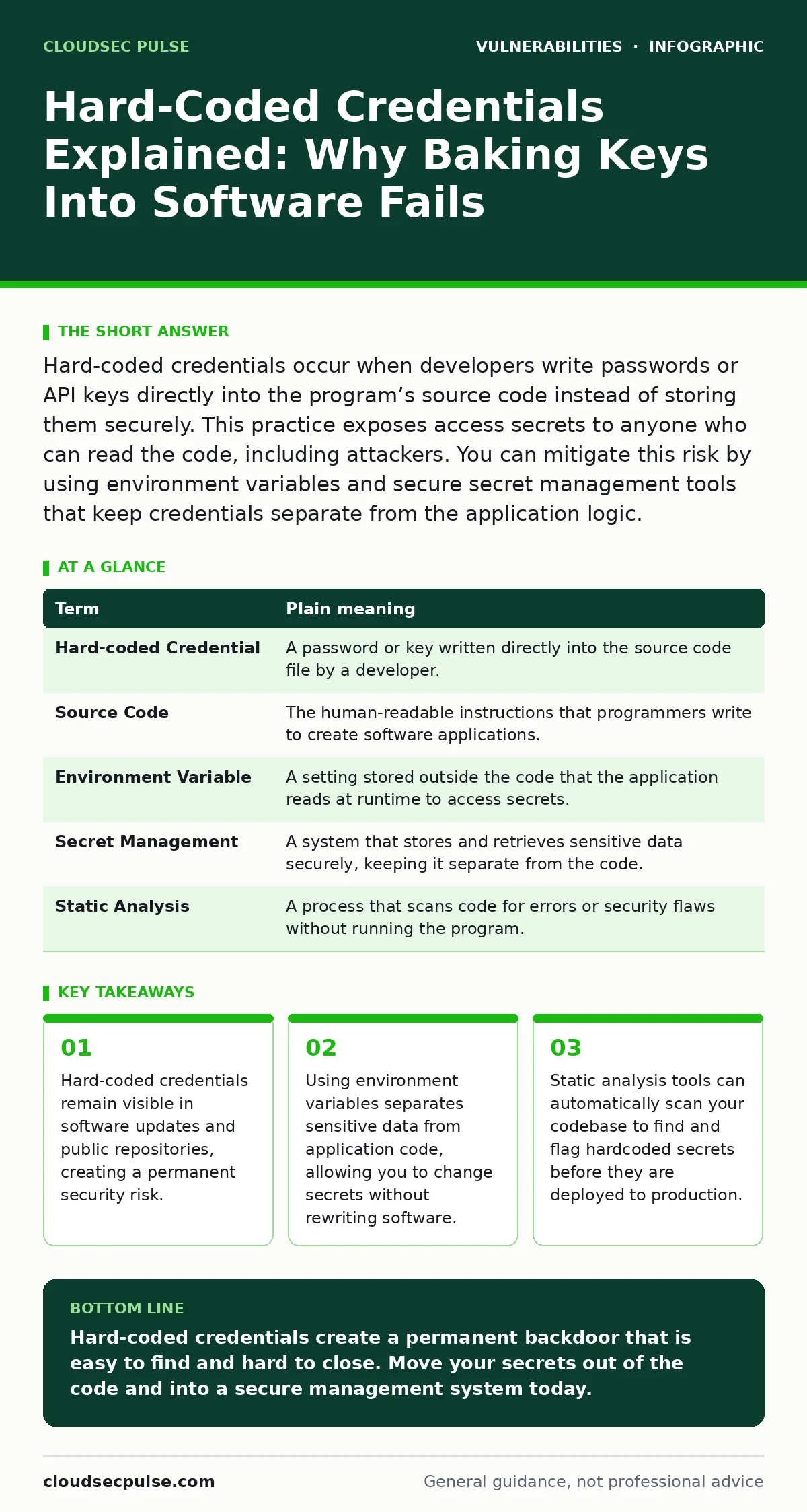
Hard-coded credentials occur when developers write passwords or API keys directly into the program’s source code instead of storing them securely. This practice exposes access secrets to anyone who can read the code, including attackers. You can mitigate this risk by using environment variables and secure secret management tools that keep credentials separate from the application logic.
The Locked Diary Analogy
Imagine you write a secret diary entry and then glue the diary page inside the cover of a book you give to friends. You tell your friends, "The secret is inside the book." Everyone who receives the book can simply open it and read the secret. Hard-coded credentials work the same way. Developers paste passwords directly into the application code. Anyone who downloads or examines the software can find those passwords immediately.
This analogy helps explain why hard-coded credentials are dangerous. The code travels everywhere the software goes. Just like the book, the code reaches servers, user devices, and public repositories. The secret never stays private. It travels with the application in plain sight. This creates a permanent exposure that is difficult to fix later.
Defining the Core Concepts
Understanding the technical terms helps you communicate with your IT team or developers. These definitions clarify the difference between secure and insecure practices.
| Term | Plain meaning |
|---|---|
| Hard-coded Credential | A password or key written directly into the source code file by a developer. |
| Source Code | The human-readable instructions that programmers write to create software applications. |
| Environment Variable | A setting stored outside the code that the application reads at runtime to access secrets. |
| Secret Management | A system that stores and retrieves sensitive data securely, keeping it separate from the code. |
| Static Analysis | A process that scans code for errors or security flaws without running the program. |
Why Developers Do This
Developers sometimes hard-code credentials for speed. During early testing, it is faster to paste a password into the code than to set up a secure storage system. This shortcut works for a single developer on a local machine. It fails completely when the software is shared or deployed. The convenience of immediate access trades away long-term security.
This trade-off is a hidden cost. Fixing hard-coded credentials later requires rewriting code and redeploying the application. It also requires revoking the old credentials, which may have already been exposed. The initial time saved is lost many times over during the cleanup process.
The Risk for Ordinary Users
You might think this problem only affects large companies. Small businesses face the same risk when they use third-party software or custom-built tools. If your accounting software or customer portal contains hard-coded credentials, an attacker can find them. They do not need to hack your firewall. They just need to analyze the software files.
This vulnerability often goes unnoticed for years. The software works perfectly, so no one suspects a problem. Then, an attacker finds the hidden key. They gain access to your data without triggering traditional alarms. This silent breach can lead to significant data loss or financial damage before you even know it happened.
Simple Safety Habits
You can reduce this risk by adopting simple habits. These steps do not require deep technical knowledge but do require discipline.
- Use Environment Variables: Store passwords and keys outside the code. The application reads these values when it starts. This keeps secrets separate from the logic.
- Scan Your Code Regularly: Use static analysis tools to check for hardcoded strings. Run these scans every time you update the software. This catches mistakes before they reach users.
- Rotate Credentials Frequently: Change passwords and keys regularly. If a credential is exposed, rotation limits the time an attacker can use it. This reduces the damage of any leak.
Checking Your Current Setup
Suppose you manage a small application or website. Check how you store your database passwords. Are they in a configuration file that is part of the code repository? If yes, you have hard-coded credentials. Move them to a separate configuration service or environment variables.
Imagine you use a third-party plugin. Does the vendor document how credentials are stored? If they mention hard-coded values, consider replacing the plugin. This risk is similar to other common issues like IoT device vulnerabilities or NoSQL injection. Weak points in one area often indicate weak points elsewhere. Review your IT asset inventory to ensure all software follows secure practices.
The Long-Term Benefit
Fixing hard-coded credentials improves your overall security posture. It forces a separation between code and data. This separation makes it easier to update secrets without touching the application. It also reduces the attack surface. Attackers cannot find keys in the code because the keys are not there.
This approach aligns with modern security frameworks. It is a standard practice in secure software development. By adopting these habits, you protect your business from a common and dangerous mistake. You also build a culture of security that values long-term stability over short-term convenience.
Key takeaways
- Hard-coded credentials remain visible in software updates and public repositories, creating a permanent security risk.
- Using environment variables separates sensitive data from application code, allowing you to change secrets without rewriting software.
- Static analysis tools can automatically scan your codebase to find and flag hardcoded secrets before they are deployed to production.
Hard-coded credentials create a permanent backdoor that is easy to find and hard to close. Move your secrets out of the code and into a secure management system today.
Frequently asked questions
Can I fix hard-coded credentials without rewriting my app?
You can migrate the credentials to environment variables or a secret manager. This requires changing how the app reads the values, but not necessarily rewriting the core logic.
Do open-source projects have this problem?
Open-source projects often have hard-coded credentials in early commits. These remain visible in the history even if removed later. Always check the commit history for sensitive data.
How do I know if my vendor uses hard-coded credentials?
Ask your vendor for their security documentation. Look for mentions of secret management or environment variables. If they cannot explain how they store keys, consider switching vendors.
Is encryption enough to protect hard-coded credentials?
Encryption helps but is not enough. If the decryption key is also in the code, the secret is still exposed. The key and the secret must be stored separately.
How this guide was produced: written by the CloudSec Pulse editorial team with AI assistance, checked against the public references listed below, and reviewed when the facts change. See our editorial policy or report an error.