Hard-Coded Credentials: Response and Recovery Steps
Hard-coded secrets persist in every deployment copy, meaning a single leak compromises every instance until you rebuild the entire binary from scratch.

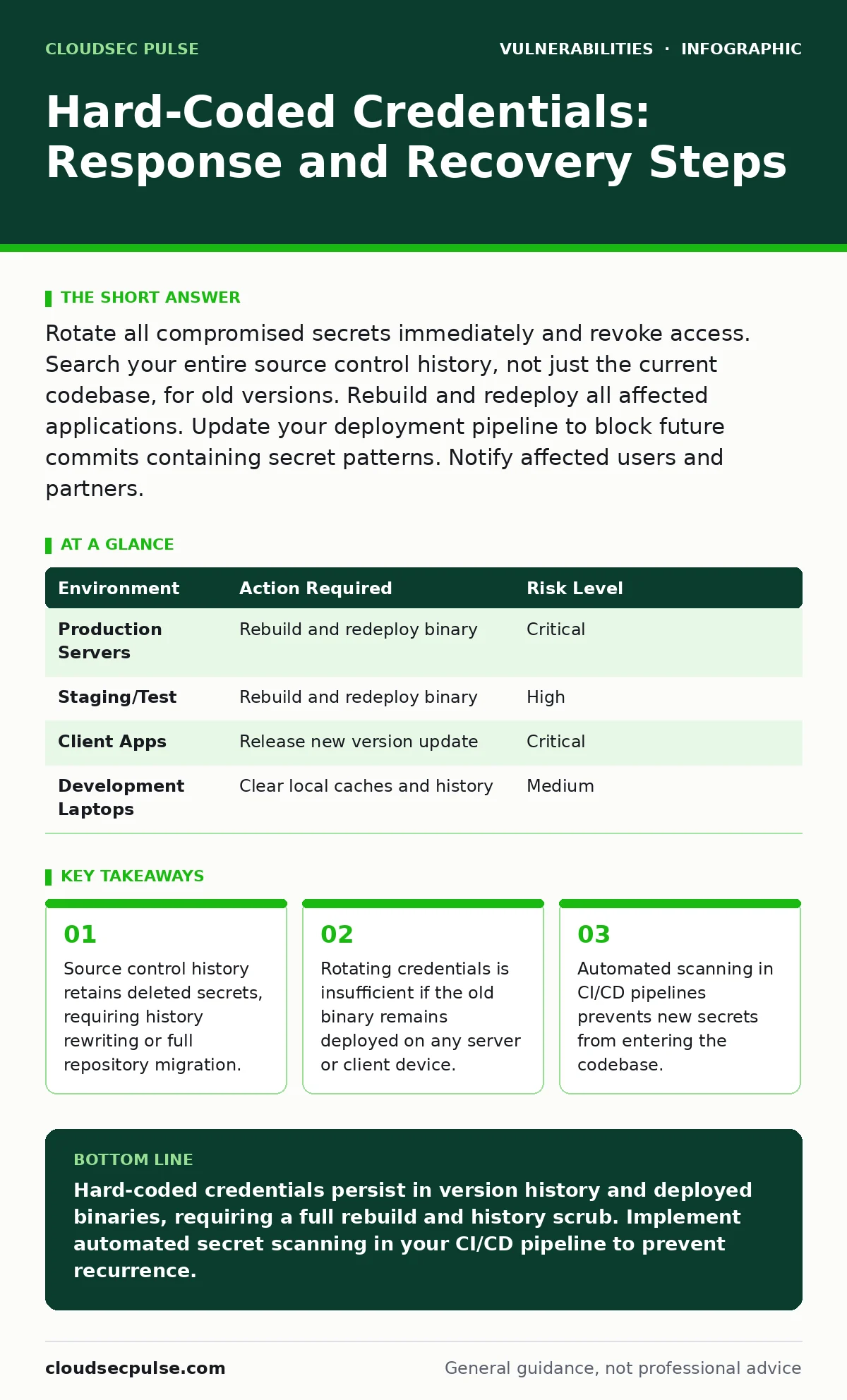
Rotate all compromised secrets immediately and revoke access. Search your entire source control history, not just the current codebase, for old versions. Rebuild and redeploy all affected applications. Update your deployment pipeline to block future commits containing secret patterns. Notify affected users and partners.
First hour
Finding a hard-coded credential is an emergency. The secret is no longer private. You must assume an attacker has already used it. Your immediate goal is to stop new unauthorized access. Do not try to investigate how the leak happened yet. Focus entirely on cutting off the attacker’s ability to use the stolen key.
- Revoke the credential. Disable the API key, database password, or service account immediately. Use the provider’s administrative console to invalidate the token. This stops any new requests using that specific key.
- Check active sessions. If the credential grants session access, force a logout for all users connected via that service. This is known as session invalidation. It ensures that even if an attacker has an active connection, that connection is severed.
- Isolate affected systems. If you can identify which servers or services use this credential, disconnect them from the network. This containment prevents lateral movement. An attacker might use the credential to jump from a web server to a database server.
- Revoke the specific credential in the provider console
- Force logout for all active sessions tied to that credential
- Isolate servers running the compromised binary
- Alert your security team and legal counsel
First day
Now that the bleeding has stopped, you must assess the damage. Hard-coded credentials are unique because they travel with the software. If you deployed the application to ten servers, all ten have the secret. If you sent a client app to users, their devices have the secret. You need to find every instance where this code exists.
Start by searching your source control repository. Use a grep command or a specialized scanner to find every file containing the string. This includes files that were deleted months ago. Version control systems like Git store the entire history of every change. A deleted file is still recoverable.
You must also check your deployment artifacts. These are the compiled binaries or packaged applications you distribute. If the secret was baked into the binary, you cannot patch it with a remote update. You must rebuild the application from source. This process takes time. You need to identify every environment: development, staging, and production.
| Environment | Action Required | Risk Level |
|---|---|---|
| Production Servers | Rebuild and redeploy binary | Critical |
| Staging/Test | Rebuild and redeploy binary | High |
| Client Apps | Release new version update | Critical |
| Development Laptops | Clear local caches and history | Medium |
First week
Recovery involves more than just fixing the code. You must address the human and procedural failures that allowed this to happen. Hard-coded credentials often appear because developers want to speed up testing. They hard-code a password so the app works immediately without configuring environment variables. This convenience creates a massive security debt.
You need to rewrite the repository history if the secret was ever committed. Tools exist to scrub specific files from the past. This is a destructive operation. It changes the commit hashes. Everyone who cloned the repository must delete their local copy and clone it again. This is a significant operational burden. If rewriting history is too risky, you may need to migrate to a new repository entirely.
Implement automated scanning in your continuous integration pipeline. This is a software process that builds and tests your code automatically. Add a step that scans every commit for patterns that look like secrets. If a developer tries to push code containing a password, the build fails. This stops the problem before it reaches production.
Who to tell
Transparency is required when secrets are exposed. You must notify anyone who relied on the security of that system. This includes your customers, partners, and internal staff. If the credential gave access to user data, you likely have legal obligations to report the breach. Check your local data protection laws.
Tell your users what happened. Explain that a secret was exposed and that you have revoked it. Advise them to change their passwords if they used the same password elsewhere. This is called credential stuffing protection. Attackers often try leaked passwords on other sites.
Communicate with your vendors. If the hard-coded credential was for a third-party API, notify their security team. They may need to investigate their own logs for suspicious activity. They might also provide guidance on rotating the key more effectively.
How to stop a repeat
Preventing future incidents requires changing how you store secrets. Never store secrets in code. Use a dedicated secrets manager. This is a service that stores sensitive data and provides access only to authorized applications. The application requests the secret at runtime. The secret is never written to disk or code.
Environment variables are a better alternative than hard-coding, but they are not perfect. They can be leaked through error messages or logs. Use a secrets manager whenever possible. It provides audit logs. You can see who accessed the secret and when. This helps with incident response.
Integrate your secrets manager with your deployment pipeline. The pipeline should inject the secrets into the environment at runtime. The developer never sees the secret. The code never contains the secret. This separation of concerns reduces the risk of accidental exposure.
See also: Host Header Injection Response: Recovery and Prevention Steps · Tabletop Exercises: Real Benefits and Hidden Costs
Reviewing related risks
Hard-coded credentials are a form of exposure management failure. You failed to manage what was exposed to the public. This connects to broader concepts like vulnerability prioritization. Not all vulnerabilities are equal. A hard-coded root password is more dangerous than a minor UI bug.
You should also consider output encoding. If the credential is displayed in an error message, it might be visible to users. Proper encoding ensures that sensitive data is not rendered in the browser. This is a defense-in-depth strategy. It adds layers of protection.
For more details on managing these risks, see our guide on exposure management. It covers how to identify and reduce your attack surface. You might also find the guide on vulnerability prioritization useful. It helps you decide which issues to fix first.
Key takeaways
- Source control history retains deleted secrets, requiring history rewriting or full repository migration.
- Rotating credentials is insufficient if the old binary remains deployed on any server or client device.
- Automated scanning in CI/CD pipelines prevents new secrets from entering the codebase.
Hard-coded credentials persist in version history and deployed binaries, requiring a full rebuild and history scrub. Implement automated secret scanning in your CI/CD pipeline to prevent recurrence.
Frequently asked questions
Can I just change the password and keep the old code?
No. The old code still contains the old password. Anyone with access to the old code can still use it. You must remove the code from all environments.
How do I find hard-coded secrets in my code?
Use automated scanning tools in your CI/CD pipeline. These tools look for patterns that resemble passwords, API keys, or tokens. They scan every commit.
Is using environment variables safe?
They are safer than hard-coding, but not perfect. Environment variables can be leaked through logs or error messages. Use a secrets manager for better security.
What if I can’t rewrite the repository history?
You must rotate the credential immediately. Then, ensure the new code does not contain the secret. Monitor logs for any use of the old credential.
How this guide was produced: written by the CloudSec Pulse editorial team with AI assistance, checked against the public references listed below, and reviewed when the facts change. See our editorial policy or report an error.