Detecting Insecure Container Images in Production Environments
Runtime behavior often reveals image vulnerabilities that static scans miss, exposing gaps in your build pipeline before they become breaches.

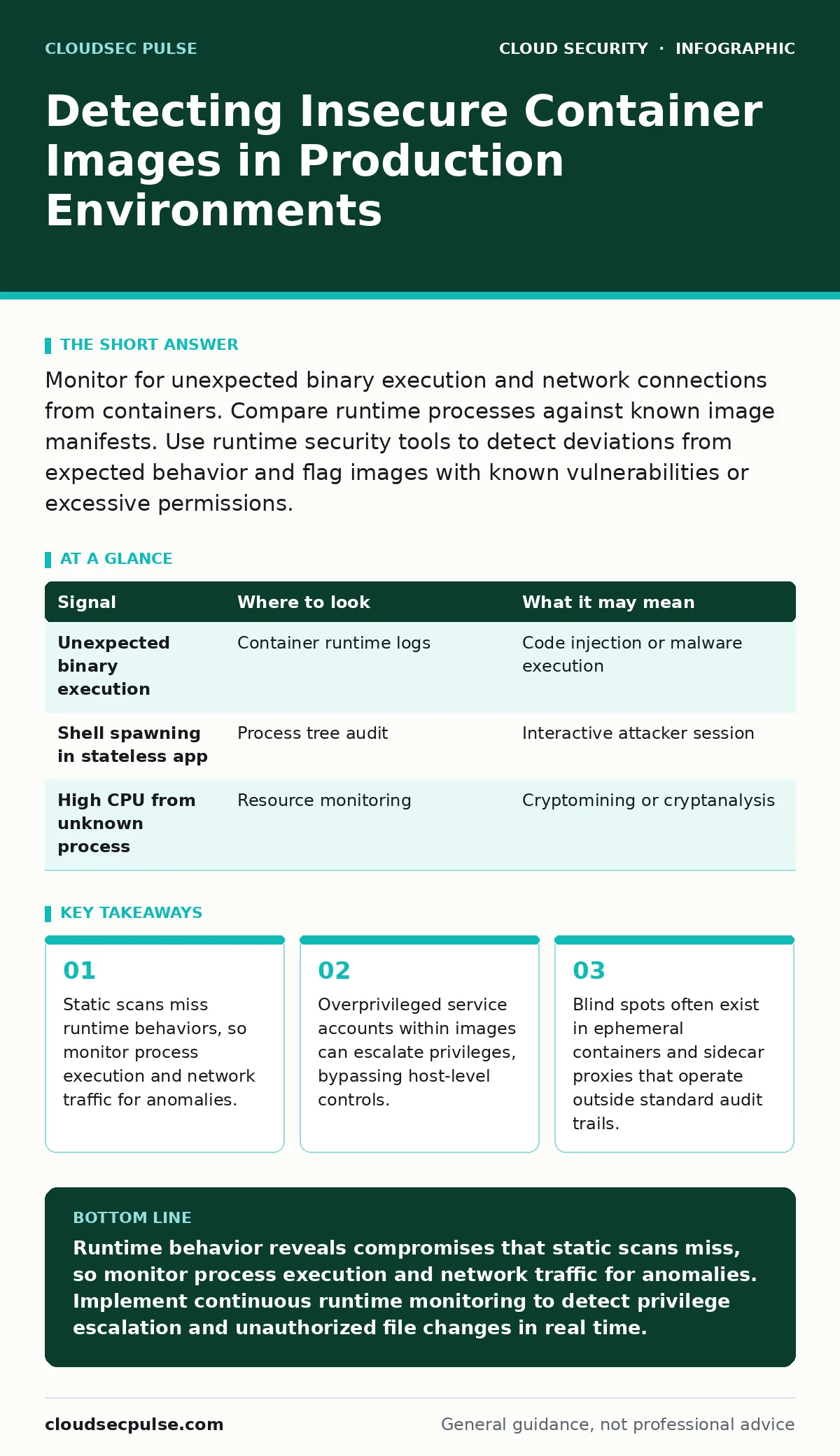
Monitor for unexpected binary execution and network connections from containers. Compare runtime processes against known image manifests. Use runtime security tools to detect deviations from expected behavior and flag images with known vulnerabilities or excessive permissions.
Identifying Anomalous Process Execution
Container images are immutable, meaning their contents should not change after deployment. When a running container executes a binary that was not present in the original image, it signals a potential compromise or a misconfigured build. You must track which processes spawn within each container instance. Legitimate applications have a predictable process tree. Deviations from this tree often indicate injected code or malware.
Imagine a web server container that suddenly spawns a shell process. This is highly unusual for a production web service. Such behavior suggests an attacker gained access and opened an interactive session. You can detect this by comparing the running process list against the image manifest. If the manifest does not list the binary, the container is compromised or misconfigured.
| Signal | Where to look | What it may mean |
|---|---|---|
| Unexpected binary execution | Container runtime logs | Code injection or malware execution |
| Shell spawning in stateless app | Process tree audit | Interactive attacker session |
| High CPU from unknown process | Resource monitoring | Cryptomining or cryptanalysis |
Monitoring Network Traffic Patterns
Containers communicate through defined network interfaces. Any traffic originating from a container that does not match its expected service profile is suspicious. You should monitor outbound connections for destinations not in your allowlist. A database container should not initiate connections to external command-and-control servers.
Look for connections on non-standard ports. Attackers often use alternative ports to evade simple firewall rules. They may also use DNS tunneling to exfiltrate data. This technique encodes stolen data within DNS queries, making it look like normal name resolution. You must inspect payload content, not just header information, to detect this.
Auditing File System Changes
Although containers are read-only by default, many applications require writable layers. Attackers exploit these writable layers to drop malicious files or modify configuration. You must monitor for file creation or modification within the container’s writable overlay. Legitimate applications rarely create new binaries or scripts at runtime.
Check for changes to system libraries. An attacker may replace a legitimate library with a malicious one to hijack execution. This is known as library injection. You can detect this by hashing critical files at startup and comparing them during runtime. Any mismatch indicates tampering. This requires a secure baseline hash from the initial image build.
Detecting Privilege Escalation Attempts
Containers often run with elevated privileges by mistake. If a container runs as root, an attacker can potentially escape the container and access the host system. You must audit the user context of each running container. Look for processes attempting to access host kernel modules or mount host file systems.
Suppose a container tries to access the host’s network namespace. This is a clear sign of privilege escalation. The container is attempting to break out of its isolation boundary. You should restrict capabilities and use seccomp profiles to limit system calls. This reduces the attack surface even if the image is compromised.
Analyzing Image Build Metadata
The build process leaves metadata that reveals the image’s history. You should inspect the layers of the image for sensitive information. Developers often accidentally commit secrets or private keys into the image layers. These secrets remain accessible even if deleted in later layers.
Look for environment variables containing credentials. These are often visible in the image configuration. Attackers can extract these secrets by pulling the image and inspecting its layers. You must scan images for hardcoded secrets before deployment. Integrate this scanning into your build pipeline to catch issues early. This aligns with shift-left security practices, moving security checks earlier in the development lifecycle.
Identifying Sidecar and Ephemeral Risks
Sidecar containers run alongside your main application to provide services like logging or service mesh connectivity. These sidecars often have broader permissions than the main application. You must monitor sidecars for unexpected behavior. They can become a pivot point for attackers moving laterally within your cluster.
Ephemeral containers are temporary containers used for debugging. They often have elevated privileges to access the main container’s resources. You must track the creation and lifetime of these containers. Unused ephemeral containers left running pose a significant risk. They provide an open backdoor into your production environment.
Common Blind Spots in Detection
Many teams focus on static analysis, ignoring runtime behavior. Static scans check for known vulnerabilities but cannot detect dynamic exploitation. You must complement static scans with runtime monitoring. This combination catches both known flaws and unknown attacks.
Another blind spot is the container registry itself. If an attacker compromises the registry, they can push malicious images. You must verify image signatures and enforce strict access controls. This prevents unauthorized images from being deployed. Refer to service account security guidelines to ensure only authorized build pipelines can push images.
Integrating Detection into Operations
Detection is only useful if it triggers a response. You must integrate your monitoring tools with your incident response workflow. Alert on high-confidence signals to reduce noise. Tune your alerts to avoid fatigue. False positives lead to ignored warnings, which is dangerous.
Regularly review your detection rules. Attack techniques evolve, and your defenses must adapt. Test your detection capabilities with simulated attacks. This ensures your tools catch real threats. For broader protection, consider cloud workload protection platforms that offer integrated runtime security. This provides a layered defense against container-specific threats.
Key takeaways
- Static scans miss runtime behaviors, so monitor process execution and network traffic for anomalies.
- Overprivileged service accounts within images can escalate privileges, bypassing host-level controls.
- Blind spots often exist in ephemeral containers and sidecar proxies that operate outside standard audit trails.
Runtime behavior reveals compromises that static scans miss, so monitor process execution and network traffic for anomalies. Implement continuous runtime monitoring to detect privilege escalation and unauthorized file changes in real time.
Frequently asked questions
Can I detect insecure images without runtime monitoring?
No, static scans only find known vulnerabilities. Runtime monitoring detects active exploitation and behavioral anomalies that static tools miss.
How do I distinguish between legitimate updates and malicious changes?
Compare runtime states against the known good image manifest. Legitimate updates follow a controlled deployment process, while malicious changes are unsanctioned.
Are sidecars always a security risk?
Sidecars increase the attack surface due to their privileges. They are not inherently malicious but require strict monitoring and least-privilege configuration.
What is the first step in securing container images?
Start by scanning images for known vulnerabilities and hardcoded secrets. Then, implement runtime monitoring to detect behavioral anomalies.
How this guide was produced: written by the CloudSec Pulse editorial team with AI assistance, checked against the public references listed below, and reviewed when the facts change. See our editorial policy or report an error.