Secure Service Accounts: Stop Silent Data Exfiltration in Cloud
Service accounts bypass human login controls, making them the primary vector for automated data theft that standard password policies cannot detect or prevent.

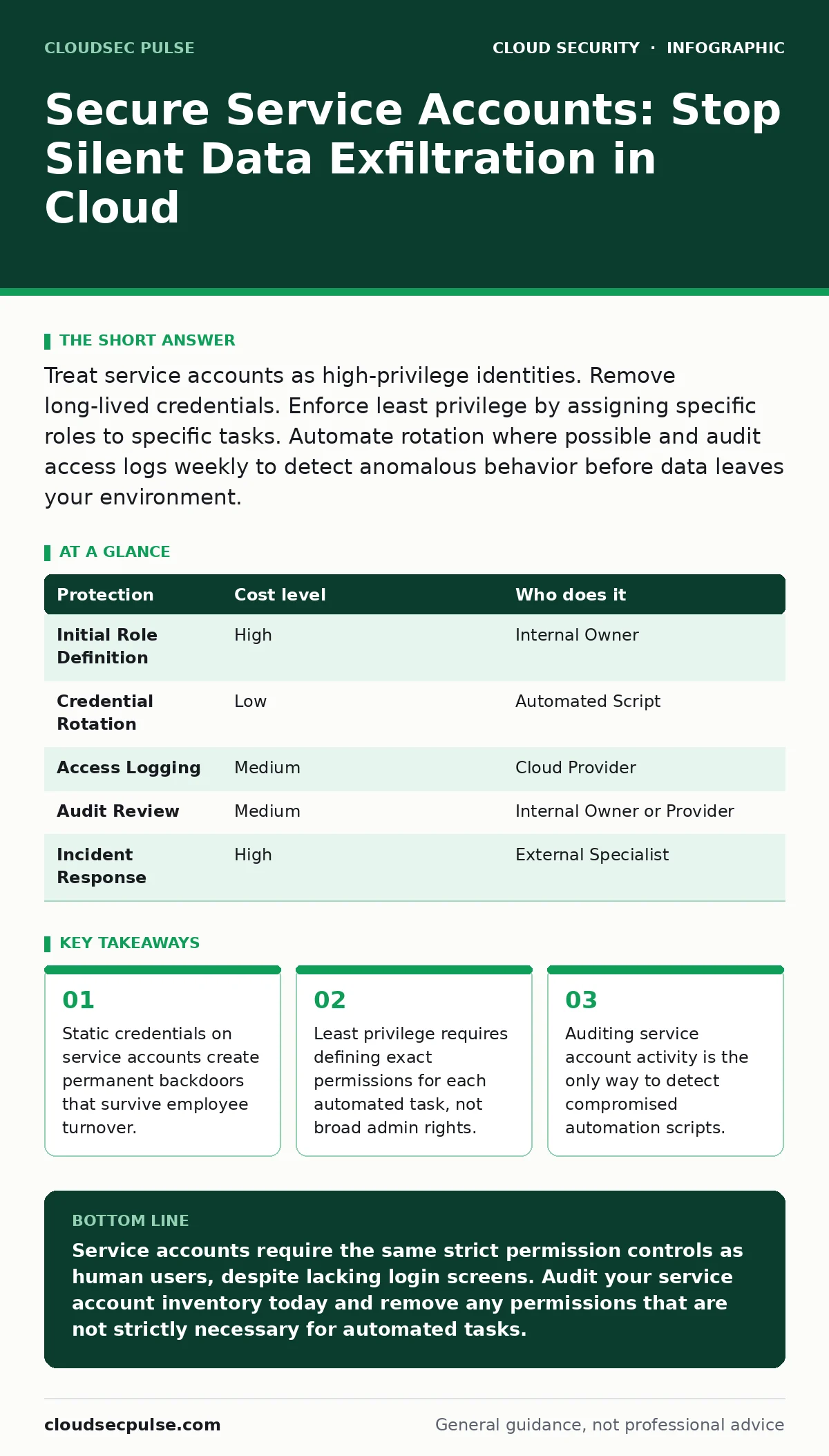
Treat service accounts as high-privilege identities. Remove long-lived credentials. Enforce least privilege by assigning specific roles to specific tasks. Automate rotation where possible and audit access logs weekly to detect anomalous behavior before data leaves your environment.
The Silent Identity Crisis
Service accounts are non-human identities used by applications to interact with cloud resources. Unlike human users, they do not log in via a browser. They run in the background, executing scripts, moving data, or triggering workflows. Because they lack a human face, security teams often overlook them.
This oversight creates a blind spot. Human accounts have behavioral baselines. You notice if a user logs in at 3 AM from a new country. Service accounts do not have these baselines. They run on schedules or triggers. A compromised service account can exfiltrate data continuously without triggering standard anomaly detection.
For small organizations, the risk is amplified by resource constraints. You likely lack a dedicated security operations center. This means a single misconfigured service account can compromise your entire digital infrastructure before you notice. The damage is not always immediate, but it is often irreversible.
Why Standard Password Rules Fail
You might assume that strong passwords protect service accounts. They do not. Service accounts rarely use passwords. They use long-lived credentials, such as API keys or access tokens. These credentials are designed to last for months or years.
This longevity is the core vulnerability. If a human password is stolen, you reset it. If a long-lived API key is stolen, the attacker has persistent access until you manually revoke it. Many small businesses store these keys in configuration files or environment variables. These files are often backed up or committed to version control systems.
Implementing Least Privilege Effectively
Least privilege means granting only the permissions necessary to perform a specific task. It is a concept often heard but rarely implemented correctly. Most administrators grant broad permissions to avoid troubleshooting access errors. This convenience trades security for stability.
To implement this correctly, you must map every service account to a single function. If an account uploads images, it should not have permission to read email or manage users. This requires granular role definition. Cloud providers allow you to create custom roles with specific permissions.
This process is tedious. It requires understanding the exact API calls your application makes. However, the trade-off is significant. If the account is compromised, the attacker can only perform that specific function. They cannot pivot to other systems. This containment strategy limits the blast radius of any incident.
Affordable Automation Strategies
You do not need expensive tools to secure service accounts. The primary cost is configuration time. Start by removing static credentials where possible. Use workload identity federation. This allows applications to authenticate using their own identity provider rather than storing long-lived keys.
If static credentials are unavoidable, automate their rotation. Write scripts that generate new keys and update configurations daily or weekly. This reduces the window of opportunity for an attacker. Even a simple cron job can handle this task.
Delegating Security Tasks Wisely
Small businesses often outsource IT support. This delegation must include security responsibilities. Do not assume your provider manages service account hygiene. Explicitly define these tasks in your service level agreement.
| Protection | Cost level | Who does it |
|---|---|---|
| Initial Role Definition | High | Internal Owner |
| Credential Rotation | Low | Automated Script |
| Access Logging | Medium | Cloud Provider |
| Audit Review | Medium | Internal Owner or Provider |
| Incident Response | High | External Specialist |
The internal owner must define the initial roles. You know your business logic better than anyone. Outsiders cannot guess which permissions are truly necessary. Once defined, automation handles the rotation. This reduces ongoing labor costs.
See also: Cloud Security Architecture in Cloud Computing: How to Build It Right · Attack Surface Reduction: Practical Steps for Small Business Security
Questions for Your IT Provider
When engaging an IT provider, ask specific questions about their service account management. Vague promises of "security" are insufficient. You need to know the mechanics of their approach.
- How do you detect unused service accounts?
- What is your process for rotating long-lived credentials?
- Do you audit service account activity for anomalous behavior?
- How do you handle incidents involving compromised service accounts?
Integrating with Broader Security
Service account security does not exist in isolation. It intersects with other security domains. For instance, insecure container images may contain hardcoded service account keys. Scanning these images is part of shift-left security. You catch the vulnerability before the code runs.
Similarly, SaaS access reviews should include service accounts. Many organizations review human access but ignore automated identities. This creates a shadow IT problem where old accounts remain active. Regular reviews ensure that permissions align with current business needs.
If you store sensitive data, cloud encryption is vital. However, encryption keys are often managed by service accounts. If those accounts are compromised, the encryption is bypassed. Therefore, securing the identity that manages the keys is as important as the encryption itself.
For organizations handling code, public code repository leaks are a significant risk. Developers often accidentally commit credentials. Integrating secret scanning into your development pipeline prevents this. This is a low-cost measure with high impact.
Finally, consider cloud ransomware. Attackers often use service accounts to encrypt data. If those accounts have broad permissions, the ransomware spreads rapidly. Limiting permissions contains the spread. This aligns with cloud workload protection strategies that monitor for malicious behavior.
The Bottom Line
Service accounts are the backbone of cloud automation, but they are also the weakest link in your identity security. Treating them with the same rigor as human accounts prevents silent data theft.
Key takeaways
- Static credentials on service accounts create permanent backdoors that survive employee turnover.
- Least privilege requires defining exact permissions for each automated task, not broad admin rights.
- Auditing service account activity is the only way to detect compromised automation scripts.
Service accounts require the same strict permission controls as human users, despite lacking login screens. Audit your service account inventory today and remove any permissions that are not strictly necessary for automated tasks.
Frequently asked questions
Do I need multi-factor authentication for service accounts?
Generally no, because service accounts run without human interaction. Instead, use short-lived tokens or workload identity federation to limit exposure.
How often should I rotate service account credentials?
Rotate them as frequently as your infrastructure allows, ideally daily or weekly. Automation makes this feasible without significant manual effort.
Can I use the same service account for multiple applications?
No. Each application should have its own dedicated service account. This ensures that a compromise in one app does not affect others.
What is the biggest mistake small businesses make with service accounts?
Granting broad administrative privileges to simplify development. This creates a single point of failure that attackers can exploit to control the entire environment.
How this guide was produced: written by the CloudSec Pulse editorial team with AI assistance, checked against the public references listed below, and reviewed when the facts change. See our editorial policy or report an error.