Cloud Workload Protection Best Practices for Secure Infrastructure
Workload protection fails when security tools treat cloud instances as static servers rather than dynamic, ephemeral processes that change identity and configuration every hour.

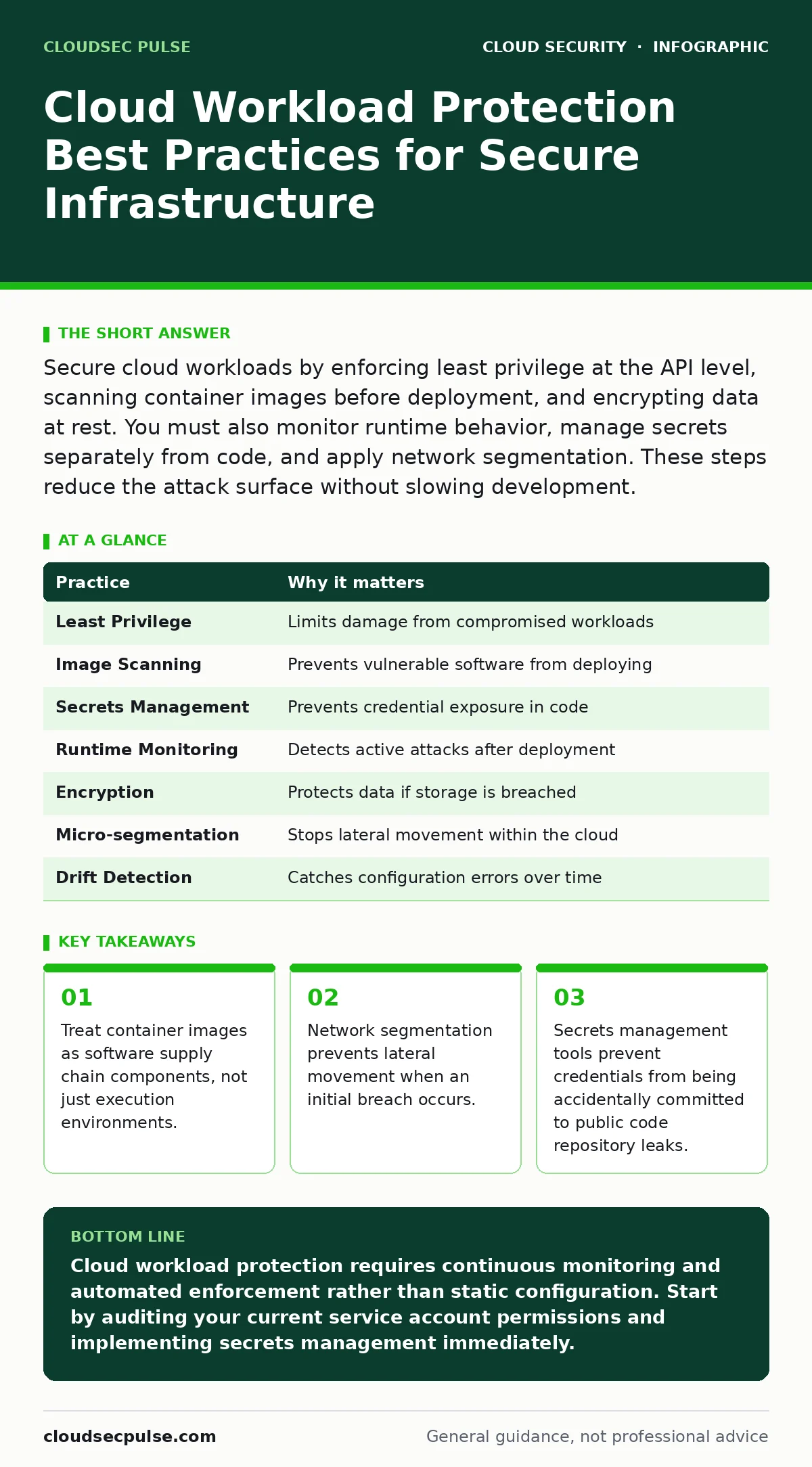
Secure cloud workloads by enforcing least privilege at the API level, scanning container images before deployment, and encrypting data at rest. You must also monitor runtime behavior, manage secrets separately from code, and apply network segmentation. These steps reduce the attack surface without slowing development.
1. Enforce Least Privilege at the API Level
Cloud workloads often run with broader permissions than necessary because developers seek convenience over security. When a workload has full access to storage or databases, a single compromise grants an attacker control over the entire tenant. You must restrict permissions to the minimum required for the specific task. This reduces the blast radius of any successful intrusion.
Tip: Use identity-based policies that grant permissions only to the specific resource IDs needed, rather than wildcard access to entire services. Review these policies quarterly to remove stale permissions that accumulate as projects evolve.
2. Scan Container Images Before Deployment
Container images contain layers of code, libraries, and configurations. If a base image contains a known vulnerability, every derived workload inherits that risk. Scanning images during the build phase catches these issues before they reach production. This practice prevents vulnerable software from ever entering your environment.
Tip: Integrate automated scanning into your continuous integration pipeline. Block the deployment of any image that contains critical or high-severity vulnerabilities. This forces developers to patch or replace vulnerable components before they become live liabilities.
3. Manage Secrets Outside of Code
Storing API keys, passwords, or certificates directly in source code is a common error. When code is version-controlled, these secrets become part of the permanent history. Attackers can scour public code repository leaks to find these credentials. Even private repositories risk exposure if access controls fail.
Tip: Use a dedicated secrets management service to store and rotate credentials. Reference these secrets by identifier in your application code. This ensures that sensitive data is never written to disk or transmitted in plain text during normal operations.
4. Implement Runtime Behavior Monitoring
Static scans and configuration checks only show the state of a workload at a single point in time. They cannot detect attacks that occur after deployment. Runtime monitoring observes system calls, network connections, and process behavior in real time. This allows you to identify anomalies that deviate from expected patterns.
Tip: Establish a baseline of normal behavior for each workload type. Alert on deviations such as unexpected outbound connections or the execution of known malicious binaries. This helps you detect compromise even if the attacker uses zero-day exploits that bypass static defenses.
5. Encrypt Data at Rest and in Transit
Encryption protects data if an attacker gains access to storage or intercepts network traffic. Many cloud providers offer default encryption, but you must verify that it is enabled for all data stores. Without encryption, stolen data is immediately usable by the attacker. This adds a layer of protection that survives other security failures.
Tip: Use customer-managed encryption keys where possible. This gives you control over key rotation and revocation. Ensure that encryption is applied consistently across all databases, object storage, and virtual machine disks to avoid gaps in coverage.
See also: Cloud Security Architecture in Cloud Computing: How to Build It Right · Attack Surface Reduction: Practical Steps for Small Business Security
6. Segment Networks Micro-Segment Workloads
Traditional network boundaries do not exist in the same way in cloud environments. Workloads communicate directly via APIs, often bypassing traditional firewalls. Micro-segmentation applies security policies to individual workloads or groups of workloads. This limits lateral movement if an attacker compromises one component.
Tip: Define security groups or network policies that restrict traffic to only necessary ports and protocols between specific workloads. Deny all traffic by default and allow only what is explicitly required. This prevents an attacker from moving freely between compromised and healthy systems.
7. Automate Compliance and Configuration Drift Detection
Cloud configurations change frequently as developers update applications. Manual checks become outdated quickly. Automated tools continuously compare the current state of workloads against your security baseline. This detects configuration drift that introduces vulnerabilities over time.
Tip: Use infrastructure-as-code tools to define and enforce security standards. Trigger alerts when any workload deviates from the defined template. This ensures that security policies are applied consistently and automatically, reducing human error.
8. Secure Service Accounts and Identity Federation
Workloads often use service accounts to access other cloud resources. These accounts are frequent targets for attackers seeking persistent access. Weak or shared service account credentials can lead to widespread compromise. Proper identity management ensures that each workload has a unique, verifiable identity.
Tip: Use federated identity where possible to allow workloads to assume roles temporarily. Avoid long-lived static credentials. This reduces the risk of credential theft and limits the duration of any unauthorized access.
| Practice | Why it matters |
|---|---|
| Least Privilege | Limits damage from compromised workloads |
| Image Scanning | Prevents vulnerable software from deploying |
| Secrets Management | Prevents credential exposure in code |
| Runtime Monitoring | Detects active attacks after deployment |
| Encryption | Protects data if storage is breached |
| Micro-segmentation | Stops lateral movement within the cloud |
| Drift Detection | Catches configuration errors over time |
| Identity Federation | Reduces risk of static credential theft |
9. Plan for Incident Response Specific to Cloud
Standard incident response plans often assume on-premises infrastructure. Cloud environments require different techniques for isolation and forensics. You must have procedures for quickly terminating compromised instances and preserving evidence in cloud-native formats. This ensures that you can contain breaches effectively.
Tip: Test your incident response plan regularly using tabletop exercises. Simulate scenarios where a workload is compromised and practice isolating it without disrupting other services. This preparation reduces response time during actual incidents.
Key takeaways
- Treat container images as software supply chain components, not just execution environments.
- Network segmentation prevents lateral movement when an initial breach occurs.
- Secrets management tools prevent credentials from being accidentally committed to public code repository leaks.
Cloud workload protection requires continuous monitoring and automated enforcement rather than static configuration. Start by auditing your current service account permissions and implementing secrets management immediately.
Frequently asked questions
How does cloud workload protection differ from traditional endpoint security?
Traditional endpoint security focuses on static servers and user devices. Cloud workload protection addresses ephemeral, dynamic resources that scale automatically and change identity frequently.
Can I rely solely on the cloud provider for security?
No. Cloud providers secure the underlying infrastructure, but you are responsible for securing your workloads, data, and access controls. This shared responsibility model requires active management on your part.
What is the biggest risk for small teams using cloud workloads?
Misconfiguration is the primary risk. Teams often prioritize speed over security, leading to exposed ports, overly permissive roles, and unencrypted data.
How often should I review my cloud security settings?
You should review settings continuously using automated tools. Manual reviews should occur at least quarterly to catch drift and policy changes that automated systems might miss.
How this guide was produced: written by the CloudSec Pulse editorial team with AI assistance, checked against the public references listed below, and reviewed when the facts change. See our editorial policy or report an error.