Baiting Attacks: Risks and Protection for Small Businesses
Baiting attacks exploit human curiosity and the desire for convenience, turning simple digital lures into costly security breaches that bypass traditional technical defenses.

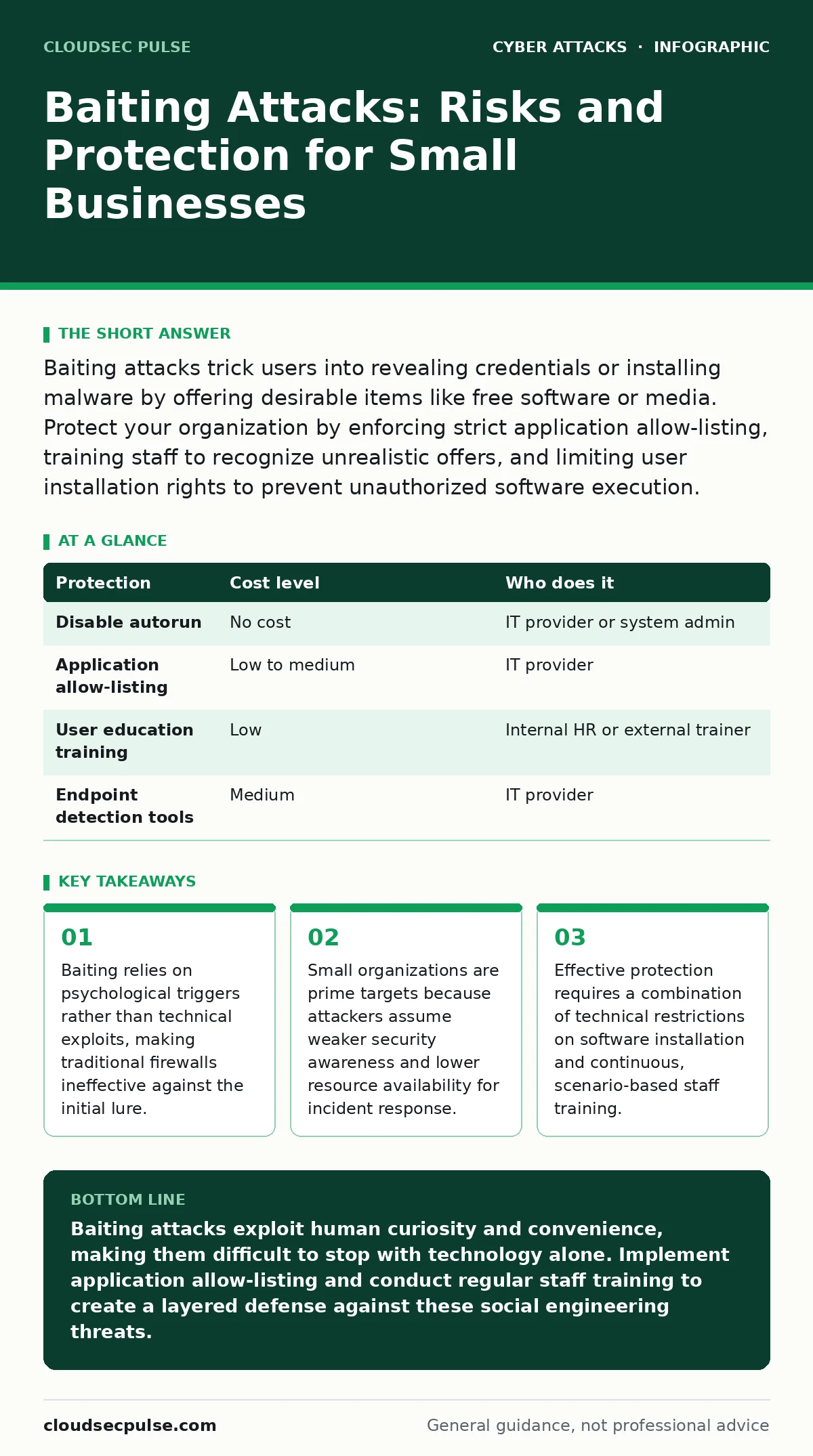
Baiting attacks trick users into revealing credentials or installing malware by offering desirable items like free software or media. Protect your organization by enforcing strict application allow-listing, training staff to recognize unrealistic offers, and limiting user installation rights to prevent unauthorized software execution.
The Mechanics of Digital Lures
Baiting attacks are a subset of social engineering where the attacker offers something desirable to induce a victim to take a harmful action. Unlike phishing, which often relies on fear or urgency, baiting appeals to curiosity, greed, or the desire for convenience. The "bait" can be a physical device, such as a USB drive left in a parking lot, or a digital offer, such as a free ebook or software trial.
The goal is always the same: to get the target to execute malicious code or reveal sensitive information. When you plug in a found USB drive, your operating system may automatically run a script hidden within the device. When you download a "free" tool, you might be installing a backdoor that allows remote access to your network. The mechanism exploits the gap between human desire and technical verification.
Why Small Organizations Are Prime Targets
Attackers often view small businesses as low-hanging fruit. This perception stems from the assumption that smaller teams lack dedicated security personnel and advanced monitoring tools. Large corporations often have strict policies against using unauthorized software, but small teams may prioritize speed and cost-saving over rigorous security protocols.
The lack of specialized staff means that employees often handle multiple roles, including IT support. This increases the likelihood that someone will install a tool to solve an immediate problem without understanding the long-term risks. Furthermore, small businesses often rely on cloud services for critical operations. A single compromised account can give an attacker access to financial records, customer data, and intellectual property. The interconnected nature of modern business tools means that one weak link can compromise the entire organization.
The Hidden Cost of Convenience
The most dangerous aspect of baiting is that it often appears to benefit the victim. A free tool might genuinely offer useful features, masking the malicious payload. This creates a hidden cost: the erosion of security hygiene. When employees are allowed to install software freely to gain efficiency, they create a fragmented environment that is difficult to secure.
This fragmentation leads to shadow IT, where employees use unauthorized applications to get their work done. These applications may not receive security updates, may lack proper encryption, or may contain vulnerabilities that attackers can exploit. The convenience of a free tool is outweighed by the risk of a breach that could shut down operations. You must weigh the immediate benefit of a tool against the potential cost of a data breach.
Low-Cost Technical Protections
You do not need an enterprise-grade security budget to mitigate baiting attacks. Several low-cost or no-cost measures can significantly reduce your exposure. The first step is to disable autorun on all devices. This prevents executable files from running automatically when a USB drive is inserted. Most modern operating systems have this feature disabled by default, but you should verify that it is off.
Next, enforce application allow-listing. This security control only permits pre-approved software to run on your systems. If an employee tries to install an unauthorized program, the system blocks it. This is more effective than blacklisting, which tries to block known bad software. Attackers can easily create new malware that blacklists do not recognize. Allow-listing assumes that nothing is safe unless explicitly approved.
| Protection | Cost level | Who does it |
|---|---|---|
| Disable autorun | No cost | IT provider or system admin |
| Application allow-listing | Low to medium | IT provider |
| User education training | Low | Internal HR or external trainer |
| Endpoint detection tools | Medium | IT provider |
Training for Psychological Resilience
Technical controls are not enough because humans are the primary target. You must train your staff to recognize the psychological triggers used in baiting attacks. Focus on the unrealistic nature of the offers. Why would a legitimate company give away expensive software for free? Why would a stranger leave a valuable device in public?
Training should include realistic simulations. Show your team examples of baiting emails and physical lures. Discuss the potential consequences of interacting with these items. Encourage a culture where employees feel comfortable reporting suspicious offers without fear of punishment. If someone finds a USB drive, they should report it to IT rather than plugging it in. This cultural shift is as important as any technical control.
See also: Whaling Attacks: Risks and Low-Cost Protection Strategies · Phishing Myths Debunked: Why Common Beliefs Leave You Vulnerable
What to Ask Your IT Provider
If you outsource your IT support, you must ensure that your provider understands the specific risks of baiting attacks. Do not assume that general security services are sufficient. You need to verify that they have specific controls in place to prevent unauthorized software execution.
Ask about their incident response plan. If a baiting attack occurs, how quickly can they detect it? How do they contain the spread of malware? What steps do they take to recover from a breach? You also need to understand their role in user education. Do they provide training materials? Do they conduct regular assessments of your staff’s awareness?
- Does your provider enforce application allow-listing on all endpoints?
- How do you detect and respond to unauthorized software installations?
- What is your process for reporting and analyzing security incidents?
- Do you provide regular security awareness training for staff?
- How do you ensure that USB ports are secured against malicious devices?
Integrating Broader Security Practices
Baiting attacks often serve as the entry point for more complex threats. Once an attacker gains access through a baiting lure, they may move laterally through your network to find valuable data. This is why baiting protection must be part of a broader security strategy. For example, if an attacker steals credentials via a keylogger, they might attempt business email compromise to trick your clients into sending money.
Understanding related threats helps you build a more resilient defense. Phishing and domain spoofing are similar social engineering tactics that rely on deception. Whaling attacks target senior executives, while watering hole attacks compromise websites that your staff frequently visits. Each of these threats requires a different approach, but they all share the common element of exploiting human behavior.
By addressing baiting attacks, you also strengthen your defenses against these related threats. For instance, the user training that helps employees recognize baiting lures can also help them spot phishing emails. The technical controls that prevent unauthorized software installation can also block malware delivered through formjacking or other web-based attacks.
Conclusion and Next Steps
Protecting your organization from baiting attacks requires a combination of technical controls and human awareness. You must restrict what software can run on your systems and train your staff to recognize the psychological tricks used by attackers. Small businesses are not immune to these threats, and in fact, they are often targeted precisely because they are perceived as vulnerable.
Start by auditing your current security policies. Check if autorun is disabled and if you have application allow-listing in place. Review your training programs to ensure they cover social engineering tactics. If you work with an IT provider, ask the questions listed above to ensure they are adequately protecting you. Security is an ongoing process, not a one-time fix. By staying vigilant and proactive, you can significantly reduce your risk of falling victim to a baiting attack.
Key takeaways
- Baiting relies on psychological triggers rather than technical exploits, making traditional firewalls ineffective against the initial lure.
- Small organizations are prime targets because attackers assume weaker security awareness and lower resource availability for incident response.
- Effective protection requires a combination of technical restrictions on software installation and continuous, scenario-based staff training.
Baiting attacks exploit human curiosity and convenience, making them difficult to stop with technology alone. Implement application allow-listing and conduct regular staff training to create a layered defense against these social engineering threats.
Frequently asked questions
How can I tell if a USB drive is malicious?
You cannot visually inspect a USB drive for malware. Any found USB drive should be treated as potentially malicious and handed over to your IT team for analysis in a isolated environment.
Is disabling USB ports a good solution?
Disabling USB ports can prevent data theft and malware installation, but it may also hinder legitimate business operations. A better approach is to allow only specific, authorized devices while blocking others through group policy settings.
What should I do if I accidentally open a baiting email?
Disconnect your device from the network immediately to prevent the spread of potential malware. Report the incident to your IT provider and follow their instructions for scanning and cleaning the device.
How often should I update my security training?
Security training should be ongoing, not a one-time event. Conduct regular briefings and simulations to keep security top of mind and to address new tactics used by attackers.
How this guide was produced: written by the CloudSec Pulse editorial team with AI assistance, checked against the public references listed below, and reviewed when the facts change. See our editorial policy or report an error.