Phishing Myths Debunked: Why Common Beliefs Leave You Vulnerable
Technical filters fail to catch most social engineering attacks because they cannot interpret context, intent, or the subtle psychological pressure tactics used by attackers.

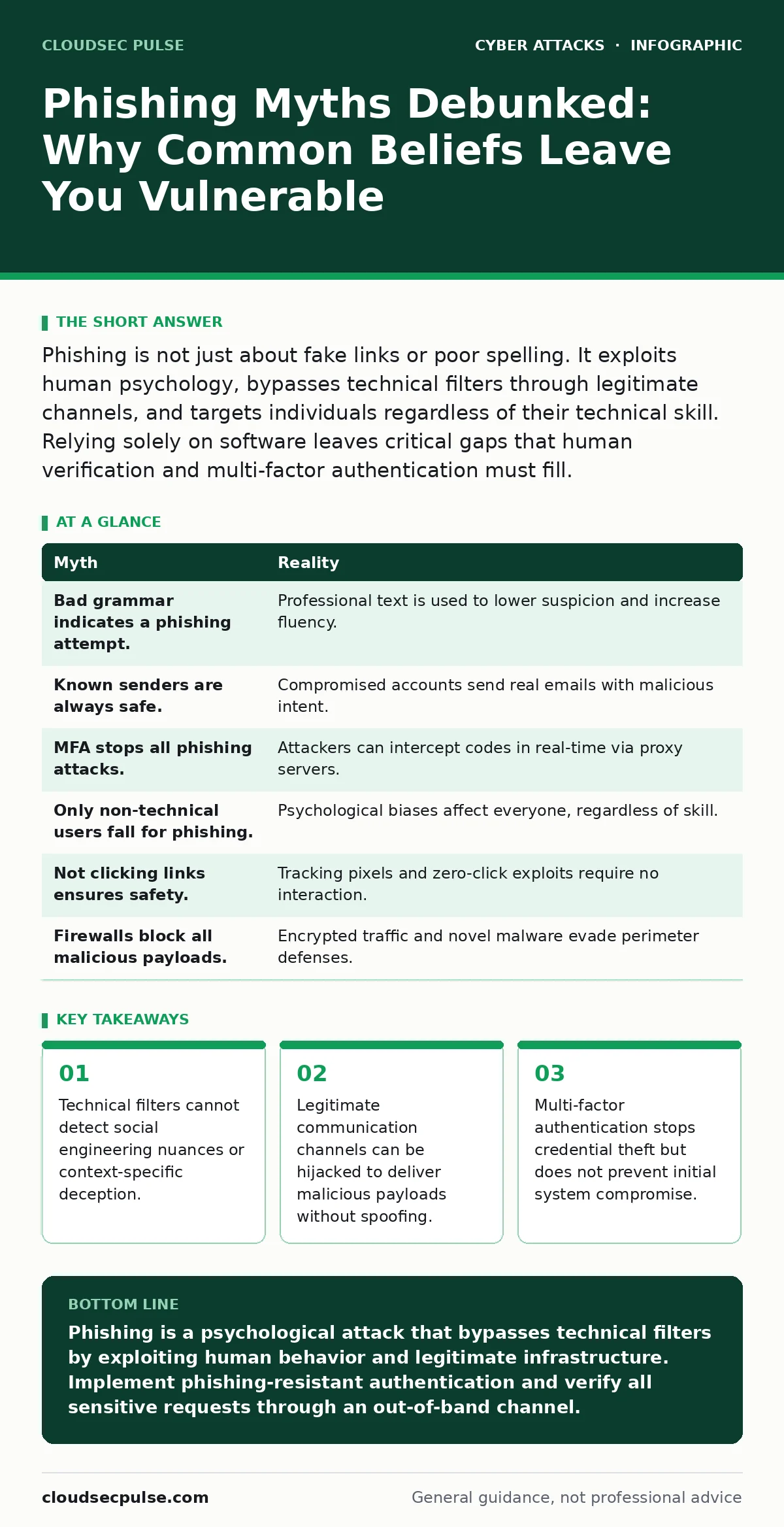
Phishing is not just about fake links or poor spelling. It exploits human psychology, bypasses technical filters through legitimate channels, and targets individuals regardless of their technical skill. Relying solely on software leaves critical gaps that human verification and multi-factor authentication must fill.
Myth: Phishing emails always contain obvious spelling errors or poor grammar
Reality: Modern attacks use automated translation tools, large language models, and professional copywriters to produce text that is indistinguishable from corporate communications. The belief that bad grammar signals a threat creates a false sense of security. You may ignore a perfectly written email that contains a malicious payload because it lacks the linguistic red flags you expect. Attackers invest heavily in making their content appear professional and urgent. This removes the easiest heuristic for detection.
The sophistication of the text does not correlate with the danger level. A message from a "vendor" requesting an invoice update may be grammatically flawless. It may even use your correct internal terminology and reference real projects. The absence of errors is a feature, not a bug. It lowers your cognitive guard. You process fluent text faster and with less critical scrutiny. This is known as the fluency heuristic. It makes smooth writing more persuasive and less likely to be questioned.
Myth: If the email comes from a known sender, it is safe
Reality: Attackers frequently compromise legitimate accounts to send malicious messages from a trusted source. The email address in the "From" field is authentic. The message passes all standard authentication checks because it originates from the actual mail server of the victimized organization. You see a message from your CEO or a long-time supplier. You assume the content is authorized because the identity is verified. This is a fundamental misunderstanding of how identity verification works. It confirms who sent the message, not whether the account owner authorized it.
Imagine a supplier’s account is breached. The attacker sends a request to change payment details. The email arrives in your inbox with your supplier’s logo and signature. Technical filters see a valid sender. You see a trusted partner. The compromise happens because you trust the account, not the specific instruction. This is distinct from domain spoofing, where the sender address is fake. Here, the sender is real, but the intent is malicious. This scenario aligns closely with the mechanics of business email compromise, where the legitimacy of the channel is the primary weapon.
Myth: Multi-factor authentication completely protects against phishing
Reality: Multi-factor authentication adds a layer of defense but does not make you immune to social engineering. Attackers can intercept the second factor in real-time. They redirect you to a fake login page that mirrors the legitimate service. When you enter your password and the one-time code, the attacker forwards both to the real service. They log in and gain access before you notice the failure. This is known as a man-in-the-middle attack. Your credentials and the temporary code are stolen simultaneously.
Even with multi-factor authentication enabled, you can be locked out of your own account. The attacker may change your password or add their own recovery options. You are not protected because the authentication protocol worked as designed. The failure occurred in the user interface and the trust model. You authenticated to the wrong system. This is why phishing-resistant methods, such as hardware security keys, are superior. They bind the authentication to the specific domain. A fake site cannot mimic the cryptographic challenge.
Myth: Phishing only targets people with low technical skills
Reality: Social engineering exploits universal psychological traits, not technical ignorance. Fear, urgency, curiosity, and helpfulness are human constants. An experienced engineer can be tricked into running a script if the context suggests a critical system failure. The attacker frames the request as a necessary administrative action. You bypass your normal caution because the perceived cost of inaction is high. This is the urgency bias. It forces rapid decision-making and suppresses analytical thinking.
Imagine a message stating that a shared drive is corrupted and you must run a diagnostic tool to save your work. You are technically proficient. You know how to run commands. The context makes the action seem logical. The tool is actually malware. Your skill set did not protect you because the attack leveraged your desire to maintain system integrity. This is why training must focus on behavior, not just technology. It must address the psychological pressure points. Technical expertise does not inoculate you against manipulation.
Myth: If I don’t click the link, I am safe
Reality: Modern phishing campaigns use tracking pixels and automatic downloads to gather intelligence or infect systems without interaction. An image tag in the email body may load a remote resource. This request reveals your IP address, device type, and the fact that you opened the message. Attackers use this data to prioritize targets. They know you are active and monitoring your inbox. This allows them to tailor follow-up attacks with higher precision.
Some emails exploit vulnerabilities in the email client itself. Rendering the message body can trigger a buffer overflow or execute code. You do not need to click anything. The act of viewing the message is sufficient for compromise. This is a zero-click exploit. It is rare but devastating. It turns your email client into an attack vector. Simply deleting the message may not be enough if the code has already executed. This is why isolating email processing in a sandboxed environment is a strong defensive measure. It limits the damage of a compromised client.
See also: Whaling Attacks: Risks and Low-Cost Protection Strategies · Baiting Attacks: Risks and Protection for Small Businesses
Myth: Firewalls and antivirus software will catch the malware
Reality: Network perimeter defenses are blind to encrypted traffic and legitimate command-and-control channels. Most phishing payloads are delivered over HTTPS. The firewall sees encrypted data. It cannot inspect the content without breaking the encryption, which raises privacy and performance issues. Even if it could, the malicious file may look like a legitimate document or script. Antivirus signatures are reactive. They require a known sample. New malware variants often evade detection until they are analyzed and added to the database.
This is the concept of dwell time. The period between infection and detection can be days or weeks. During this time, the attacker moves laterally through your network. They exfiltrate data or establish persistence. Your perimeter tools are not failing; they are operating within their design limits. They are not designed to stop novel, encrypted threats in real-time. This is why endpoint detection and response is necessary. It monitors behavior on the device. It looks for anomalous actions, not just known bad files. This complements the traditional firewall approach.
| Myth | Reality |
|---|---|
| Bad grammar indicates a phishing attempt. | Professional text is used to lower suspicion and increase fluency. |
| Known senders are always safe. | Compromised accounts send real emails with malicious intent. |
| MFA stops all phishing attacks. | Attackers can intercept codes in real-time via proxy servers. |
| Only non-technical users fall for phishing. | Psychological biases affect everyone, regardless of skill. |
| Not clicking links ensures safety. | Tracking pixels and zero-click exploits require no interaction. |
| Firewalls block all malicious payloads. | Encrypted traffic and novel malware evade perimeter defenses. |
Key takeaways
- Technical filters cannot detect social engineering nuances or context-specific deception.
- Legitimate communication channels can be hijacked to deliver malicious payloads without spoofing.
- Multi-factor authentication stops credential theft but does not prevent initial system compromise.
Phishing is a psychological attack that bypasses technical filters by exploiting human behavior and legitimate infrastructure. Implement phishing-resistant authentication and verify all sensitive requests through an out-of-band channel.
Frequently asked questions
How can I tell if an email is from a compromised account?
Look for subtle changes in tone, urgency, or request type. Verify the request with the sender via a different communication method, such as a phone call or internal chat.
Does using a company email address prevent phishing?
No. Company addresses can be spoofed or compromised. The domain name alone does not verify the intent or authorization of the message.
What is the difference between phishing and business email compromise?
Phishing is the method of delivery. Business email compromise is the goal, often involving financial fraud. BEC often uses compromised accounts rather than spoofed ones.
Can I automate the detection of phishing emails?
Automation can filter obvious threats, but it cannot assess context or intent. Human review remains necessary for ambiguous messages.
How this guide was produced: written by the CloudSec Pulse editorial team with AI assistance, checked against the public references listed below, and reviewed when the facts change. See our editorial policy or report an error.