False Positives in Threat Detection Explained for Beginners
Most security alerts are noise, not threats, and treating every alert as real causes staff to ignore actual attacks through fatigue.

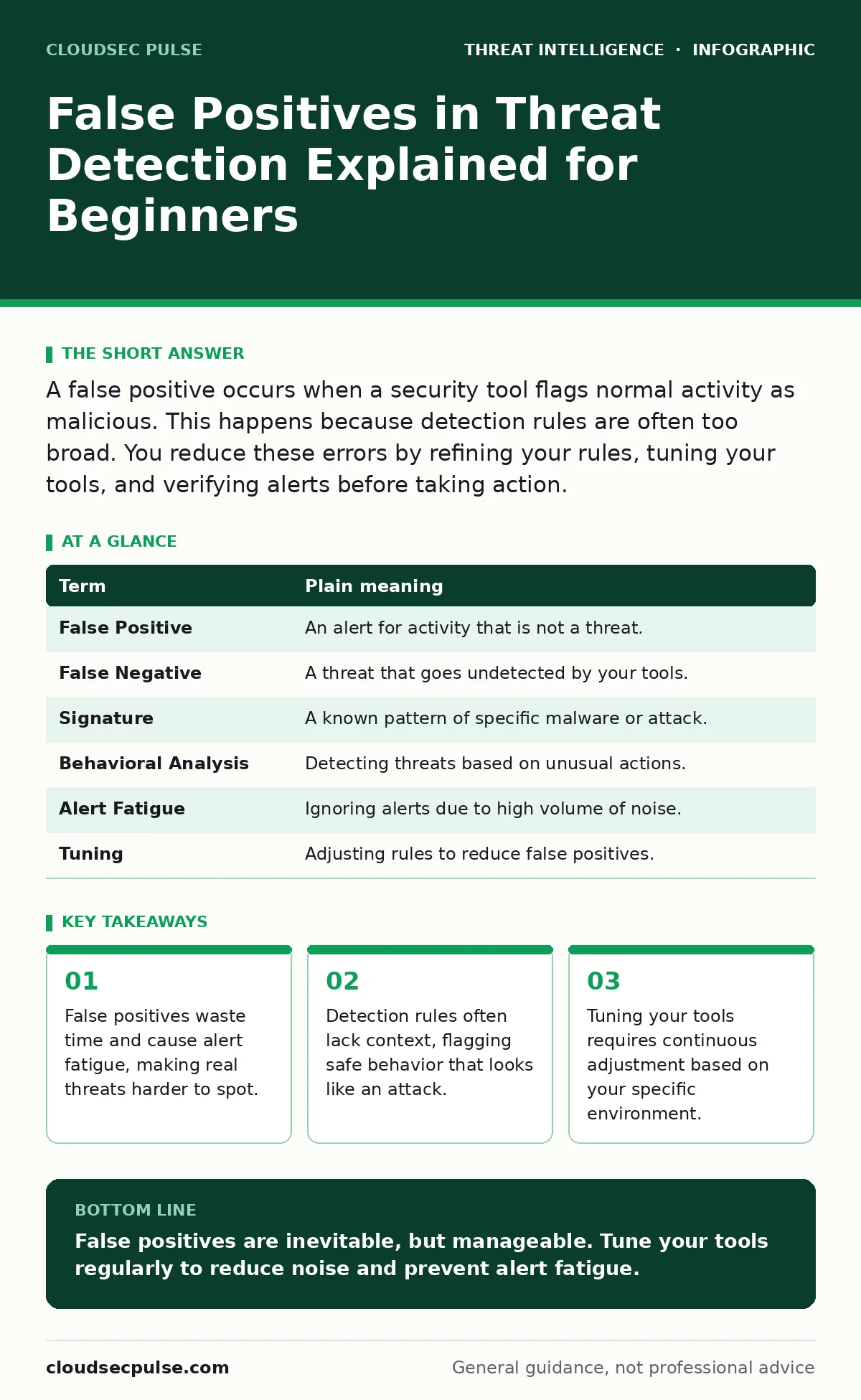
A false positive occurs when a security tool flags normal activity as malicious. This happens because detection rules are often too broad. You reduce these errors by refining your rules, tuning your tools, and verifying alerts before taking action.
The Airport Security Scanner
Imagine you run a busy airport checkpoint. Your job is to stop dangerous items from boarding planes. You have a metal detector that beeps whenever it senses metal. This is your security tool. Most passengers carry keys, coins, or belt buckles. These are safe items, but the detector cannot tell the difference between a set of house keys and a weapon. When the detector beeps for a keychain, that is a false positive. It is an alarm for something that is not actually a threat.
In cybersecurity, your network is the airport. Your security software is the metal detector. Every time the software flags normal activity as malicious, you get a false positive. This analogy will help you understand why these errors happen and how they impact your operations. The goal is not to stop every beep, but to ensure you never miss a real weapon.
Understanding Detection Mechanics
Security tools use signatures and behavior patterns to find threats. A signature is a known fingerprint of a specific virus or malware. If a file matches that fingerprint, the tool blocks it. This is accurate but limited. It only catches known threats. Modern tools also use behavioral analysis. They look for actions that resemble attacks, such as a program trying to access many files quickly. This catches new threats but creates more noise.
Behavioral rules are broader. They cast a wider net. Imagine the metal detector beeps not just for metal, but for any object larger than a coin. It will catch a laptop, a water bottle, and a book. These are safe, but the detector flags them anyway. Your security tool does the same. It flags large data transfers or unusual login times. These actions can be part of an attack, but they are also part of normal business operations.
The Cost of Noise
False positives are not just annoying; they are dangerous. When your team receives hundreds of alerts daily, they become desensitized. This is called alert fatigue. Staff start ignoring alerts because most are harmless. If a real attack happens, the alert looks like the others. It gets skipped. The threat remains hidden until it causes damage.
Imagine the airport screeners hear the metal detector beep five hundred times a day. Eventually, the screeners stop looking closely at the beep. They just wave the passenger through. If a real weapon passes through, the screeners did not stop it because they were tired of the noise. Your security team faces the same risk. High volumes of false positives reduce the effectiveness of your entire security posture.
Common Sources of Confusion
Many users confuse false positives with false negatives. A false negative is when a threat passes through undetected. This is worse than a false positive. A false positive is a wasted investigation. A false negative is a successful breach. You cannot eliminate false positives without increasing false negatives. There is a trade-off. Tightening your rules reduces noise but might let new threats slip through. Loosening your rules catches more threats but creates more noise.
Another confusion is assuming all alerts are equal. Some alerts are high confidence. The tool is sure it found malware. Other alerts are low confidence. The tool saw something strange but is not sure if it is bad. Treating all alerts with the same urgency leads to burnout. You must prioritize based on risk. Not every anomaly requires immediate action.
| Term | Plain meaning |
|---|---|
| False Positive | An alert for activity that is not a threat. |
| False Negative | A threat that goes undetected by your tools. |
| Signature | A known pattern of specific malware or attack. |
| Behavioral Analysis | Detecting threats based on unusual actions. |
| Alert Fatigue | Ignoring alerts due to high volume of noise. |
| Tuning | Adjusting rules to reduce false positives. |
Refining Your Detection Rules
You can reduce false positives by tuning your tools. This means adjusting the sensitivity of your detection rules. Start by reviewing your recent alerts. Identify which ones were false positives. Look for patterns. Are certain applications always flagged? Are specific users generating noise? Adjust your rules to exclude these known safe activities. This is called whitelisting. You tell the tool to ignore specific safe behaviors.
Imagine the airport decides that belt buckles are always safe. They adjust the detector to ignore small metal objects in belt loops. The detector still beeps for larger items. The noise decreases. You can do the same with your security tools. If your backup software always triggers an alert for large file transfers, whitelist that software. The tool will stop alerting for backups, but will still alert for other large transfers.
See also: User and Entity Behavior Analytics Explained for Beginners · Open-Source Intelligence Investigations: A Beginner’s Framework
Validating Alerts Before Action
Do not act on every alert immediately. Validate the alert first. Check the context. Is the activity expected? Is the user working remotely? Is it a scheduled maintenance window? Use other tools to gather more information. Network traffic analysis can show if the data transfer is normal. Sysmon can provide detailed logs of process activity. Combining data from multiple sources helps you confirm if an alert is real.
If you are unsure, investigate further. Do not block or delete files based on a single alert. You might disrupt business operations. Use a sandbox to analyze suspicious files in a safe environment. This prevents accidental deletion of important data. Validation takes time, but it prevents costly mistakes. It also helps your team learn what normal activity looks like.
Try This Now
- List your top five most frequent alerts from the past month.
- Determine if these alerts are false positives by checking with your users or IT staff.
- Adjust your detection rules to exclude these known safe activities.
Balancing Security and Operations
Reducing false positives is an ongoing process. As your business changes, so does your normal activity. New software, new employees, and new processes will create new patterns. You must continuously tune your tools. This requires a balance. You want to catch threats without disrupting work.
Imagine the airport introduces a new type of luggage. The metal detector starts beeping for the new handles. You must adjust the detector to recognize the new handles as safe. Similarly, when you install new software, you must update your security rules. This ensures your tools remain effective without creating unnecessary noise. Regular tuning keeps your security posture strong and your team focused on real threats.
Key takeaways
- False positives waste time and cause alert fatigue, making real threats harder to spot.
- Detection rules often lack context, flagging safe behavior that looks like an attack.
- Tuning your tools requires continuous adjustment based on your specific environment.
False positives are inevitable, but manageable. Tune your tools regularly to reduce noise and prevent alert fatigue.
Frequently asked questions
How do I know if an alert is a false positive?
Check if the activity is expected. Verify with the user or check system logs for normal operations.
Can I eliminate all false positives?
No. Eliminating all false positives would require disabling many detection rules, increasing the risk of missing real threats.
What is the best way to tune my security tools?
Review alerts regularly, identify patterns of noise, and adjust rules to exclude known safe activities.
Does more security software mean more false positives?
Yes. More tools often mean more overlapping rules and increased noise. Integrate tools carefully to avoid redundancy.
How this guide was produced: written by the CloudSec Pulse editorial team with AI assistance, checked against the public references listed below, and reviewed when the facts change. See our editorial policy or report an error.