Secure Configuration Baselines Checklist for Hardening Systems
Default settings prioritize ease of use over security, leaving hidden attack surfaces open to exploitation that require manual remediation.

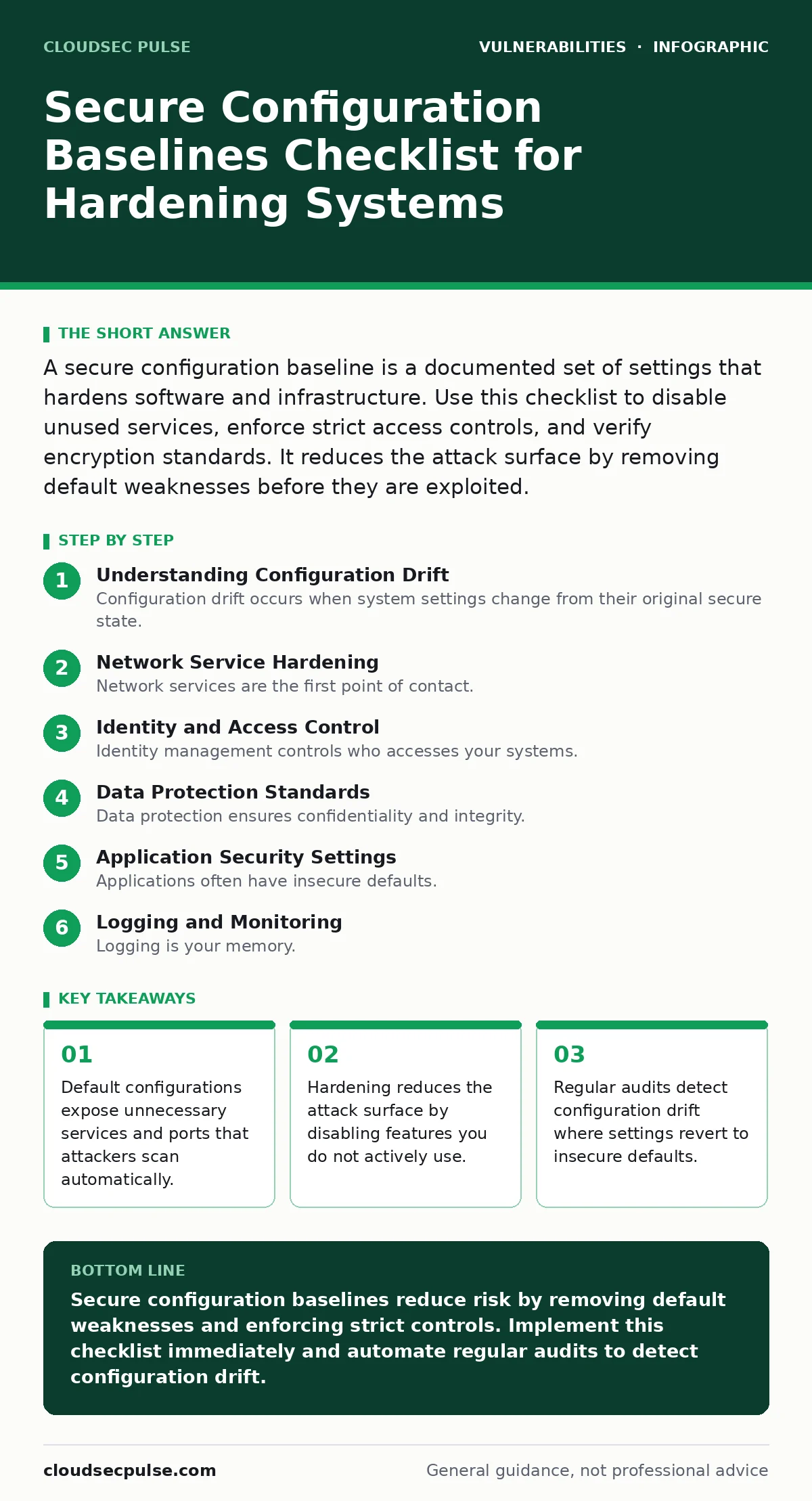
A secure configuration baseline is a documented set of settings that hardens software and infrastructure. Use this checklist to disable unused services, enforce strict access controls, and verify encryption standards. It reduces the attack surface by removing default weaknesses before they are exploited.
Understanding Configuration Drift
Configuration drift occurs when system settings change from their original secure state. This happens through updates, manual tweaks, or automated scripts. You must define a baseline to detect these changes. A baseline is a snapshot of secure settings. It serves as the truth for compliance checks. Without it, you cannot tell if a change is authorized. Drift often introduces vulnerabilities slowly. It creates gaps that tools like those described in vulnerability prioritization guides help you find. You need a repeatable process to enforce the baseline.
Network Service Hardening
- Disable unused network ports: Open ports invite scanning and potential intrusion attempts.
- Restrict SSH to key-only authentication: Passwords are vulnerable to brute force attacks.
- Implement firewall rules denying all inbound traffic by default: Explicit allow lists prevent accidental exposure.
- Disable remote administration protocols not in use: Unused services provide unnecessary entry points.
- Configure network segmentation for sensitive data: Isolating systems limits lateral movement during a breach.
Network services are the first point of contact. Attackers scan for open ports to find weaknesses. Each open port is a potential door. Closing doors you do not use reduces risk. Do not leave default services running. They often have known issues. Review your firewall rules quarterly. Ensure they match your current needs.
Identity and Access Control
- Enforce multi-factor authentication for all admin accounts: Single passwords are often stolen or guessed.
- Disable default administrator accounts: Default accounts are common targets for automated scripts.
- Apply least privilege principles to user roles: Excessive permissions increase damage if an account is compromised.
- Set automatic session timeouts for idle users: Idle sessions can be hijacked by session fixation attacks.
- Audit user permissions every six months: Roles change, and old access rights accumulate risk.
Identity management controls who accesses your systems. Weak identity controls lead to unauthorized access. You must verify users strongly. Do not rely on passwords alone. They are easy to compromise. Review who has access. Remove access when it is no longer needed. This prevents insider threats. It also limits damage from stolen credentials.
Data Protection Standards
- Enable encryption for data at rest: Encryption protects data if physical devices are stolen.
- Use TLS 1.2 or higher for data in transit: Older protocols have known weaknesses that attackers exploit.
- Disable weak cipher suites: Weak ciphers allow decryption of intercepted traffic.
- Implement secure backup procedures with encryption: Backups are often unencrypted targets for ransomware.
- Verify certificate validity and expiration dates: Expired certificates cause errors and trust failures.
Data protection ensures confidentiality and integrity. Encryption renders stolen data useless without keys. You must encrypt data everywhere. This includes backups and databases. Do not use weak algorithms. They are broken by modern computing power. Update your certificates regularly. Expired certificates break trust. This can stop services. It also alerts attackers to misconfigurations.
Application Security Settings
- Disable directory browsing on web servers: Directory listing reveals sensitive file structures.
- Remove default welcome pages: Default pages reveal software versions to attackers.
- Configure strict Content Security Policy headers: CSP helps prevent cross-site scripting attacks.
- Disable unnecessary server headers: Headers leak information about your technology stack.
- Implement rate limiting on login endpoints: Rate limiting slows down brute force attempts.
Applications often have insecure defaults. These defaults prioritize function over security. You must change them. Directory browsing is a common mistake. It exposes files to anyone. Remove default pages. They give away version numbers. Attackers use versions to find exploits. Set strict headers. They tell browsers how to handle content. This blocks many injection attacks.
Logging and Monitoring
- Enable detailed logging for all critical actions: Logs provide evidence for forensic analysis.
- Centralize logs in a write-once storage system: Centralization prevents attackers from deleting evidence.
- Configure alerts for failed login attempts: Alerts enable rapid response to active attacks.
- Monitor for unauthorized configuration changes: Monitoring detects drift from your baseline.
- Retain logs for at least one year: Long retention supports compliance and historical analysis.
Logging is your memory. You cannot investigate what you did not record. Enable logs everywhere. Send them to a safe place. Attackers often delete local logs. Central storage protects them. Set alerts for suspicious activity. This helps you react fast. Do not ignore alerts. They are your early warning system. Review them regularly.
Maintenance and Verification
- Schedule monthly baseline audits: Regular checks catch drift before it becomes a problem.
- Test patches in a staging environment first: Staging prevents breakage in production systems.
- Document all configuration changes: Documentation provides an audit trail for compliance.
- Review third-party library versions regularly: Libraries often contain wormable vulnerabilities that spread quickly.
- Validate file permissions on critical directories: Insecure file permissions allow unauthorized data access.
Maintenance keeps your baseline effective. Security is not a one-time task. It requires ongoing effort. Automate where possible. This reduces human error. Test changes carefully. Broken systems are not secure systems. Document everything. This helps with audits. It also helps your team. Review libraries often. They can introduce new risks. Check file permissions. They are often overlooked.
Handling Specific Vulnerability Classes
Some vulnerabilities require specific configuration changes. For instance, command injection risks increase when applications execute system commands. You must validate all inputs. Insecure file permissions can expose sensitive data. Ensure only authorized users can read critical files. Windows privilege escalation vulnerabilities often stem from misconfigured services. Disable unnecessary services. NoSQL injection attacks target database queries. Use parameterized queries. Understand these risks. They guide your hardening efforts.
Key takeaways
- Default configurations expose unnecessary services and ports that attackers scan automatically.
- Hardening reduces the attack surface by disabling features you do not actively use.
- Regular audits detect configuration drift where settings revert to insecure defaults.
Secure configuration baselines reduce risk by removing default weaknesses and enforcing strict controls. Implement this checklist immediately and automate regular audits to detect configuration drift.
Frequently asked questions
How often should I review my security baseline?
Review your baseline quarterly or after any significant system change. Regular reviews catch drift and new threats.
What is the biggest risk of hardening too much?
Over-hardening can break functionality and hinder productivity. Balance security with usability. Test changes carefully.
Do I need a baseline for home networks?
Yes, home networks also have defaults that are insecure. Changing default passwords and disabling unused services helps.
How do I handle legacy systems that cannot be updated?
Isolate legacy systems from the main network. Use compensating controls like strict firewall rules and monitoring.
How this guide was produced: written by the CloudSec Pulse editorial team with AI assistance, checked against the public references listed below, and reviewed when the facts change. See our editorial policy or report an error.