Server-Side Template Injection Prevention Checklist for Secure Code
Template engines interpret logic on the server, allowing attackers to execute arbitrary code when input validation fails at the parsing layer.

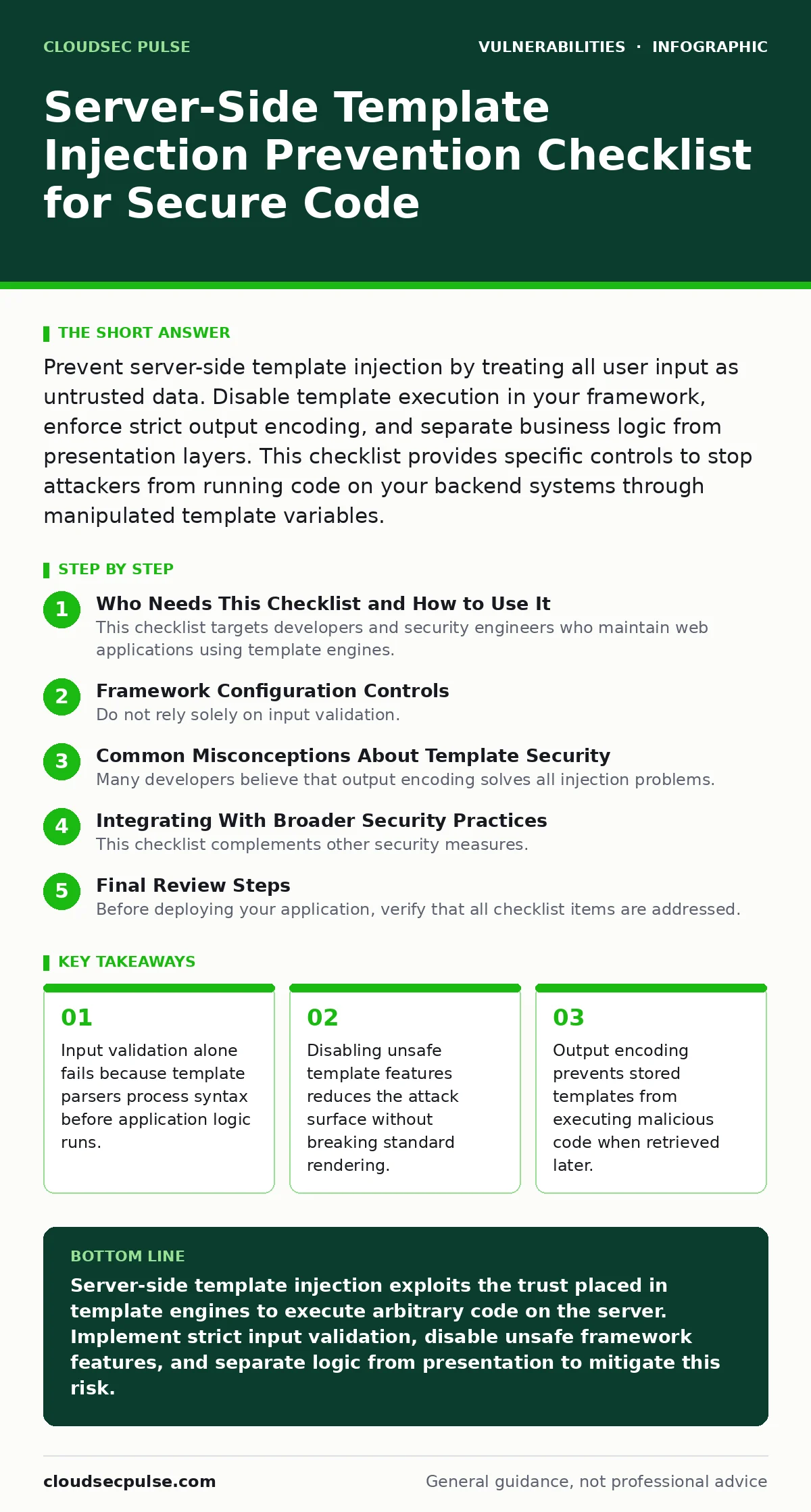
Prevent server-side template injection by treating all user input as untrusted data. Disable template execution in your framework, enforce strict output encoding, and separate business logic from presentation layers. This checklist provides specific controls to stop attackers from running code on your backend systems through manipulated template variables.
Who Needs This Checklist and How to Use It
This checklist targets developers and security engineers who maintain web applications using template engines. You need these controls if your application renders HTML, email, or documents based on user-supplied data. Use this list during code reviews and before deploying new features. Each item addresses a specific failure point in the template rendering pipeline. Implementing these measures reduces the risk of remote code execution. The controls focus on configuration, code structure, and data handling. You should verify each item against your current technology stack.
Framework Configuration Controls
- Disable template execution for user input: Many frameworks allow rendering templates from strings. Disabling this feature prevents attackers from injecting executable code directly into the rendering engine.
- Restrict template access to predefined paths: Limit where the engine can load template files. This prevents path traversal attacks that might load sensitive configuration files or system scripts.
- Turn off auto-escaping only when necessary: Most modern engines auto-escape output by default. Disabling this feature introduces cross-site scripting risks and complicates security reviews.
- Use sandboxed environments for dynamic templates: If you must render dynamic content, isolate the process. This limits the damage if an attacker manages to execute code within the template context.
Input Validation and Sanitization
- Validate input against strict allowlists: Define exactly what characters and formats are acceptable.
- Sanitize data before it reaches the template engine: Clean user input at the API boundary. This ensures that malicious payloads never reach the rendering layer where they could be interpreted as code.
- Encode special characters in user-supplied strings: Convert template metacharacters into their literal representations. This neutralizes the input so the engine treats it as plain text rather than executable logic.
- Limit input length and complexity: Shorter inputs reduce the likelihood of complex injection payloads. This also helps prevent denial-of-service attacks that exploit expensive template operations.
Architecture and Separation of Concerns
- Separate business logic from presentation layers: Keep data processing distinct from template rendering. This prevents logic flaws in one layer from compromising the security of the other.
- Avoid using user input as template variables directly: Map user input to predefined, safe variables. This decouples the raw input from the execution context and reduces the attack surface.
- Implement least privilege for the rendering service: The user account running the template engine should have minimal system permissions. This limits the impact of a successful injection attack.
- Use static analysis tools to detect unsafe patterns: Automated scanners can identify code that passes user input directly to template functions. Integrate these tools into your continuous integration pipeline.
Monitoring and Maintenance
- Log all template rendering errors: Capture stack traces and input data when rendering fails. This helps identify attempted injection attacks and improves debugging of legitimate issues.
- Regularly update template engines and dependencies: Vulnerabilities in template engines are discovered frequently. Keeping software current ensures you have the latest security patches and fixes.
- Conduct periodic security audits of template usage: Review how templates are used across the application. This helps identify new risks introduced by feature updates or refactoring efforts.
- Monitor for anomalous output patterns: Detect unexpected characters or structures in rendered content. This can indicate successful injection attempts that bypassed initial controls.
See also: Host Header Injection Response: Recovery and Prevention Steps · Output Encoding Checklist: Prevent Injection and Display Errors
Common Misconceptions About Template Security
Many developers believe that output encoding solves all injection problems. This is incorrect because server-side template injection executes code on the server, not in the browser. Output encoding protects against cross-site scripting, but it does not stop remote code execution. You must treat template engines as code interpreters. They require the same security controls as any other execution environment. Understanding this distinction is critical for effective protection.
Integrating With Broader Security Practices
This checklist complements other security measures. For example, proper output encoding prevents cross-site scripting when templates render user data. Broken access control issues can allow unauthorized users to access template files, increasing the risk of injection. Vulnerability prioritization helps you focus on the most critical template-related risks first. Exposure management ensures that template endpoints are not publicly accessible. Attack surface management reduces the number of places where user input can reach the template engine. IT asset inventory helps you track which applications use template engines. Session fixation attacks are unrelated but should be addressed separately. Prototype pollution is a client-side risk that requires different controls. By integrating these practices, you create a layered defense against injection attacks.
Final Review Steps
Before deploying your application, verify that all checklist items are addressed. Test with various input types, including special characters and long strings. Ensure that logging captures relevant security events. Review the code for any direct passes of user input to template functions. Confirm that dependencies are up to date. This final review helps catch oversights and ensures consistent security posture. Regular updates to this process keep your application secure against evolving threats.
Key takeaways
- Input validation alone fails because template parsers process syntax before application logic runs.
- Disabling unsafe template features reduces the attack surface without breaking standard rendering.
- Output encoding prevents stored templates from executing malicious code when retrieved later.
Server-side template injection exploits the trust placed in template engines to execute arbitrary code on the server. Implement strict input validation, disable unsafe framework features, and separate logic from presentation to mitigate this risk.
Frequently asked questions
What is the difference between SSTI and XSS?
Server-side template injection executes code on the server, potentially leading to remote code execution. Cross-site scripting executes code in the user's browser, stealing session data or defacing pages.
Can input validation prevent all SSTI attacks?
No, input validation can be bypassed by encoding tricks or alternative syntaxes. You must also restrict template engine capabilities and isolate the rendering environment.
How do I know if my framework is vulnerable?
Check if your framework allows rendering templates from user-supplied strings. Review documentation for known vulnerabilities and ensure you are using the latest patched version.
Should I disable auto-escaping for better performance?
No, disabling auto-escaping increases security risks significantly. The performance gain is negligible compared to the potential for cross-site scripting and injection attacks.
How this guide was produced: written by the CloudSec Pulse editorial team with AI assistance, checked against the public references listed below, and reviewed when the facts change. See our editorial policy or report an error.