Output Encoding Checklist: Prevent Injection and Display Errors
Encoding transforms data into a safe representation for its specific context, neutralizing characters that code interpreters might mistake for executable instructions.

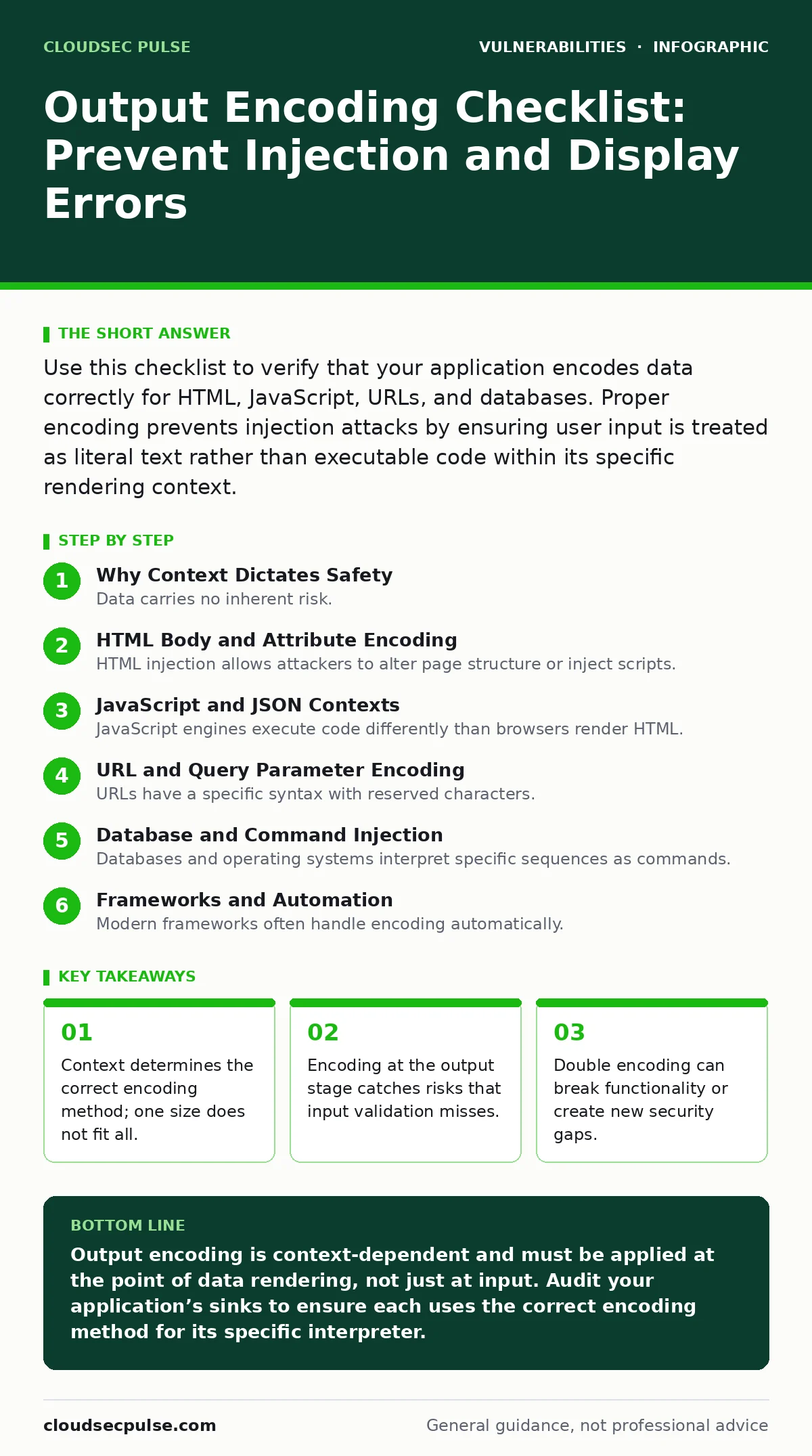
Use this checklist to verify that your application encodes data correctly for HTML, JavaScript, URLs, and databases. Proper encoding prevents injection attacks by ensuring user input is treated as literal text rather than executable code within its specific rendering context.
Why Context Dictates Safety
Data carries no inherent risk. The danger emerges when an application interprets that data as code. Output encoding converts special characters into a safe representation that the target interpreter renders as plain text. This process depends entirely on where the data appears. A character safe in a database query might trigger execution in a web browser. You must identify the sink, the point where data leaves your application, before choosing the encoding strategy.
Imagine a user enters a comment that includes angle brackets. If you display that comment directly in an HTML page, the browser might render it as a new tag. If you pass it to a script engine, it might execute as JavaScript. The same input requires different transformations depending on its destination.
HTML Body and Attribute Encoding
HTML injection allows attackers to alter page structure or inject scripts. You must encode data that appears inside HTML elements. This prevents the browser from parsing input as markup.
- Encode angle brackets and ampersands in body text: This stops the browser from interpreting input as new HTML tags.
- Escape quotes inside attribute values: This prevents attackers from closing an attribute and injecting new properties.
- Use HTML entity encoding for all user-controlled data: This ensures special characters display as text rather than markup.
- Validate allowed tags if rich text is required: This restricts input to a safe subset of HTML, reducing the attack surface.
JavaScript and JSON Contexts
JavaScript engines execute code differently than browsers render HTML. When you inject data into a script block, you face a unique set of risks. Improper handling here often leads to cross-site scripting vulnerabilities.
- Use JSON encoding for data embedded in script tags: This ensures the data is treated as a literal value, not executable code.
- Avoid string concatenation for building JavaScript objects: This reduces the chance of breaking out of a string literal.
- Encode forward slashes in JSON strings: This prevents
</script>sequences from prematurely closing script blocks. - Validate data types before injection: This ensures numbers remain numbers and strings remain strings, preventing type confusion.
Suppose you pass a user ID into a JavaScript variable. If the ID contains a quote character, it can break the string assignment. An attacker could then append their own commands. JSON encoding handles these edge cases automatically, treating the entire payload as a single data value.
URL and Query Parameter Encoding
URLs have a specific syntax with reserved characters. If you construct URLs dynamically, you must encode parameters correctly. Failure to do so can lead to parameter pollution or open redirect vulnerabilities.
- Encode URL fragments correctly: This prevents attackers from injecting content into the hash portion of the address.
- Validate URL schemes before redirection: This ensures redirects only go to trusted domains, preventing open redirects.
- Encode path segments separately: This prevents path traversal or confusion between directory separators and data.
Database and Command Injection
Databases and operating systems interpret specific sequences as commands. You must ensure user input cannot alter the structure of these commands. Prepared statements are the primary defense, but encoding plays a supporting role.
- Use parameterized queries for all database interactions: This separates code from data, making injection structurally impossible.
- Encode data passed to shell commands: This ensures special characters are not interpreted as command separators or operators.
- Validate input length and type before database insertion: This reduces the load on the database and catches obvious anomalies early.
- Apply least privilege to database accounts: This limits the damage if an injection does occur, restricting access to only necessary tables.
Encoding alone is rarely enough for database security. Parameterization is the standard because it changes how the database parses the request. Encoding serves as a secondary layer, protecting against legacy systems or non-standard query builders.
See also: Host Header Injection Response: Recovery and Prevention Steps · Server-Side Template Injection Prevention Checklist for Secure Code
Frameworks and Automation
Modern frameworks often handle encoding automatically. This is a benefit, but it creates a false sense of security. You must verify that your framework applies the correct encoding for each context.
- Verify framework defaults for each output context: This ensures you are not relying on incorrect assumptions about automatic protection.
- Disable auto-encoding only when necessary: This forces you to explicitly handle safety, reducing accidental exposure.
- Test with encoded payloads: This confirms that your application handles edge cases like double quotes or null bytes correctly.
- Review third-party library behavior: This ensures external code does not bypass your application’s security controls.
Proper output encoding requires discipline. You cannot apply a single rule everywhere. Each sink demands a specific transformation. By following this checklist, you reduce the risk of injection attacks significantly. You also improve the reliability of your application by handling edge cases consistently.
See our guide on session fixation for related state management risks. Review hard-coded credentials to ensure your secrets are not exposed in code. Use vulnerability prioritization to focus on the highest risks first. Maintain an IT asset inventory to know what you are protecting. Consider exposure management for a broader view of your attack surface. Check the National Vulnerability Database for known issues. Be aware of prototype pollution in JavaScript applications. Use an EPSS score to gauge exploit likelihood.
Key takeaways
- Context determines the correct encoding method; one size does not fit all.
- Encoding at the output stage catches risks that input validation misses.
- Double encoding can break functionality or create new security gaps.
Output encoding is context-dependent and must be applied at the point of data rendering, not just at input. Audit your application’s sinks to ensure each uses the correct encoding method for its specific interpreter.
Frequently asked questions
Does input validation replace the need for output encoding?
No. Input validation restricts what can enter the system, but output encoding ensures that data is safe when it is rendered or processed. Both are necessary for defense in depth.
Can I use the same encoding for all contexts?
No. HTML, JavaScript, and URL contexts have different syntax rules. Using HTML encoding in a JavaScript context will not prevent execution. You must match the encoding to the target interpreter.
What is double encoding and why is it bad?
Double encoding happens when you encode data that is already encoded. This can cause the application to decode the data incorrectly, potentially leading to broken functionality or security bypasses.
How do I know if my framework handles encoding automatically?
Check the framework documentation for each output context. Test with known special characters to verify that they are transformed correctly. Do not assume automatic protection without verification.
How this guide was produced: written by the CloudSec Pulse editorial team with AI assistance, checked against the public references listed below, and reviewed when the facts change. See our editorial policy or report an error.