Web Application Firewall Tuning Best Practices
Untuned web application firewalls block legitimate traffic while missing sophisticated attacks that mimic normal user behavior.
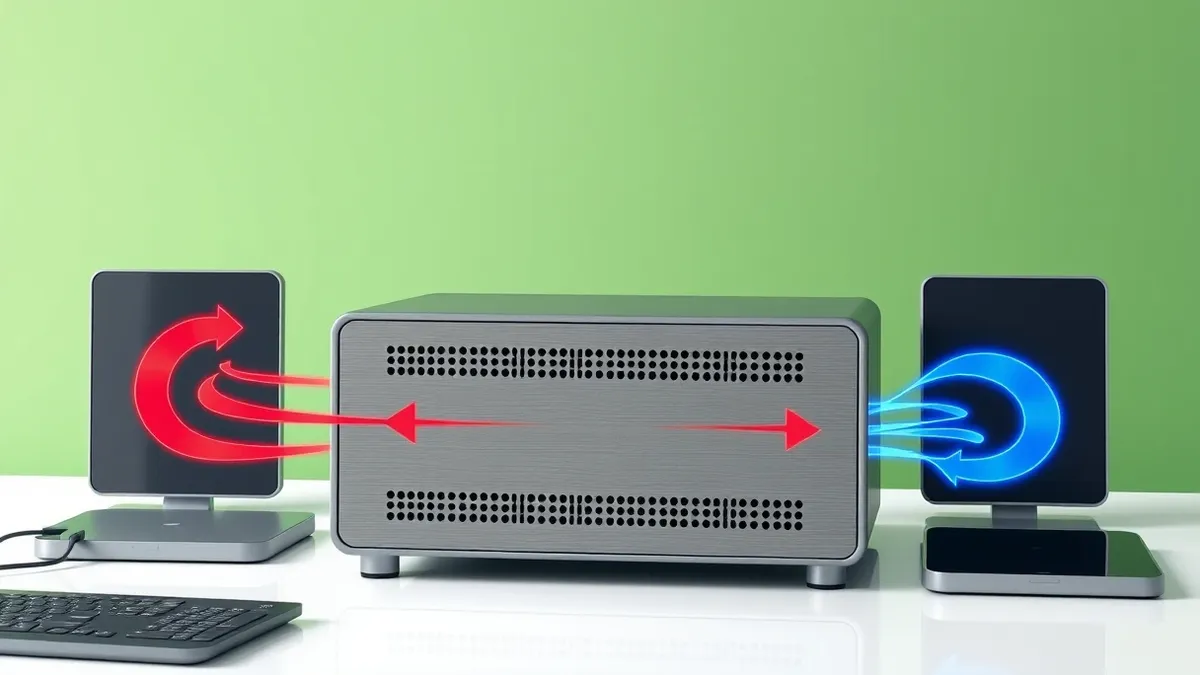
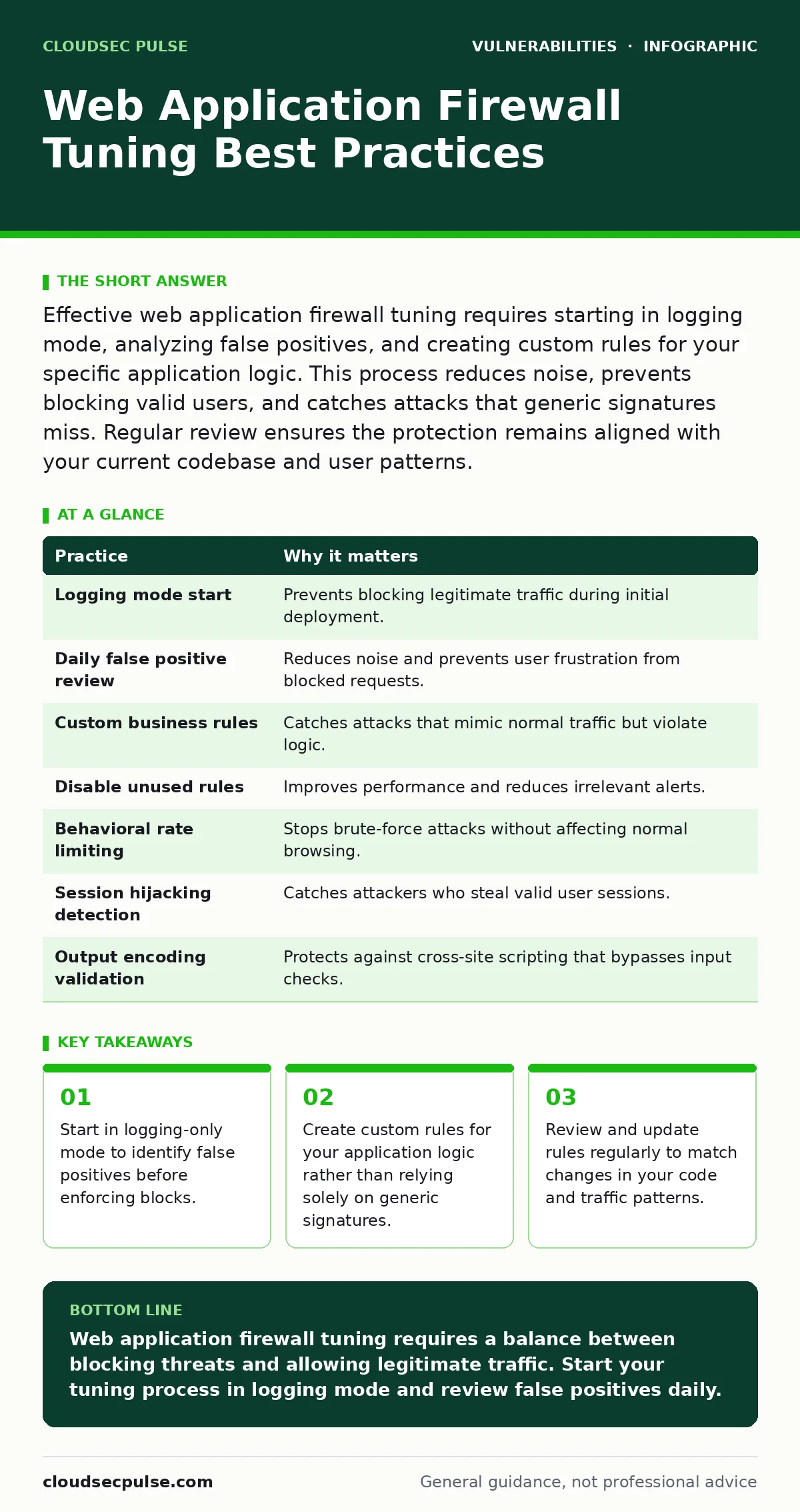
Effective web application firewall tuning requires starting in logging mode, analyzing false positives, and creating custom rules for your specific application logic. This process reduces noise, prevents blocking valid users, and catches attacks that generic signatures miss. Regular review ensures the protection remains aligned with your current codebase and user patterns.
Why Generic Rules Fail
Generic web application firewall rules catch common threats but often block legitimate business transactions. These rules rely on broad patterns that do not understand your specific application context. A rule designed to stop SQL injection might block a legitimate search query containing special characters. This creates friction for users and generates noise for administrators. You need a tuning process that aligns protection with your application’s actual behavior.
1. Start in Logging Mode
Deploying a firewall in blocking mode immediately is a common error. You must start in logging or monitoring mode. This setting records what the firewall would have blocked without actually stopping the traffic. You can analyze these logs to identify legitimate requests that triggered alerts. This prevents accidental downtime during the initial deployment phase.
Tip: Run the firewall in logging mode for at least two weeks before enabling any blocking rules.
2. Analyze False Positives Daily
False positives occur when the firewall blocks legitimate traffic. These events degrade user experience and mask real threats in your logs. You must review these events daily to understand why they happened. Did a user submit a form with a long text field? Did a legitimate API call use a parameter that looked like an attack? Understanding the root cause allows you to refine your rules.
Tip: Group similar false positives by URL or rule ID to fix multiple issues with a single rule adjustment.
3. Create Custom Rules for Business Logic
Generic rules cannot understand your application’s unique workflows. You must create custom rules that reflect your specific business logic. For example, if your application expects a user ID in a specific format, create a rule that enforces that format. This approach catches attacks that mimic normal traffic but violate your business rules. It also reduces reliance on noisy generic signatures. Refer to secure configuration baselines for initial rule structure ideas.
Tip: Define the expected format for every input parameter and create a positive rule for it.
4. Disable Unused Generic Rules
Default rule sets often include protections for technologies you do not use. These rules generate alerts for irrelevant traffic. You should disable rules that apply to unused frameworks or languages. This reduces log volume and makes real threats easier to spot. It also improves performance by reducing the number of checks the firewall performs on each request.
Tip: Audit your technology stack monthly and disable any firewall rules related to unused components.
See also: Server-Side Template Injection Prevention Checklist for Secure Code · Output Encoding Checklist: Prevent Injection and Display Errors
5. Implement Rate Limiting by Behavior
Rate limiting controls how many requests a user can make. Generic rate limits often block legitimate power users. You must implement rate limiting based on behavior patterns. For example, limit login attempts differently than page views. This prevents brute-force attacks without frustrating users who browse quickly. It adds a layer of protection that signature-based rules cannot provide.
Tip: Set lower limits for sensitive endpoints like login pages and higher limits for static content.
6. Monitor for Session Hijacking Indicators
Session hijacking occurs when an attacker steals a valid user session. Web application firewalls can detect indicators of this attack. Look for requests where the user agent changes mid-session or where the IP address shifts unexpectedly. These changes often signal that an attacker has taken over a session. This complements protections against session fixation attacks that exploit initial session creation.
Tip: Configure alerts for sessions that involve more than two different IP addresses within a short time frame.
7. Validate Output Encoding Strategies
Input validation alone is not enough. You must ensure that your application correctly encodes output before sending it to the browser. Web application firewalls can help enforce this by blocking responses that contain unencoded special characters. This protects against cross-site scripting attacks that bypass input filters. See output encoding for deeper technical details on implementation.
Tip: Enable the firewall to block responses that contain HTML tags in unexpected headers.
8. Regularly Test with Controlled Attacks
You must verify that your tuned rules actually work. Use controlled attacks to test your firewall configuration. This reveals gaps in your protection without affecting real users. It also confirms that new rules have not introduced unintended blocks. Regular testing ensures that your tuning efforts remain effective as your application evolves.
Tip: Run a standard test suite after every significant rule change or application update.
| Practice | Why it matters |
|---|---|
| Logging mode start | Prevents blocking legitimate traffic during initial deployment. |
| Daily false positive review | Reduces noise and prevents user frustration from blocked requests. |
| Custom business rules | Catches attacks that mimic normal traffic but violate logic. |
| Disable unused rules | Improves performance and reduces irrelevant alerts. |
| Behavioral rate limiting | Stops brute-force attacks without affecting normal browsing. |
| Session hijacking detection | Catches attackers who steal valid user sessions. |
| Output encoding validation | Protects against cross-site scripting that bypasses input checks. |
| Controlled attack testing | Verifies that rules work and have not introduced new blocks. |
The Hidden Cost of Over-Tuning
Over-tuning a firewall creates a fragile security posture. When you create too many exceptions to stop false positives, you create holes that attackers can exploit. You must balance precision with coverage. Each exception reduces the overall protection level. You should regularly review exceptions to ensure they are still necessary. This prevents the gradual erosion of your security controls.
Integrating with Development Practices
Firewall tuning should not happen in isolation. You must integrate it with your development practices. Developers should understand the firewall rules that protect their code. This helps them write better input validation and output encoding. It also reduces the number of false positives generated by new features. See vulnerabilities in self-hosted GitLab for examples of how infrastructure configuration affects security.
Tip: Include firewall rule reviews in your code review process for new features.
Maintaining Long-Term Effectiveness
Web application firewall tuning is not a one-time task. Your application changes, and so do attack patterns. You must maintain a regular review cycle. This includes updating rules, disabling obsolete ones, and testing new protections. It also involves monitoring for new vulnerabilities in your dependencies. See IoT device vulnerabilities for how external factors can impact your web application security.
Tip: Schedule a quarterly review of all custom rules and exceptions.
Handling Credential Exposure
Hard-coded credentials in your application code can bypass many firewall protections. Attackers who find these credentials can access backend systems directly. You must ensure that credentials are stored securely and not in the code. Web application firewalls can help detect attempts to access configuration files. See hard-coded credentials for strategies to prevent this exposure.
Tip: Configure the firewall to block access to common configuration file paths.
Addressing Privilege Escalation Risks
Attackers often try to escalate privileges after gaining initial access. Web application firewalls can detect some of these attempts by monitoring for unusual command execution patterns. However, they cannot stop all privilege escalation attacks. You must complement firewall protection with secure server configuration. See Linux kernel privilege escalation and Windows privilege escalation vulnerabilities for deeper insights into these risks.
Tip: Monitor for requests that attempt to execute system commands through web parameters.
Key takeaways
- Start in logging-only mode to identify false positives before enforcing blocks.
- Create custom rules for your application logic rather than relying solely on generic signatures.
- Review and update rules regularly to match changes in your code and traffic patterns.
Web application firewall tuning requires a balance between blocking threats and allowing legitimate traffic. Start your tuning process in logging mode and review false positives daily.
Frequently asked questions
How long should I keep the firewall in logging mode?
Keep it in logging mode for at least two weeks to capture a full range of normal user behavior. Adjust based on your traffic volume and complexity.
Can I automate web application firewall tuning?
You can automate some aspects like log analysis, but human review is necessary for understanding context and business logic. Automation alone cannot distinguish all false positives.
What is the biggest risk of poor tuning?
The biggest risk is blocking legitimate users, which causes business loss and erodes trust. It also generates noise that hides real attacks.
Do I need to tune the firewall after every code update?
Yes, significant code changes can alter traffic patterns. You should test and tune after any major update to ensure rules remain effective and accurate.
How this guide was produced: written by the CloudSec Pulse editorial team with AI assistance, checked against the public references listed below, and reviewed when the facts change. See our editorial policy or report an error.