Cloud Security Architecture in Cloud Computing: How to Build It Right
Most teams treat cloud security architecture as a firewall replacement, but it actually replaces trust boundaries with code-enforced policies that change every time you deploy.

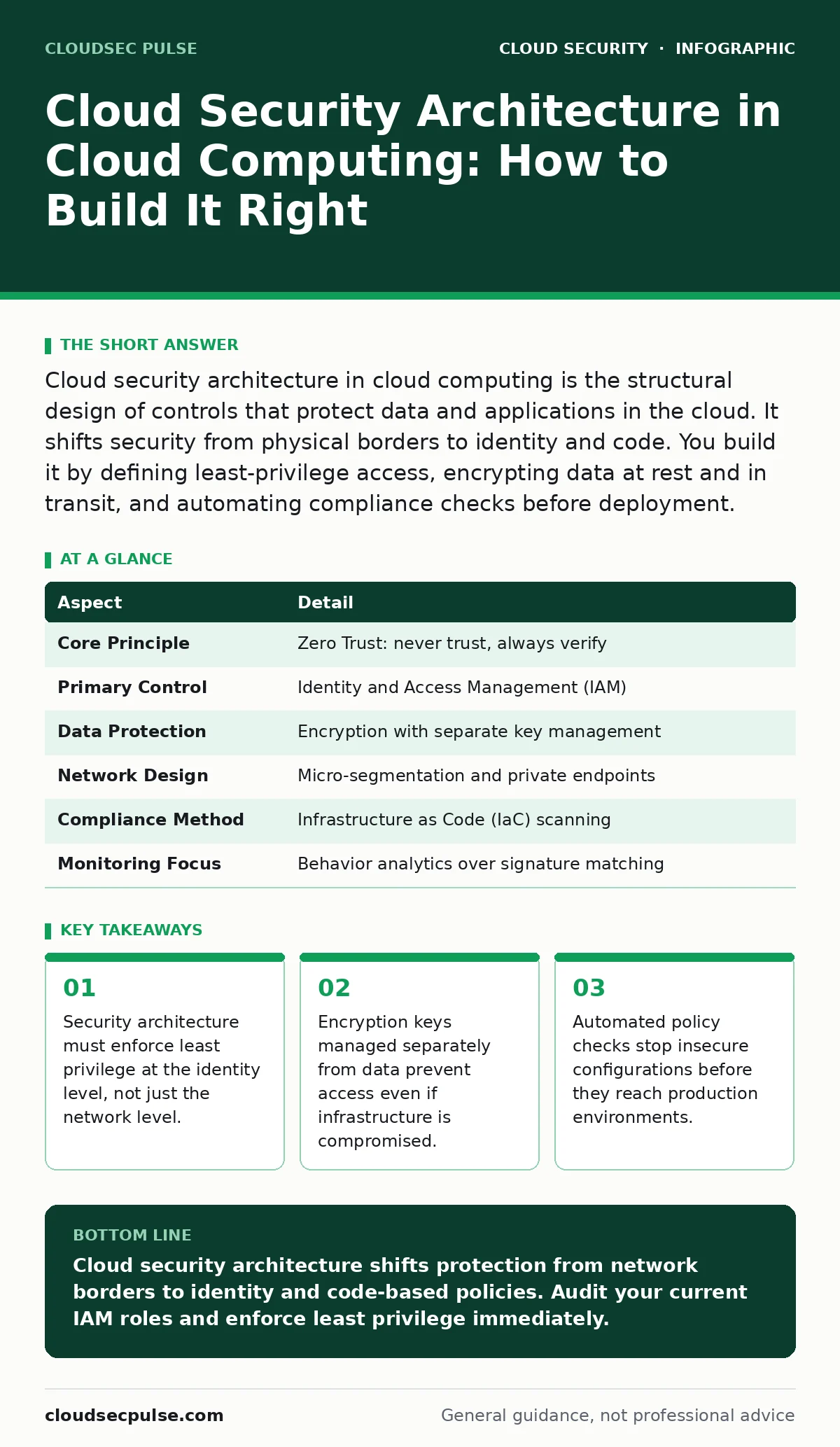
Cloud security architecture in cloud computing is the structural design of controls that protect data and applications in the cloud. It shifts security from physical borders to identity and code. You build it by defining least-privilege access, encrypting data at rest and in transit, and automating compliance checks before deployment.
The Lock on the Door vs The Key in the Pocket
Imagine you rent a storage unit. The facility manager holds the master key to the building. You hold the key to your specific locker. In traditional data centers, security architecture focused on the building walls. Firewalls and physical guards protected the perimeter. If someone breached the wall, they could walk into any office.
Cloud security architecture changes this model. You no longer control the building. You control the locker and the key. The architecture defines how you manage that key, who can borrow it, and what happens if you lose it. It moves protection from the network edge to the identity of the user and the application.
| Aspect | Detail |
|---|---|
| Core Principle | Zero Trust: never trust, always verify |
| Primary Control | Identity and Access Management (IAM) |
| Data Protection | Encryption with separate key management |
| Network Design | Micro-segmentation and private endpoints |
| Compliance Method | Infrastructure as Code (IaC) scanning |
| Monitoring Focus | Behavior analytics over signature matching |
What Is Cloud Security Architecture in Cloud Computing?
Cloud security architecture in cloud computing is the framework that defines how you protect assets within a shared environment. It dictates how data moves, who can touch it, and how systems verify requests. Unlike on-premises security, which relies on a hard perimeter, cloud architecture assumes the perimeter is gone.
This design affects every layer of your technology stack. It determines how servers talk to databases, how users log in, and how logs are stored for forensic analysis. A poor architecture creates hidden blind spots where attackers can move laterally. A strong architecture limits the blast radius of any single breach. You build this by mapping your data flows and applying controls at each junction.
The Shared Responsibility Model Explained
Cloud providers secure the cloud infrastructure. They protect the physical hardware, the hypervisor, and the global network. You secure what you put in the cloud. This includes your operating systems, applications, data, and identity management. This division is called the shared responsibility model.
Many organizations misunderstand this boundary. They assume the provider handles everything because the server lives in the provider's data center. This assumption leads to unprotected databases and exposed storage buckets. You must explicitly configure security controls for your workloads. The provider gives you the tools, but you must turn them on. See our guide on IaaS, PaaS and SaaS security for details on where responsibility shifts between service types.
Identity Becomes the New Perimeter
In a cloud environment, network boundaries are fluid. Virtual machines can move across zones. Containers can start and stop in seconds. Static IP addresses are unreliable security controls. Identity becomes the primary checkpoint. Every request must be authenticated and authorized.
You implement this through Identity and Access Management (IAM). IAM defines who can do what. It enforces the principle of least privilege. Users and services receive only the permissions they need to perform their specific tasks. Nothing more. This reduces the damage if an account is compromised. Review our guide on service account security to understand how machine identities require stricter controls than human users.
Data Protection and Encryption Strategies
Data is the most valuable asset in the cloud. Encryption ensures that even if an attacker steals the data, they cannot read it. You must encrypt data at rest and in transit. Data at rest sits on storage disks or databases. Data in transit moves between servers, users, and services.
Key management is the critical component. If the attacker also gets the encryption keys, the encryption is useless. You must store keys separately from the data. Use a dedicated Key Management Service (KMS) to handle key rotation and access logs. Regularly audit who has access to these keys. Read our guide on cloud encryption to understand the difference between server-side and client-side encryption models.
See also: Attack Surface Reduction: Practical Steps for Small Business Security · Confidential Computing: Protecting Data in Use for Small Teams
Network Segmentation and Micro-Perimeters
Traditional firewalls block traffic from the outside in. Cloud networks require internal segmentation. You divide your cloud environment into small, isolated zones. Each zone contains related workloads. Traffic between zones is explicitly allowed or denied. This is called micro-segmentation.
This approach stops lateral movement. If an attacker compromises one server, they cannot easily jump to others. They hit a wall of denied traffic. You define these rules using security groups or network access control lists. These rules should be as restrictive as possible. Only allow the specific ports and protocols required for your application to function.
What People Usually Get Wrong
Most teams focus on the perimeter and ignore the interior. They spend months configuring external firewalls but leave internal databases open to the entire virtual network. This is a fundamental architectural error. The cloud perimeter is porous. Internal threats and compromised accounts are the primary risk.
Another common mistake is manual security management. Cloud environments change rapidly. New instances are created and destroyed automatically. Manual configuration cannot keep up. You must automate security checks. Use Infrastructure as Code (IaC) to define your security posture. Scan your code for misconfigurations before deployment. This prevents insecure resources from ever reaching production. Check our guide on orphaned cloud resources to see how unmanaged assets create security debt.
Building a Resilient Architecture
Security architecture must support resilience. When a breach occurs, your system should limit damage and recover quickly. This requires immutable infrastructure. You do not patch running servers. You replace them with new, clean instances. This ensures no hidden malware persists.
You also need comprehensive logging. Every action in the cloud must be recorded. Centralize these logs in a secure, tamper-proof storage location. This provides the evidence needed for incident response. See our guide on cloud workload protection for tools that monitor runtime behavior and detect anomalies. Also, consider confidential computing for workloads that require protection even from the cloud provider's operating system.
Key takeaways
- Security architecture must enforce least privilege at the identity level, not just the network level.
- Encryption keys managed separately from data prevent access even if infrastructure is compromised.
- Automated policy checks stop insecure configurations before they reach production environments.
Cloud security architecture shifts protection from network borders to identity and code-based policies. Audit your current IAM roles and enforce least privilege immediately.
Frequently asked questions
Does cloud security architecture replace traditional firewalls?
No, it supplements them. Firewalls still filter traffic, but architecture adds identity verification and data protection layers that firewalls cannot handle.
How do I start building a cloud security architecture?
Begin by mapping your data flows and defining strict IAM roles. Then implement encryption for all data and automate configuration checks.
Is zero trust expensive to implement?
It requires upfront effort in design and automation, but it reduces long-term costs by preventing large breaches and manual management overhead.
Can I use the same architecture for all cloud providers?
The principles are universal, but the specific tools and services differ. You must adapt your implementation to each provider's native security features.
How this guide was produced: written by the CloudSec Pulse editorial team with AI assistance, checked against the public references listed below, and reviewed when the facts change. See our editorial policy or report an error.