Implement CASB Step-by-Step: Configuration, Validation, and Maintenance
Deploying a cloud access security broker requires shifting from blocking traffic to monitoring behavior, which reveals shadow IT without disrupting daily business operations.

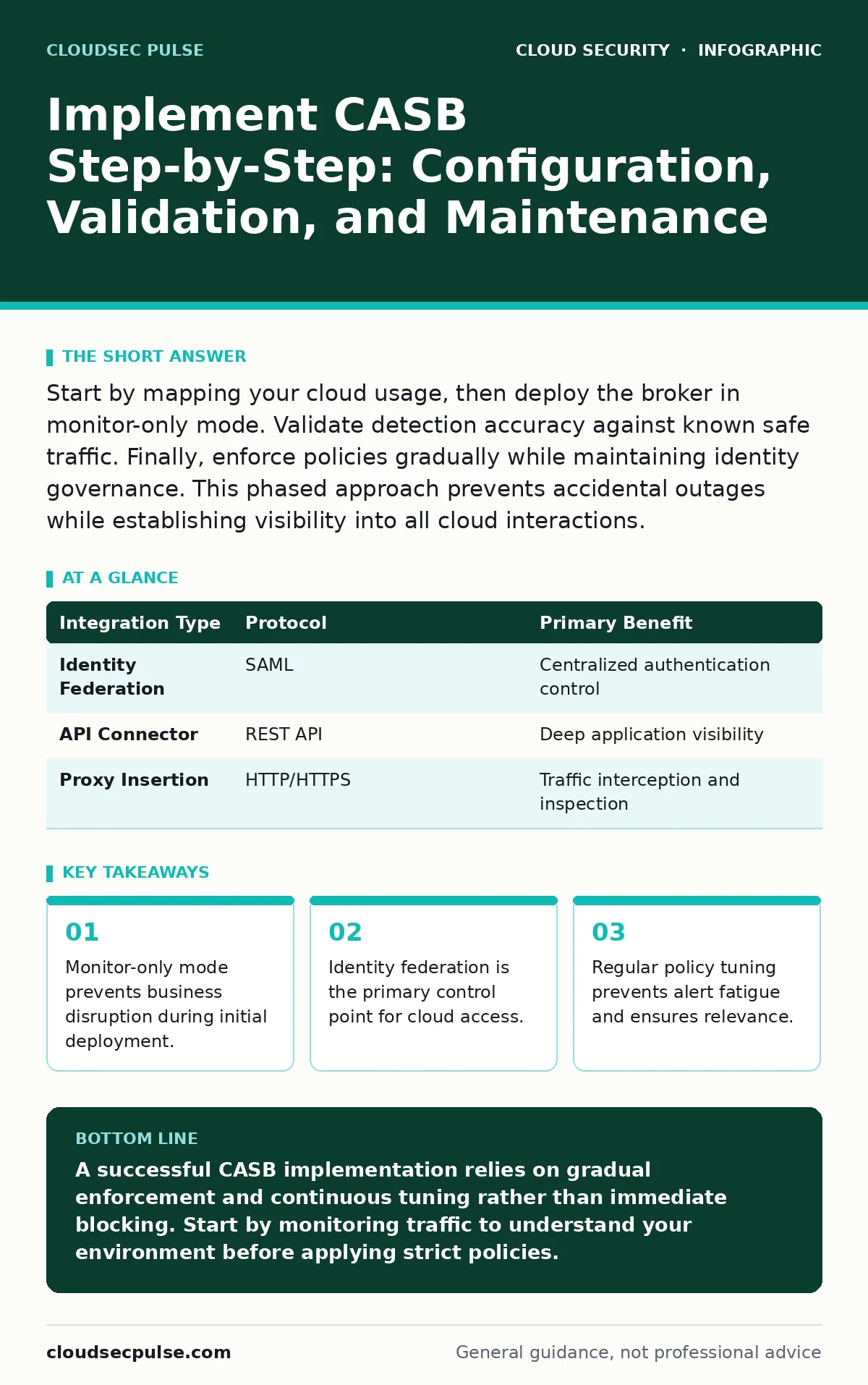
Start by mapping your cloud usage, then deploy the broker in monitor-only mode. Validate detection accuracy against known safe traffic. Finally, enforce policies gradually while maintaining identity governance. This phased approach prevents accidental outages while establishing visibility into all cloud interactions.
Assess Current Cloud Exposure
You cannot protect what you cannot see. Before configuring any security controls, you must understand the full scope of your cloud usage. This includes sanctioned applications, unsanctioned shadow IT, and data flows between services. Many organizations assume their approved SaaS list is complete, but employees often use personal accounts for work tasks.
Map every cloud service that touches your data. Identify where data resides and how it moves. Use network logs and identity provider records to find gaps. If you rely solely on approved lists, you miss the risk surface created by user behavior. This discovery phase informs your policy design.
Step 1: Integrate Identity Providers
The first technical step is connecting your CASB to your identity provider. This integration allows the broker to see who is accessing which applications. Without this link, the CASB cannot enforce user-specific policies or detect compromised accounts. Use standard protocols like SAML or OIDC for this connection.
Verify the integration by checking that user attributes flow correctly. Ensure that group memberships and roles are visible in the CASB console. If attributes are missing, policy enforcement will fail. This step establishes the foundation for all subsequent controls.
| Integration Type | Protocol | Primary Benefit |
|---|---|---|
| Identity Federation | SAML | Centralized authentication control |
| API Connector | REST API | Deep application visibility |
| Proxy Insertion | HTTP/HTTPS | Traffic interception and inspection |
Step 2: Deploy in Monitor-Only Mode
Never enforce blocking rules immediately. Deploy the CASB in monitor-only mode first. This allows you to observe traffic patterns without disrupting users. You will see how employees interact with cloud services in real life. This phase reveals unexpected usage patterns and potential policy conflicts.
Watch for false positives. A rule that blocks a legitimate file upload can halt business operations. Monitor-only mode lets you refine rules before they impact productivity. Check the dashboard daily for anomalies. This patience prevents costly outages during the rollout.
Step 3: Define and Test Policies
Create policies based on the data gathered in the monitor phase. Start with high-risk actions like downloading sensitive data to personal devices. Define clear criteria for what constitutes a violation. Use context like location, device type, and user role to refine these rules.
Test each policy against a small group of users first. Verify that the policy triggers as expected. Check that alerts are clear and actionable. If a policy generates too many alerts, it will be ignored. Refine the logic until it balances security with usability. This iterative testing ensures reliability.
Step 4: Enable Enforcement Gradually
Once policies are validated, switch to enforcement mode. Start with low-impact rules like requiring multi-factor authentication for sensitive apps. Gradually introduce stricter controls like blocking downloads to unmanaged devices. Communicate changes to users before enforcement.
Monitor user feedback closely. If employees report issues, pause enforcement and adjust the policy. This gradual approach builds trust and reduces resistance. Ensure that help desk teams are prepared to handle access issues. Smooth enforcement maintains productivity while improving security.
See also: Attack Surface Reduction: Practical Steps for Small Business Security · Confidential Computing: Protecting Data in Use for Small Teams
Verify CASB Effectiveness
Checking that your CASB works requires more than looking at dashboards. You must perform controlled tests to validate detection and response capabilities. Use a test account to simulate risky behavior, such as uploading sensitive data to a personal cloud storage service.
Verify that the CASB detects the action and generates an alert. Check that the policy enforcement blocks the action if configured. Review the logs to ensure all details are captured accurately. This validation confirms that the system operates as intended.
- Simulate unauthorized data upload
- Verify alert generation
- Confirm policy enforcement
- Check log accuracy
Maintain and Tune Controls
Security is not a one-time setup. You must maintain and tune your CASB controls regularly. Review alerts weekly to identify trends and false positives. Update policies as new applications are adopted or business needs change. Keep an eye on emerging threats and adjust rules accordingly.
Integrate CASB alerts with your incident response process. Ensure that security teams know how to act on alerts. Regular maintenance keeps the system effective and relevant. Neglecting upkeep leads to alert fatigue and missed threats. This discipline ensures long-term protection.
Align with Broader Security Strategy
Your CASB should not operate in isolation. It must align with your broader security architecture. Integrate it with other tools like secure web gateways and endpoint detection platforms. This creates a unified defense that shares context and reduces gaps.
Consider how identity management fits into this picture. Read more about identity as the new perimeter to understand why strong authentication is critical. Also, review cloud security architecture to ensure your CASB fits into the overall design. These connections strengthen your overall posture.
Handle Data and Compliance Risks
CASBs help manage data risks by enforcing classification and labeling. Ensure that sensitive data is tagged correctly. Use the CASB to prevent unauthorized sharing of this data. This supports compliance efforts by providing audit trails and evidence of control.
Be aware of jurisdictional issues. Data stored in certain regions may have specific legal requirements. Configure the CASB to respect these boundaries. This prevents legal risks while maintaining security. Proper data handling is key to trust and compliance.
Key takeaways
- Monitor-only mode prevents business disruption during initial deployment.
- Identity federation is the primary control point for cloud access.
- Regular policy tuning prevents alert fatigue and ensures relevance.
A successful CASB implementation relies on gradual enforcement and continuous tuning rather than immediate blocking. Start by monitoring traffic to understand your environment before applying strict policies.
Frequently asked questions
Does a CASB replace a firewall?
No, a CASB focuses on cloud application security and data protection, while a firewall controls network traffic. They serve different purposes and should work together.
How do I handle shadow IT with a CASB?
Use the CASB to detect unsanctioned applications. Then, decide whether to block, monitor, or approve them based on risk assessment and business need.
Can a CASB protect against insider threats?
Yes, by monitoring user behavior and enforcing data loss prevention policies. It can detect unusual access patterns and block unauthorized data exfiltration.
Is API-based CASB better than proxy-based?
API-based CASBs offer deeper visibility into application data but require app support. Proxy-based CASBs intercept traffic but may miss encrypted or direct API calls. Choose based on your needs.
How this guide was produced: written by the CloudSec Pulse editorial team with AI assistance, checked against the public references listed below, and reviewed when the facts change. See our editorial policy or report an error.