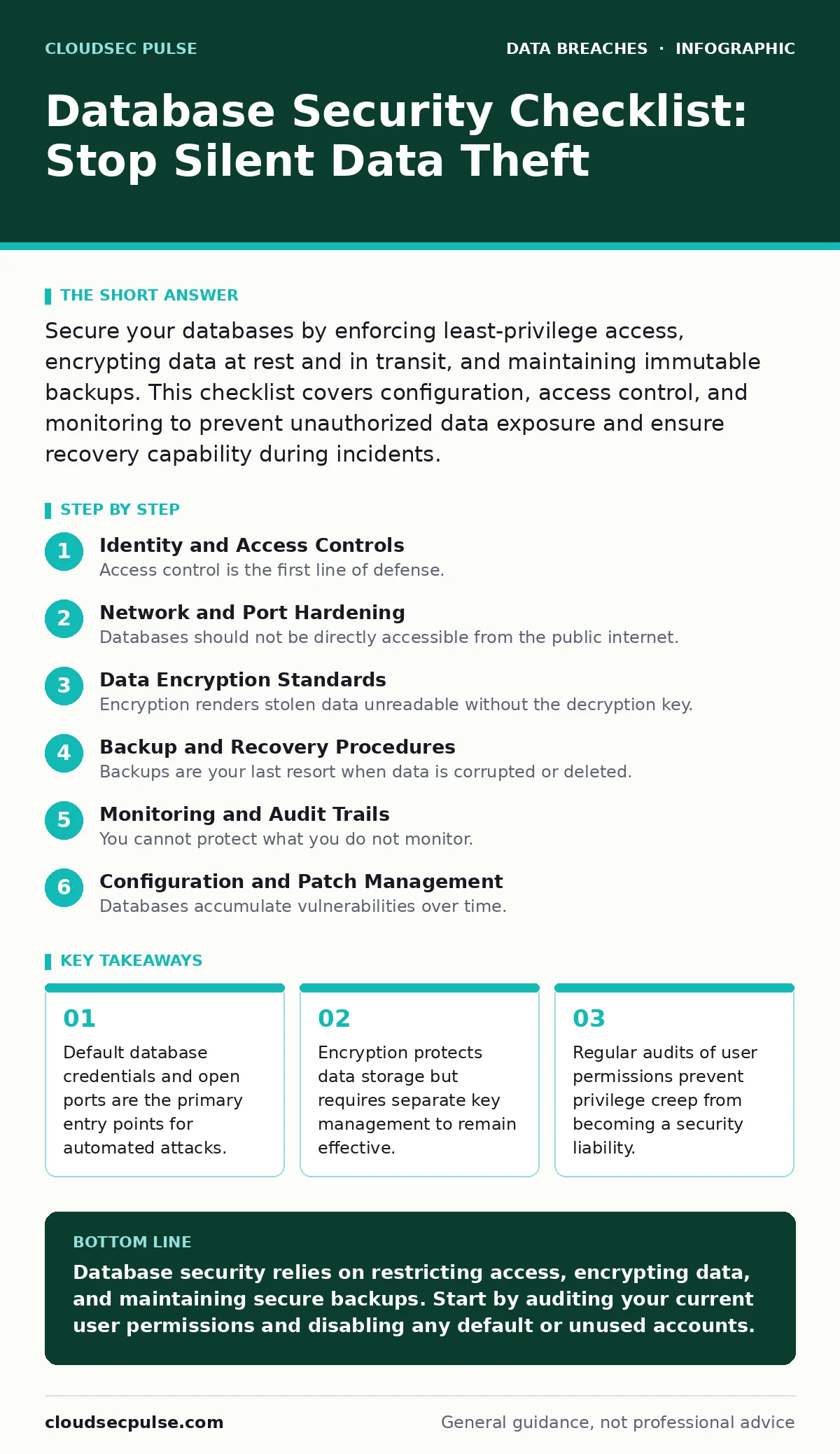
Database Security Checklist: Stop Silent Data Theft
Most database breaches occur not through external hacking, but via misconfigured permissions and unencrypted backups that expose sensitive records to unauthorized internal access.

Secure your databases by enforcing least-privilege access, encrypting data at rest and in transit, and maintaining immutable backups. This checklist covers configuration, access control, and monitoring to prevent unauthorized data exposure and ensure recovery capability during incidents.
Identity and Access Controls
Access control is the first line of defense. You must ensure that only authorized applications and users can interact with your database engine. Weak authentication allows attackers to impersonate legitimate users.
- Disable default accounts: Default usernames like "admin" or "sa" are known to attackers and often have hardcoded credentials in documentation.
- Enforce least privilege: Grant users only the specific permissions they need for their role, preventing lateral movement if an account is compromised.
- Use strong authentication: Require complex passwords or multi-factor authentication for administrative access to prevent brute-force login attempts.
- Separate service accounts: Create distinct accounts for applications and administrators to limit the blast radius of a compromised service.
Suppose an application user account gains database administrator rights. An attacker exploiting a vulnerability in that application could then modify system configurations or extract entire tables. Restricting permissions stops this escalation.
Network and Port Hardening
Databases should not be directly accessible from the public internet. Exposing database ports increases the attack surface significantly. You must restrict network access to only trusted sources.
- Close unused ports: Disable any network ports that are not required for your application to communicate with the database server.
- Use private networks: Host databases in private subnets that only allow traffic from specific application servers, blocking direct external access.
- Implement firewall rules: Configure network firewalls to whitelist only the IP addresses of servers that need to query the database.
- Disable remote root login: Prevent administrative access from remote locations unless absolutely necessary and secured by additional layers.
Imagine a database server with port 3306 open to the world. Automated bots scan for this port continuously. Closing it from public view removes your server from their immediate target list.
Data Encryption Standards
Encryption renders stolen data unreadable without the decryption key. You must encrypt data both when it is stored on disk and when it travels across the network.
- Encrypt data at rest: Use transparent data encryption to protect files on the storage drive, ensuring data is unreadable if the physical disk is stolen.
- Encrypt data in transit: Enforce TLS connections between the application and the database to prevent eavesdropping on network traffic.
- Manage encryption keys securely: Store keys separately from the encrypted data, as losing keys makes recovery impossible and storing them together defeats the purpose.
- Audit encryption status: Regularly verify that all sensitive columns are encrypted and that TLS certificates are valid and not expired.
Backup and Recovery Procedures
Backups are your last resort when data is corrupted or deleted. They must be secure, tested, and isolated from the main environment.
- Automate backup schedules: Run automated backups at regular intervals to minimize data loss in case of hardware failure or accidental deletion.
- Store backups offline: Keep at least one copy of backups in an immutable storage location that cannot be modified or deleted by ransomware.
- Test restoration procedures: Periodically restore backups to a test environment to ensure the data is intact and the recovery process works as expected.
- Encrypt backup files: Apply the same encryption standards to backup files as you do to live data to protect them from unauthorized access.
Suppose ransomware encrypts your live database. If your backups are also connected to the network and writable, the malware may encrypt them too. Isolated, read-only backups ensure you have a clean copy to restore from.
Monitoring and Audit Trails
You cannot protect what you do not monitor. Logging all access and changes to the database helps detect anomalies and investigate incidents.
- Enable query logging: Record all queries executed against the database to identify unusual patterns or unauthorized data access attempts.
- Monitor for privilege changes: Alert immediately when user permissions are modified, as this often indicates an attacker is escalating their access.
- Log failed login attempts: Track repeated failed authentication attempts to identify brute-force attacks or compromised credentials.
- Review logs regularly: Assign staff to review logs for anomalies, as automated alerts may miss subtle, slow-moving threats.
See also: Identity as the New Perimeter: Shift Security from Network to Users
Configuration and Patch Management
Databases accumulate vulnerabilities over time. Keeping software updated and configurations secure prevents known exploits from being used against you.
- Apply security patches promptly: Update your database software to the latest stable version to fix known security vulnerabilities.
- Disable unused features: Turn off any database features or extensions that are not required by your application to reduce the attack surface.
- Restrict error messages: Configure the database to return generic error messages to users, preventing attackers from gaining information about the schema.
- Audit configuration files: Regularly review configuration files for insecure settings, such as allowing remote root access or disabling security modules.
Imagine a zero-day vulnerability is discovered in your database version. If you are not patched, attackers can exploit it immediately. Prompt patching closes this window of opportunity.
Key takeaways
- Default database credentials and open ports are the primary entry points for automated attacks.
- Encryption protects data storage but requires separate key management to remain effective.
- Regular audits of user permissions prevent privilege creep from becoming a security liability.
Database security relies on restricting access, encrypting data, and maintaining secure backups. Start by auditing your current user permissions and disabling any default or unused accounts.
Frequently asked questions
How often should I rotate database passwords?
Rotate administrative passwords regularly, such as every ninety days, and immediately if there is any suspicion of compromise. Application service accounts should use long, complex keys that are rotated less frequently to avoid service disruption.
Is cloud storage safe for database backups?
Cloud storage is safe if you enable encryption and strict access controls. Ensure that backup buckets are not publicly accessible and that only authorized personnel can initiate restores.
Do I need to encrypt every column in my database?
You should encrypt sensitive data such as personal identifiers and financial records. Encrypting every column can impact performance, so focus on data that poses a high risk if exposed.
How do I detect a silent data breach?
Monitor for unusual query patterns, such as bulk data exports or access during off-hours. Implement alerts for privilege changes and failed login attempts to catch early signs of intrusion.
How this guide was produced: written by the CloudSec Pulse editorial team with AI assistance, checked against the public references listed below, and reviewed when the facts change. See our editorial policy or report an error.