Encryption Key Management Explained: Protecting Your Digital Keys
Losing your encryption keys renders your data permanently unreadable, even if the data itself remains physically intact and secure.

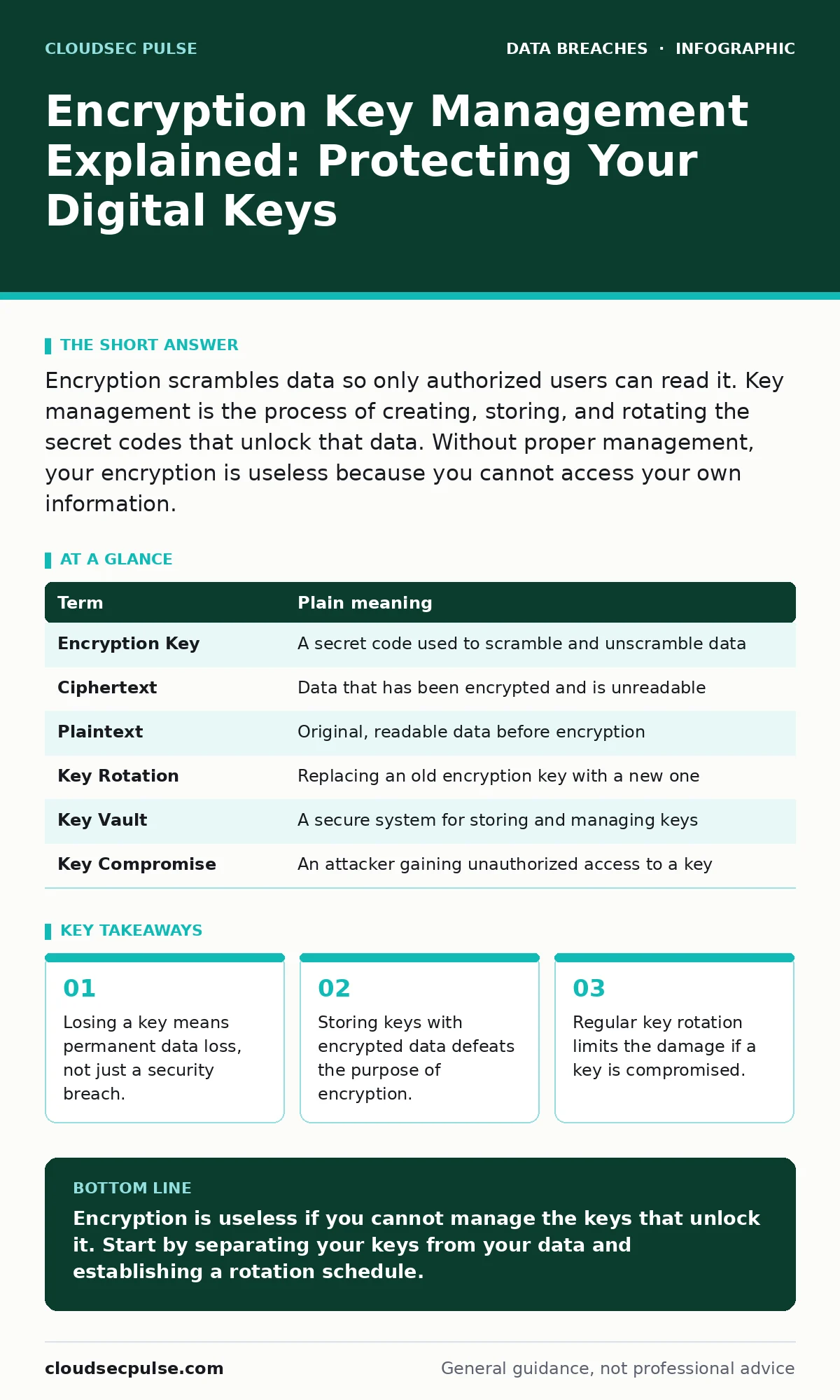
Encryption scrambles data so only authorized users can read it. Key management is the process of creating, storing, and rotating the secret codes that unlock that data. Without proper management, your encryption is useless because you cannot access your own information.
The Master Key Analogy
Imagine you lock your office safe with a high-security combination lock. The combination is your encryption key. The documents inside are your data. If you lose the combination, the safe is secure, but you can never open it again. The lock has done its job, but the utility of the contents is gone.
Most people focus on building a stronger safe. They ignore how they store the combination. If you write the combination on a sticky note and tape it to the safe door, a thief does not need to pick the lock. They just read the note. This is the core problem of key management.
Separating Keys from Data
In digital systems, encryption transforms readable data into unreadable ciphertext. The key reverses this process. A common mistake is storing the key in the same database as the encrypted data. This is like taping the combination to the safe.
If an attacker breaches your database, they get both the locked data and the key. They can instantly decrypt everything. You must store keys separately from the data they protect. This separation adds a layer of defense. Even if the data store is compromised, the attacker still needs the key vault.
The Hidden Cost of Convenience
Convenience often undermines security. Suppose you use a single master key for every application, server, and database. This reduces the mental load of remembering multiple keys. It also creates a single point of failure.
If that one key is exposed, every system you protected becomes vulnerable. This is known as key sprawl. Managing too many keys is difficult, but managing one key that opens everything is catastrophic. You need a balance between usability and isolation.
Understanding Key Lifecycle
Keys are not static. They have a lifecycle that begins with creation and ends with destruction. Key generation creates a random, unpredictable sequence of bits. Weak generation methods produce keys that can be guessed.
Key storage keeps the key safe when not in use. Key rotation replaces old keys with new ones at regular intervals. Rotation limits the window of exposure. If a key is stolen, it becomes useless after the next rotation. Key destruction ensures old keys cannot be recovered or misused.
Glossary of Key Terms
| Term | Plain meaning |
|---|---|
| Encryption Key | A secret code used to scramble and unscramble data |
| Ciphertext | Data that has been encrypted and is unreadable |
| Plaintext | Original, readable data before encryption |
| Key Rotation | Replacing an old encryption key with a new one |
| Key Vault | A secure system for storing and managing keys |
| Key Compromise | An attacker gaining unauthorized access to a key |
See also: Cloud Encryption Defined: How Data Scrambling Protects Your Assets · Do I Need Cyber Insurance for My Business? Coverage Gaps Explained
Practical First Steps
You do not need a complex enterprise system to start. You need discipline. Follow these steps to establish a baseline.
- Identify where your most sensitive data lives. Determine if it is already encrypted. If not, enable encryption at rest and in transit.
- Ensure your encryption keys are not stored in the same location as the data. Use a dedicated key management service or a separate, secure server.
- Document your key rotation policy. Decide how often you will change keys. Implement automated rotation if possible to avoid human error.
Related Security Practices
Key management does not exist in a vacuum. It interacts with other security controls. For instance, data minimization reduces the amount of data you need to protect. Less data means fewer keys to manage.
If a breach occurs, customer breach notification letters may be required. Clear key management logs help you determine if data was actually decrypted. If the keys were safe, the impact is lower.
Consider cyber insurance policies. Insurers often require proof of key management practices. Proper documentation can lower premiums and speed up claims.
The Reality of Key Loss
Imagine you encrypt your entire customer database. Then, you delete the backup of the encryption keys. A software update corrupts the primary key storage. You now have terabytes of ciphertext and no way to read it.
This is not a hypothetical fear. It happens when organizations treat keys as disposable. Keys are just as valuable as the data they protect. You must back up keys securely, just as you back up data.
Conclusion on Key Hygiene
Good key management is about process, not just technology. It requires separating keys from data, rotating them regularly, and backing them up securely. It also involves understanding the trade-offs between convenience and security.
Review your current practices. Are your keys stored separately? Do you have a rotation schedule? If not, start there. These small changes significantly reduce your risk.
Key takeaways
- Losing a key means permanent data loss, not just a security breach.
- Storing keys with encrypted data defeats the purpose of encryption.
- Regular key rotation limits the damage if a key is compromised.
Encryption is useless if you cannot manage the keys that unlock it. Start by separating your keys from your data and establishing a rotation schedule.
Frequently asked questions
What happens if I lose my encryption key?
You will likely lose access to the encrypted data permanently. Without the key, the ciphertext cannot be converted back to plaintext, making the data unrecoverable.
How often should I rotate encryption keys?
Rotate keys based on your risk tolerance and regulatory requirements. Annual rotation is common for general data, while sensitive financial or health data may require quarterly or monthly rotation.
Can I store encryption keys in the same database?
No. Storing keys with the data they protect defeats the purpose of encryption. If an attacker breaches the database, they gain immediate access to the decrypted data.
Is encryption key management required for small businesses?
Yes. Small businesses are frequent targets for cyber attacks. Proper key management protects customer trust and ensures compliance with privacy laws and insurance requirements.
How this guide was produced: written by the CloudSec Pulse editorial team with AI assistance, checked against the public references listed below, and reviewed when the facts change. See our editorial policy or report an error.