Prevent Backup Data Exposure: A Secure Storage Checklist
Backup systems often bypass primary security controls, creating a secondary attack surface that requires independent protection and rigorous access governance.

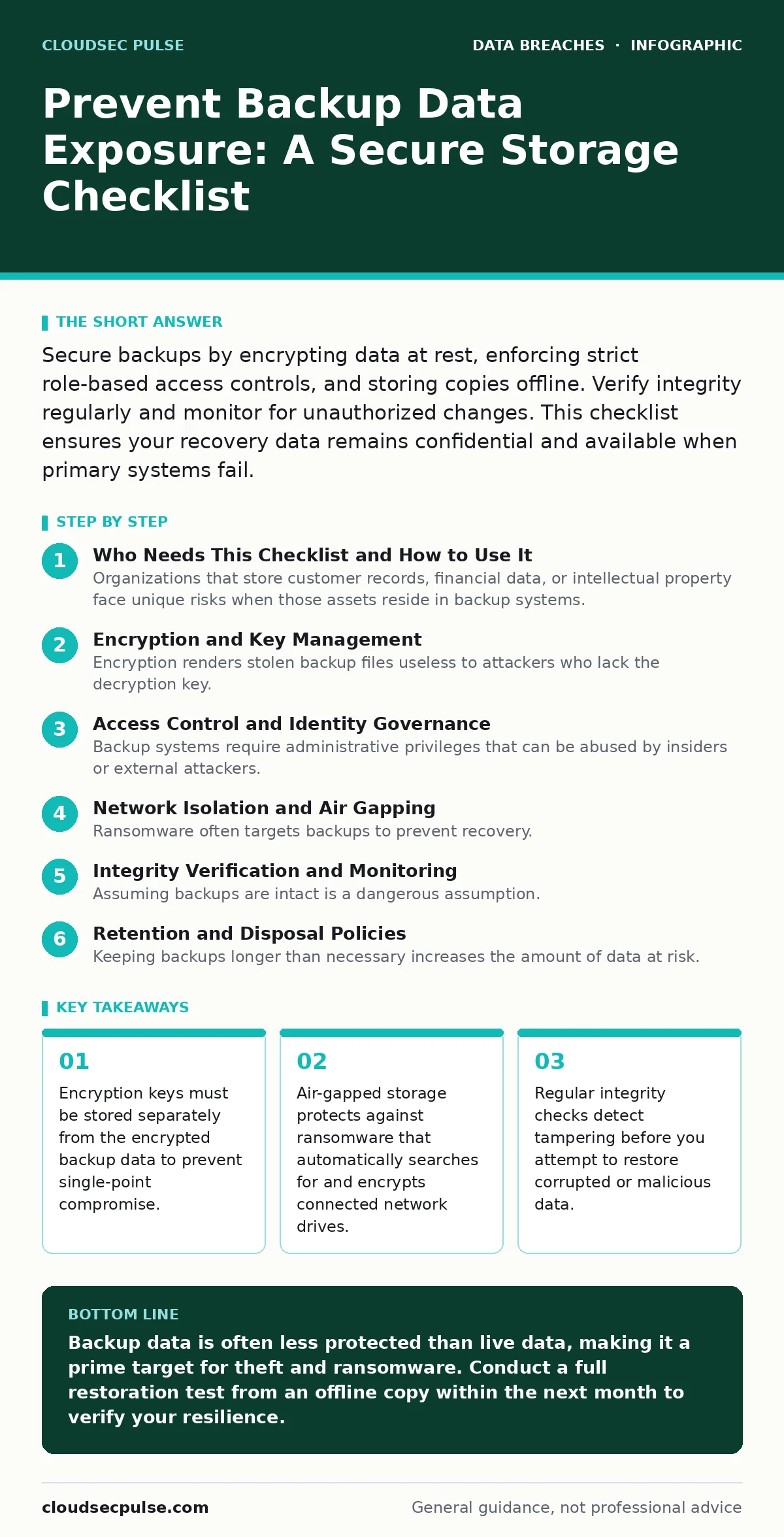
Secure backups by encrypting data at rest, enforcing strict role-based access controls, and storing copies offline. Verify integrity regularly and monitor for unauthorized changes. This checklist ensures your recovery data remains confidential and available when primary systems fail.
Who Needs This Checklist and How to Use It
Organizations that store customer records, financial data, or intellectual property face unique risks when those assets reside in backup systems. Primary production environments usually have heavy security monitoring, but backups often operate in the shadows. This checklist helps you verify that your recovery data receives equal protection. Use it during quarterly audits or before migrating to a new storage provider. It applies to cloud, on-premise, and hybrid storage architectures.
Encryption and Key Management
Encryption renders stolen backup files useless to attackers who lack the decryption key. Many organizations encrypt data in transit but neglect data at rest. This leaves backup files vulnerable if the storage medium is physically stolen or accessed via a compromised cloud account.
- Enable AES-256 encryption for all data at rest: Industry-standard encryption ensures that raw files cannot be read without the key.
- Store encryption keys separate from backup data: Keeping keys on a different server or service prevents attackers from gaining access to both simultaneously.
- Rotate encryption keys annually or after staff changes: Regular rotation limits the window of exposure if a key is compromised.
- Use hardware security modules for key storage: Dedicated hardware provides a higher assurance level than software-based key storage.
- Verify encryption status in backup logs: Automated logs confirm that every job completed with the correct encryption parameters.
Refer to our guide on data encryption for details on algorithm selection and key lifecycle management.
Access Control and Identity Governance
Backup systems require administrative privileges that can be abused by insiders or external attackers. Least privilege principles often fail in backup environments because technicians need broad access to restore data quickly. This creates a tension between operational efficiency and security.
- Implement role-based access control for backup consoles: Restrict who can view, modify, or delete backup jobs based on job function.
- Require multi-factor authentication for all admin accounts: MFA prevents account takeover even if passwords are stolen via phishing.
- Disable default credentials on backup appliances: Default accounts are a common entry point for automated scanning bots.
- Audit access logs monthly for unusual activity: Review who accessed backups and when to spot insider threats or compromised accounts.
- Separate duties between backup creation and restoration: One person should not have the ability to create and immediately delete backups.
See our coverage of credential exposure for strategies to protect the administrative accounts that control these systems.
Network Isolation and Air Gapping
Ransomware often targets backups to prevent recovery. If backups are on the same network as production systems, malware can spread to them. Network segmentation limits this lateral movement, but it does not stop an attacker who already has administrative access to the network.
- Segment backup traffic on a dedicated VLAN: Isolating backup network traffic prevents casual scanning and reduces the attack surface.
- Disable unnecessary inbound ports on backup servers: Closed ports reduce the opportunities for remote exploitation.
- Maintain at least one offline or air-gapped copy: Physical separation ensures that network-based attacks cannot reach this copy.
- Use write-once-read-many media for offline storage: WORM media prevents accidental or malicious deletion of archived data.
- Test restoration from offline media quarterly: Verification ensures that the air-gapped copy is readable and not corrupted.
Read about database security to understand how segmentation protects the primary data sources that feed these backups.
Integrity Verification and Monitoring
Assuming backups are intact is a dangerous assumption. Corrupted files, silent data decay, or malicious tampering can render backups useless. You must verify that the data you are saving is the data you expect to recover. Monitoring tools help detect anomalies before they become critical failures.
- Run automated integrity checks after every backup job: Hash verification confirms that files were copied correctly without alteration.
- Monitor for sudden changes in backup size: Large deviations may indicate ransomware encryption or data exfiltration.
- Implement immutable backup policies where possible: Immutability prevents deletion or modification for a set retention period.
- Set up alerts for failed backup jobs: Immediate notification allows you to address failures before they accumulate.
- Perform regular disaster recovery drills: Actual restoration tests reveal configuration errors that logs might miss.
Check our guide on third-party data breaches to understand how vendor failures can impact your backup infrastructure.
See also: Cloud Compliance Best Practices: 8 Steps to Secure Your Data
Retention and Disposal Policies
Keeping backups longer than necessary increases the amount of data at risk. Old backups may contain outdated security configurations or sensitive data that should have been purged. Clear retention policies ensure you only store what is legally and operationally required.
- Define retention periods based on legal requirements: Align storage duration with compliance mandates to avoid over-retention.
- Securely delete expired backups: Simple deletion may leave data recoverable; use cryptographic erasure or physical destruction.
- Review retention policies annually: Business changes may require adjustments to what data is kept and for how long.
- Document disposal procedures for all media types: Clear instructions ensure consistent handling of tapes, disks, and cloud objects.
- Verify deletion with confirmation logs: Proof of destruction is necessary for compliance audits and risk management.
Refer to data sovereignty guidelines if your backups cross international borders, as local laws may dictate retention limits.
Key takeaways
- Encryption keys must be stored separately from the encrypted backup data to prevent single-point compromise.
- Air-gapped storage protects against ransomware that automatically searches for and encrypts connected network drives.
- Regular integrity checks detect tampering before you attempt to restore corrupted or malicious data.
Backup data is often less protected than live data, making it a prime target for theft and ransomware. Conduct a full restoration test from an offline copy within the next month to verify your resilience.
Frequently asked questions
Does cloud storage automatically protect my backups?
Cloud providers secure the infrastructure, but you are responsible for configuring encryption, access controls, and immutability settings on your data.
How often should I test my backups?
Test at least quarterly, or more frequently if you handle high-value data or undergo significant system changes.
Is air-gapping still necessary with modern security?
Yes, air-gapping provides the only guaranteed protection against network-based ransomware that spreads to connected storage devices.
Can I use the same encryption keys for production and backups?
You can, but using separate keys limits the blast radius if a key is compromised in one environment.
How this guide was produced: written by the CloudSec Pulse editorial team with AI assistance, checked against the public references listed below, and reviewed when the facts change. See our editorial policy or report an error.