Digital Forensics and Incident Response for Small Teams
Small organizations can preserve evidence and recover systems by automating log retention and defining clear ownership before a breach occurs.

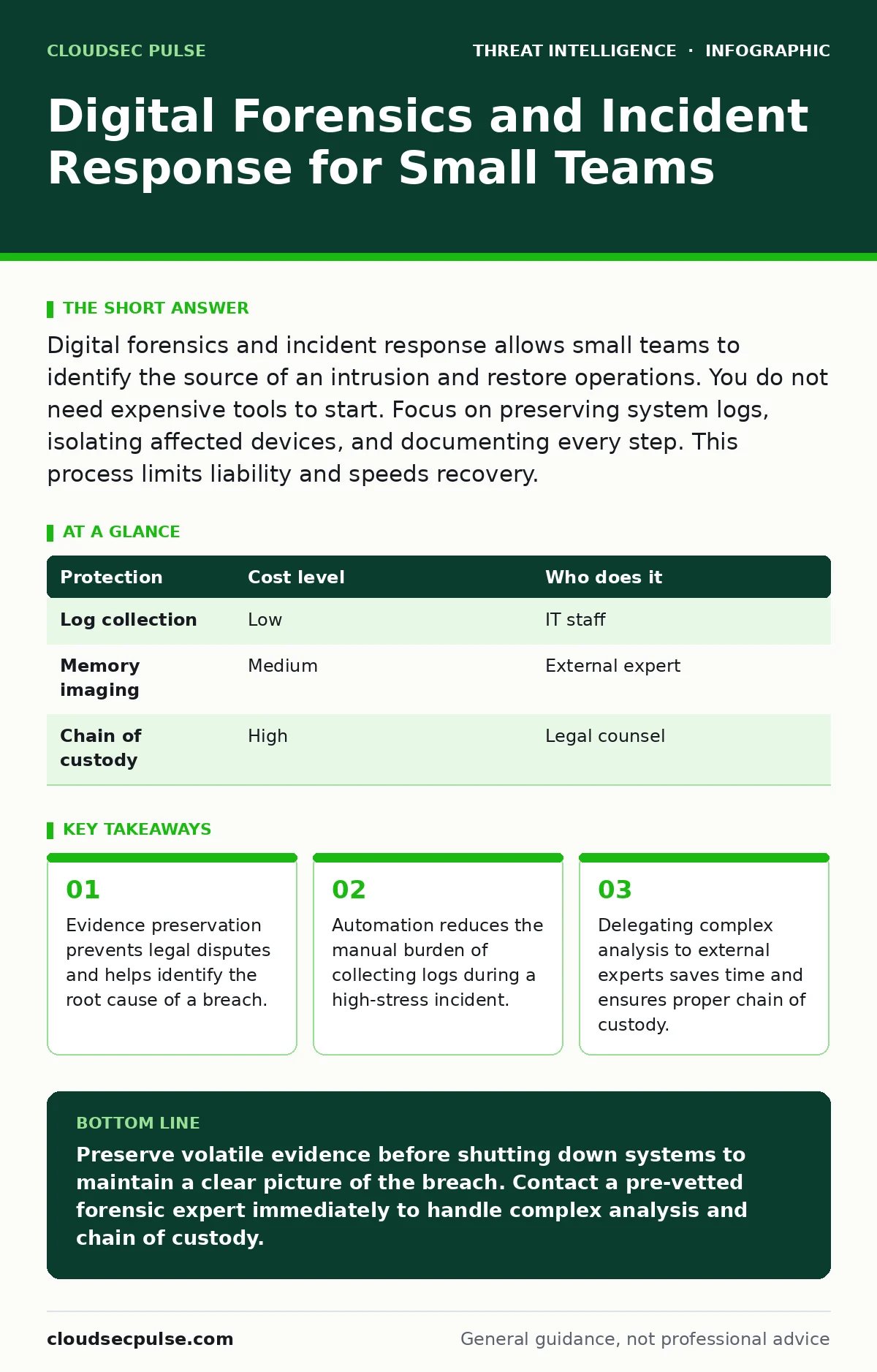
Digital forensics and incident response allows small teams to identify the source of an intrusion and restore operations. You do not need expensive tools to start. Focus on preserving system logs, isolating affected devices, and documenting every step. This process limits liability and speeds recovery.
The Hidden Cost of Chaos
Imagine a ten-person accounting firm where a single laptop connects to the main server. A user clicks a malicious link, and ransomware encrypts the shared drive. The owner panics and pulls the network cable. This action stops the spread but destroys volatile memory evidence. Without that data, you cannot determine how the attacker entered or if they exfiltrated client records. The cleanup becomes a guesswork exercise rather than a surgical repair.
Chaos is the enemy of recovery. When you react without a plan, you overwrite critical digital traces. These traces are the only proof of what happened, when it happened, and who was responsible. For a small team, the cost is not just technical debt. It is reputational damage and potential legal liability.
Preserving Volatile Evidence
Digital evidence exists in two states: volatile and non-volatile. Volatile data resides in random access memory and disappears when power is cut. Non-volatile data sits on hard drives and persists. Most small businesses focus on backing up files, which protects non-volatile data. They ignore volatile data, which holds the keys to understanding the attack.
You must capture volatile data before shutting down systems. This includes running processes, network connections, and user sessions. If you pull the plug, you lose the active malware processes and the attacker’s command-and-control connections. This makes it impossible to tell if the threat is still present after a reboot.
To preserve this, you need a method to image memory without altering it. Specialized tools can create a snapshot of RAM. This snapshot allows analysts to review the state of the computer at the exact moment of discovery. Without it, you are flying blind.
Automating the Boring Parts
Manual log collection is slow and error-prone. During an incident, every minute counts. You cannot afford to manually copy files from five different servers while trying to contain the threat. Automation ensures that logs are collected consistently and securely, regardless of who is on duty.
Set up automated log forwarding to a secure, write-once storage location. This central repository protects logs from tampering by an attacker who has gained root access. It also ensures that logs are available even if the primary server is destroyed.
This approach aligns with principles found in network traffic analysis. By continuously shipping logs off-site, you create a historical record that aids in retrospective investigation. You do not need to analyze every packet in real time. You just need to ensure the data survives the incident.
| Protection | Cost level | Who does it |
|---|---|---|
| Log collection | Low | IT staff |
| Memory imaging | Medium | External expert |
| Chain of custody | High | Legal counsel |
Knowing What to Delegate
You cannot do everything in-house. Small teams lack the bandwidth for deep forensic analysis. Trying to parse binary files or reverse-engineer malware distracts from business continuity. It also increases the risk of missing subtle indicators of compromise.
Delegate the heavy lifting to external experts. They have the tools and experience to handle complex scenarios. Your role is to preserve the scene and provide them with access. This division of labor ensures that your team can focus on restoring services while experts hunt for the root cause.
Consider the concept of living-off-the-land attacks. These techniques use legitimate system tools to hide malicious activity. Detecting them requires specialized knowledge. An external investigator is more likely to spot these subtle anomalies than an internal admin focused on uptime.
Asking the Right Questions
When you hire an IT provider or forensic consultant, you need to verify their capabilities. Many vendors claim to offer security services but lack specific forensic expertise. You must ask targeted questions to ensure they can handle the aftermath of a breach.
- How do you preserve the chain of custody for digital evidence?
- What tools do you use for memory and disk imaging?
- How do you handle data privacy and confidentiality?
- What is your turnaround time for initial findings?
These questions reveal whether the provider has a structured process. A vague answer indicates a lack of experience. You need partners who understand the legal and technical requirements of digital forensics.
See also: Host Header Injection Response: Recovery and Prevention Steps · Tabletop Exercises: Real Benefits and Hidden Costs
Building a Minimal Viable Plan
You do not need a massive budget to start. Begin with a simple incident response plan. Document the steps to take when a breach is suspected. Assign roles to specific team members. Practice the plan with tabletop exercises.
Include a section on evidence preservation. Specify which systems are critical and how to image them. Identify an external partner for complex cases. Review the plan annually to ensure it remains relevant.
This approach complements incident triage procedures. Triage helps you decide which alerts are real threats. Your response plan dictates what to do once a threat is confirmed. Together, they form a cohesive defense strategy.
The Long-Term Value of Preparation
Preparation reduces stress and cost during an incident. When you know what to do, you act faster and more effectively. This speed limits the damage and accelerates recovery. It also demonstrates due diligence to customers and regulators.
Investing in basic forensic capabilities is an insurance policy. It may seem expensive until you face a breach. Then, it becomes the most valuable asset you have. Do not wait for a crisis to build your defenses.
Avoiding Common Pitfalls
One common mistake is assuming that antivirus software provides forensic evidence. Antivirus tools delete threats but do not preserve evidence. You need separate logging and monitoring solutions.
Another pitfall is ignoring the human element. Employees may inadvertently destroy evidence by reconnecting devices or clearing logs. Train staff on basic preservation steps. Clear communication prevents accidental data loss.
Finally, do not neglect the legal aspect. Consult with legal counsel to understand your obligations. This is especially important if customer data is involved. Ignorance of the law is not a defense.
Integrating with Broader Security
Digital forensics does not exist in a vacuum. It connects to other security disciplines. For example, understanding false positives in threat detection helps you prioritize your response. You do not want to waste resources on benign alerts.
Similarly, MITRE D3FEND provides a framework for defense techniques. It helps you map your controls to known attacker behaviors. This alignment ensures that your forensic efforts are targeted and effective.
By integrating these concepts, you create a resilient security posture. You are not just reacting to attacks. You are building a system that learns and adapts. This proactive stance is the hallmark of mature security operations.
Key takeaways
- Evidence preservation prevents legal disputes and helps identify the root cause of a breach.
- Automation reduces the manual burden of collecting logs during a high-stress incident.
- Delegating complex analysis to external experts saves time and ensures proper chain of custody.
Preserve volatile evidence before shutting down systems to maintain a clear picture of the breach. Contact a pre-vetted forensic expert immediately to handle complex analysis and chain of custody.
Frequently asked questions
How long should I keep logs for forensic purposes?
Retain logs for at least one year to cover annual audit cycles and potential delayed discovery of breaches.
Can I use cloud storage for forensic evidence?
Yes, if the storage is encrypted, access-controlled, and immutable to prevent tampering by attackers.
Do I need a separate budget for digital forensics?
Yes, allocate funds for tools, training, and external consultants to ensure you are prepared for incidents.
What is the first step in an incident response plan?
Identify and isolate the affected systems to prevent further spread while preserving volatile evidence.
How this guide was produced: written by the CloudSec Pulse editorial team with AI assistance, checked against the public references listed below, and reviewed when the facts change. See our editorial policy or report an error.