Digital Forensics and Incident Response: 8 Field-Proven Practices
Forensic accuracy fails when routine logging overwrites the very evidence needed to reconstruct the attack chain during an active breach.

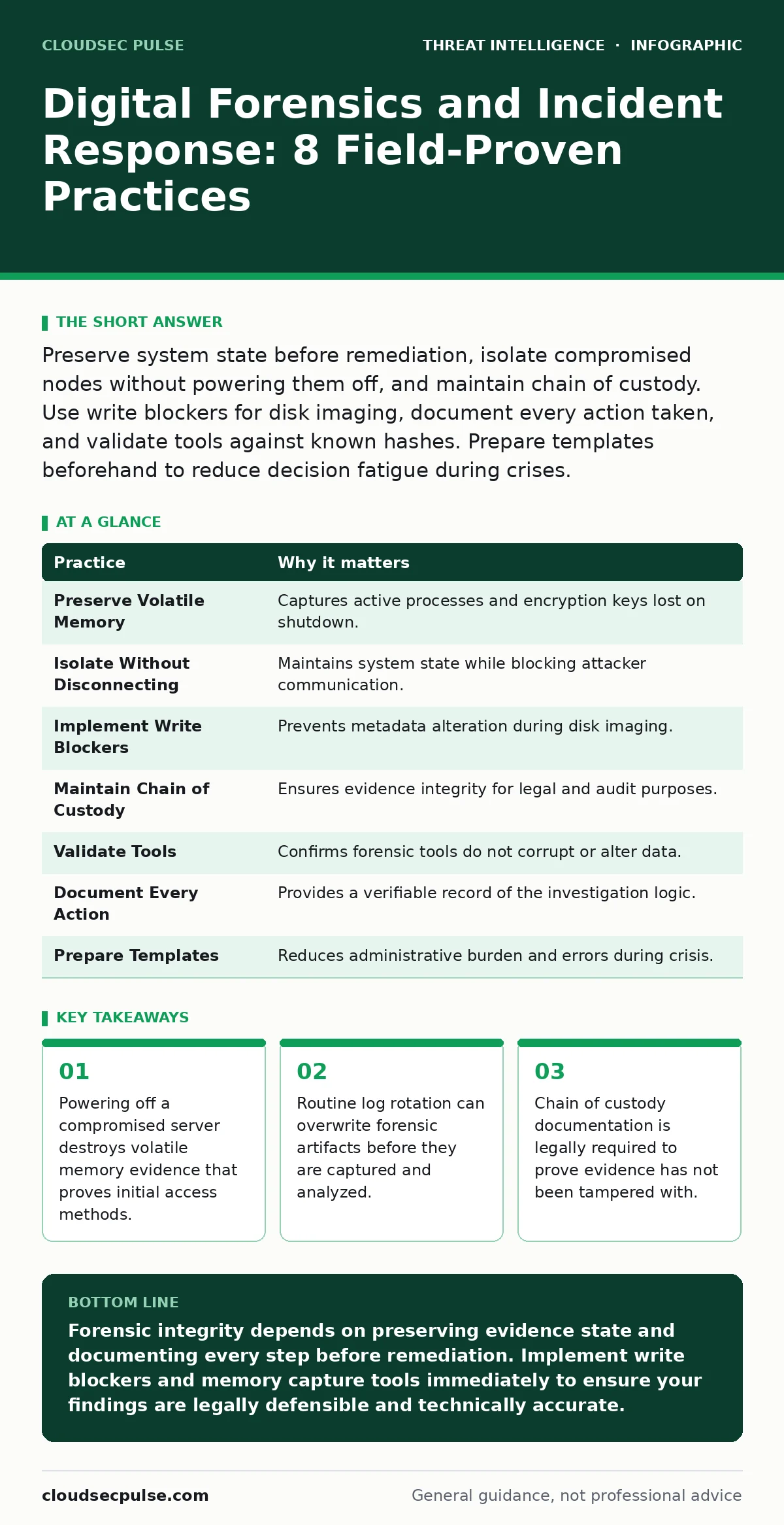
Preserve system state before remediation, isolate compromised nodes without powering them off, and maintain chain of custody. Use write blockers for disk imaging, document every action taken, and validate tools against known hashes. Prepare templates beforehand to reduce decision fatigue during crises.
Preserve Volatile Memory Before Shutdown
When you detect a compromise, the first instinct is often to cut power or restart the affected machine. This is a critical error. Volatile memory, or RAM, contains active processes, network connections, and encryption keys that disappear when power is lost. These artifacts often reveal how an attacker entered the system and what they did next. Without this data, you are reconstructing a crime scene from footprints alone, missing the weapon and the motive.
You must capture the memory state before taking the machine offline. Use a trusted memory acquisition tool to create a raw image of the RAM. Store this image on a separate, secure storage device that is not connected to the compromised network. This snapshot allows analysts to search for malicious code that never touched the hard drive.
Isolate Without Disconnecting Network Cables
Isolating a compromised host prevents the attacker from moving laterally to other systems. Simply pulling the network cable can trigger alerts or cause the attacker to wipe logs if they have remote access. It also stops you from seeing if the attacker is still trying to communicate with their command and control server.
Instead, use network-level isolation. Configure your firewall or switch to block all traffic to and from the compromised machine’s MAC address or IP address. This keeps the machine online and running, preserving its state, while cutting off the attacker’s ability to exfiltrate data or issue new commands. You can then monitor any remaining outbound attempts as evidence of persistence mechanisms.
Implement Write Blockers for Disk Imaging
When you acquire data from a hard drive or SSD, the act of reading it can change metadata such as access times. This alteration destroys the forensic integrity of the evidence. If the defense in a legal proceeding argues that you modified the data, your case collapses. You must ensure that no data is written to the source drive during the acquisition process.
Use a hardware or software write blocker. These devices present the drive as read-only to the operating system performing the copy. They intercept any write commands and drop them silently. This ensures that the forensic image is a bit-for-bit copy of the original drive at the time of seizure. Document the serial numbers of both the source drive and the write blocker in your notes.
Maintain Strict Chain of Custody
Evidence is only as good as the record of who handled it and when. A break in the chain of custody allows an attacker or an opposing legal team to claim the evidence was planted or altered. This renders your forensic findings inadmissible and useless for accountability. Every handoff, every storage location change, and every analysis step must be logged.
Create a physical or digital log sheet for every piece of evidence. Record the date, time, name of the handler, and the reason for handling. Use tamper-evident bags for physical media. For digital images, generate cryptographic hashes immediately and record them. Any change to the data, even a single bit, will produce a different hash, proving tampering.
Validate Tools with Known Hashes
Forensic tools can fail silently. A corrupted disk image or a buggy analysis script can lead to false conclusions. If you base your response on faulty data, you may remediate the wrong systems or miss the actual threat. You need to verify that your tools are working correctly before you trust their output on live evidence.
Test your acquisition and analysis tools against known test files. Create a file with a known content and calculate its hash. Run it through your imaging process and verify the hash matches. Repeat this with your analysis software. This simple step confirms that your pipeline preserves data integrity. Replace tools that fail this basic validation.
See also: Host Header Injection Response: Recovery and Prevention Steps · Tabletop Exercises: Real Benefits and Hidden Costs
Document Every Action Taken
During an incident, the pressure to fix the problem is high. You may skip steps or make decisions on the fly. This improvisation creates gaps in your understanding of what happened. Later, when you try to explain the incident to stakeholders or regulators, these gaps look like negligence or incompetence.
Keep a running log of every action, decision, and observation. Include timestamps and the rationale for each step. If you run a command, copy and paste the output into your log. If you make a judgment call, write down why. This documentation serves as a map of your investigation, allowing others to follow your logic and verify your findings.
Prepare Templates Before the Incident
Creating documentation from scratch during a crisis slows down your response and increases the risk of errors. You are under stress and time pressure. Trying to design forms, checklists, and report structures while containing a breach is inefficient and dangerous.
Develop templates for your incident response plan beforehand. Include fields for system details, actions taken, evidence collected, and findings. Customize these templates for different types of incidents, such as ransomware or data exfiltration. Having these structures ready allows you to focus on the technical response rather than administrative tasks.
Analyze Network Traffic for Lateral Movement
Attackers rarely stay on the initial compromised machine. They move laterally to access more valuable data or deeper parts of the network. Relying solely on host-based logs misses this movement if the attacker clears logs on each new system. Network traffic analysis provides a view of communication between systems that individual hosts cannot see.
Review firewall logs and packet captures for unusual connections. Look for traffic between servers that do not normally communicate. Identify large data transfers to external IPs. This helps you map the attacker’s path and identify other compromised systems that may not show signs of infection on their own.
| Practice | Why it matters |
|---|---|
| Preserve Volatile Memory | Captures active processes and encryption keys lost on shutdown. |
| Isolate Without Disconnecting | Maintains system state while blocking attacker communication. |
| Implement Write Blockers | Prevents metadata alteration during disk imaging. |
| Maintain Chain of Custody | Ensures evidence integrity for legal and audit purposes. |
| Validate Tools | Confirms forensic tools do not corrupt or alter data. |
| Document Every Action | Provides a verifiable record of the investigation logic. |
| Prepare Templates | Reduces administrative burden and errors during crisis. |
| Analyze Network Traffic | Reveals lateral movement missed by host-based logs. |
Leverage Related Intelligence Sources
Forensics does not happen in a vacuum. The data you collect needs context. Understanding how attackers operate in your specific industry helps you prioritize your analysis. For example, if you see unusual DNS queries, reviewing concepts like fast flux DNS can help you identify malicious infrastructure. Similarly, understanding hacktivism patterns might explain the motive behind a defacement attack.
Integrate threat intelligence into your forensic process. Use indicators of compromise from reliable sources to search your logs. This helps you distinguish between noise and genuine threats. However, be aware of false positives in threat detection. Not every match is an attack. Verify each finding through manual analysis before taking drastic action.
Key takeaways
- Powering off a compromised server destroys volatile memory evidence that proves initial access methods.
- Routine log rotation can overwrite forensic artifacts before they are captured and analyzed.
- Chain of custody documentation is legally required to prove evidence has not been tampered with.
Forensic integrity depends on preserving evidence state and documenting every step before remediation. Implement write blockers and memory capture tools immediately to ensure your findings are legally defensible and technically accurate.
Frequently asked questions
How long should I keep forensic images?
Retain forensic images for the duration required by your industry regulations and legal statutes. Typically, this is several years, but consult your legal counsel for specific requirements.
Can I use cloud storage for forensic evidence?
Cloud storage can be used if it meets strict security and compliance standards. Ensure data is encrypted at rest and in transit, and access is tightly controlled. Maintain chain of custody logs for any cloud transfers.
What if I don't have a write blocker?
If hardware write blockers are unavailable, use software write blockers or create a forensic copy using read-only methods. However, hardware blockers are preferred for higher integrity. Never connect a suspect drive directly to a live system without protection.
How do I handle encrypted drives?
You must obtain the decryption keys before imaging. If the system is on, capture the memory to potentially extract keys. If the system is off, you need the user’s password or a backup key. Without keys, the data may be unrecoverable.
How this guide was produced: written by the CloudSec Pulse editorial team with AI assistance, checked against the public references listed below, and reviewed when the facts change. See our editorial policy or report an error.