Defense in Depth: How Layered Security Stops Breaches
Defense in depth works by assuming every single barrier will fail, forcing attackers to overcome multiple independent hurdles to reach your data.

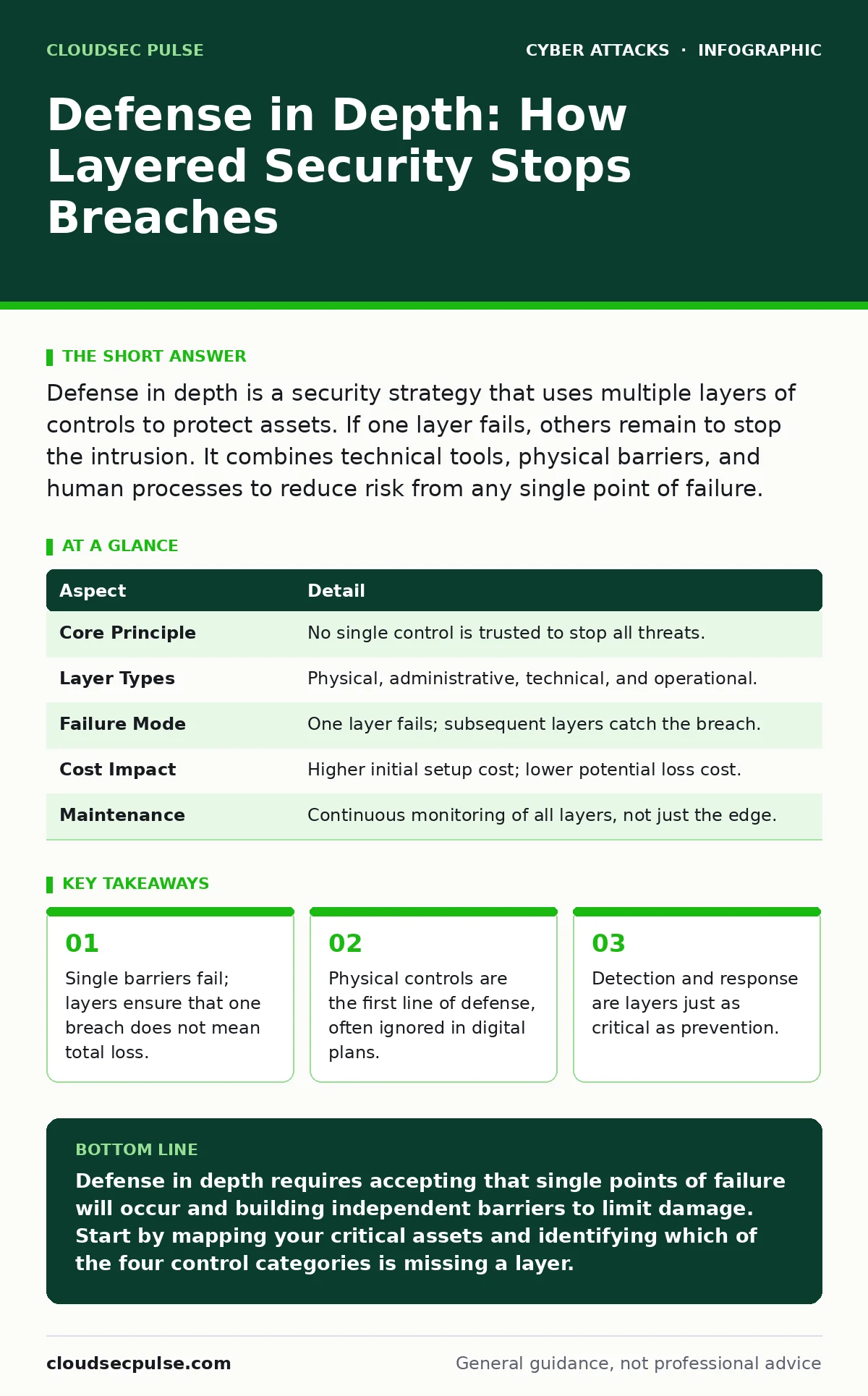
Defense in depth is a security strategy that uses multiple layers of controls to protect assets. If one layer fails, others remain to stop the intrusion. It combines technical tools, physical barriers, and human processes to reduce risk from any single point of failure.
The Castle Gate Analogy
Imagine a medieval castle. The moat is the first barrier. If an enemy crosses it, they face the drawbridge. Then the outer wall. Then the inner gate. Finally, the keep. If the moat dries up, the wall still holds. If the wall is breached, the gate still defends.
This is the core logic of defense in depth. It assumes that no single control is perfect. It expects failures. The goal is not to prevent every attack attempt, but to ensure that one failure does not lead to catastrophe. Each layer adds friction for the attacker.
Most people think of security as a wall. They build a high wall and hope it never falls. Defense in depth views security as a series of checkpoints. It acknowledges that walls break. It prepares for the break.
| Aspect | Detail |
|---|---|
| Core Principle | No single control is trusted to stop all threats. |
| Layer Types | Physical, administrative, technical, and operational. |
| Failure Mode | One layer fails; subsequent layers catch the breach. |
| Cost Impact | Higher initial setup cost; lower potential loss cost. |
| Maintenance | Continuous monitoring of all layers, not just the edge. |
Origins in Physical Security
The term comes from military strategy. Armies did not rely on one trench. They built overlapping fields of fire. They placed mines behind the wire. They kept reserves behind the front line. The idea was to absorb the shock of the initial assault.
In computing, this concept migrated from physical data centers. Servers sat behind fences. They required keycards to enter the building. They needed passwords to log in. Each step was a layer. A thief needed to bypass the fence, the door, and the screen to steal data.
This physical reality is often lost in cloud environments. You cannot put a fence around a server in the sky. But you can create logical fences. You can require specific identities to access specific resources. The physical metaphor still applies, even if the materials are code.
How Layers Work Day to Day
Defense in depth operates across four main categories. Understanding these categories helps you build a balanced plan. You must address each area, or you leave a gap.
- Physical Controls: These protect hardware. This includes locks on doors, security cameras, and guarded entrances. It also includes device loss policies. If a laptop is stolen, encryption is the physical layer that protects the data inside.
- Administrative Controls: These are policies and procedures. This includes background checks for employees. It includes training on phishing recognition. It includes rules about who can access what data. These controls shape human behavior.
- Technical Controls: These are software and hardware tools. This includes firewalls that filter network traffic. It includes encryption that scrambles data. It includes multi-factor authentication that verifies identity. These controls enforce rules automatically.
- Operational Controls: These are the day-to-day activities. This includes monitoring logs for suspicious activity. It includes patching software to fix known flaws. It includes testing backups to ensure they work. These controls maintain the health of the system.
The Hidden Cost of Complexity
Layered security creates complexity. Every new layer adds management overhead. You must configure it. You must monitor it. You must update it. This can slow down legitimate business operations.
A common mistake is adding layers without removing old ones. You might add a new firewall but leave the old rules in place. This creates confusion. It makes troubleshooting difficult. When an attack occurs, you may not know which layer caught it or which layer failed.
You must balance security with usability. If the layers are too strict, users will find ways around them. They might share passwords. They might use unauthorized tools. This undermines the entire strategy. The layers must be seamless to the user but opaque to the attacker.
What People Usually Get Wrong
Many organizations treat defense in depth as a checklist. They install a firewall. They add antivirus. They turn on multi-factor authentication. They declare themselves secure. This is a trap.
The mistake is focusing only on prevention. Prevention stops known attacks. It does not stop new ones. You must include detection and response as layers. If an attacker gets in, you need to know. You need to stop them. You need to recover.
Another error is assuming layers are independent. They are not. A failed patching process weakens the technical layer. A lack of training weakens the administrative layer. You must manage the interactions between layers. A gap in one area can expose others.
See also: Hacktivism Explained: Defining Motives, Methods, and Mitigation · Exposure Management Explained: See Your Digital Attack Surface
The Edge Case: Insider Threats
Defense in depth is often designed to stop outsiders. But insiders have a key. They know the layout. They have legitimate access. A standard firewall does not stop an employee from copying data to a USB drive.
You must apply layers to insiders too. This requires privileged access management. It limits what even admins can do. It logs every action. It reviews access regularly. It ensures that no single person has total control.
Imagine an employee who is disgruntled. They have access to the customer database. They want to steal it. A perimeter firewall does not help. But data loss prevention tools can block large downloads. Logging can alert you to unusual access times. Termination procedures can revoke access immediately. These are layers that address the insider risk.
Building Your Plan
Start by identifying your most critical assets. What data would hurt your business if lost? Who can access it now? Where are the gaps?
Map your current controls to the four categories. Identify missing layers. Do not try to fix everything at once. Start with the weakest link. Often, this is a lack of formjacking protection on web forms. Or a lack of encryption on stored data.
Review your layers regularly. Technology changes. Threats evolve. A layer that was strong last year may be weak today. Keep your plan alive. Test it. Simulate breaches. See which layers hold. See which ones fail. Improve based on those results.
Key takeaways
- Single barriers fail; layers ensure that one breach does not mean total loss.
- Physical controls are the first line of defense, often ignored in digital plans.
- Detection and response are layers just as critical as prevention.
- Human behavior requires process controls, not just technical locks.
Defense in depth requires accepting that single points of failure will occur and building independent barriers to limit damage. Start by mapping your critical assets and identifying which of the four control categories is missing a layer.
Frequently asked questions
Is defense in depth the same as zero trust?
No, but they overlap. Zero trust is a specific model that verifies every request. Defense in depth is a broader strategy that uses multiple layers, including zero trust principles, to protect assets.
How many layers do I need?
There is no fixed number. You need enough layers to make a breach difficult and expensive for the attacker. Start with physical, administrative, technical, and operational controls. Add more as your risk increases.
Does defense in depth stop all attacks?
No. It reduces the likelihood of success and limits the damage if an attack succeeds. It does not guarantee complete security. It manages risk to an acceptable level.
Can small businesses afford defense in depth?
Yes. Layers do not have to be expensive. Physical locks, strong passwords, and employee training are low-cost layers. Focus on the most critical assets first.
How this guide was produced: written by the CloudSec Pulse editorial team with AI assistance, checked against the public references listed below, and reviewed when the facts change. See our editorial policy or report an error.