Data Minimization Best Practices to Reduce Breach Impact
Keeping only the data you actively use shrinks your attack surface and makes incident response faster by removing unnecessary exposure vectors.

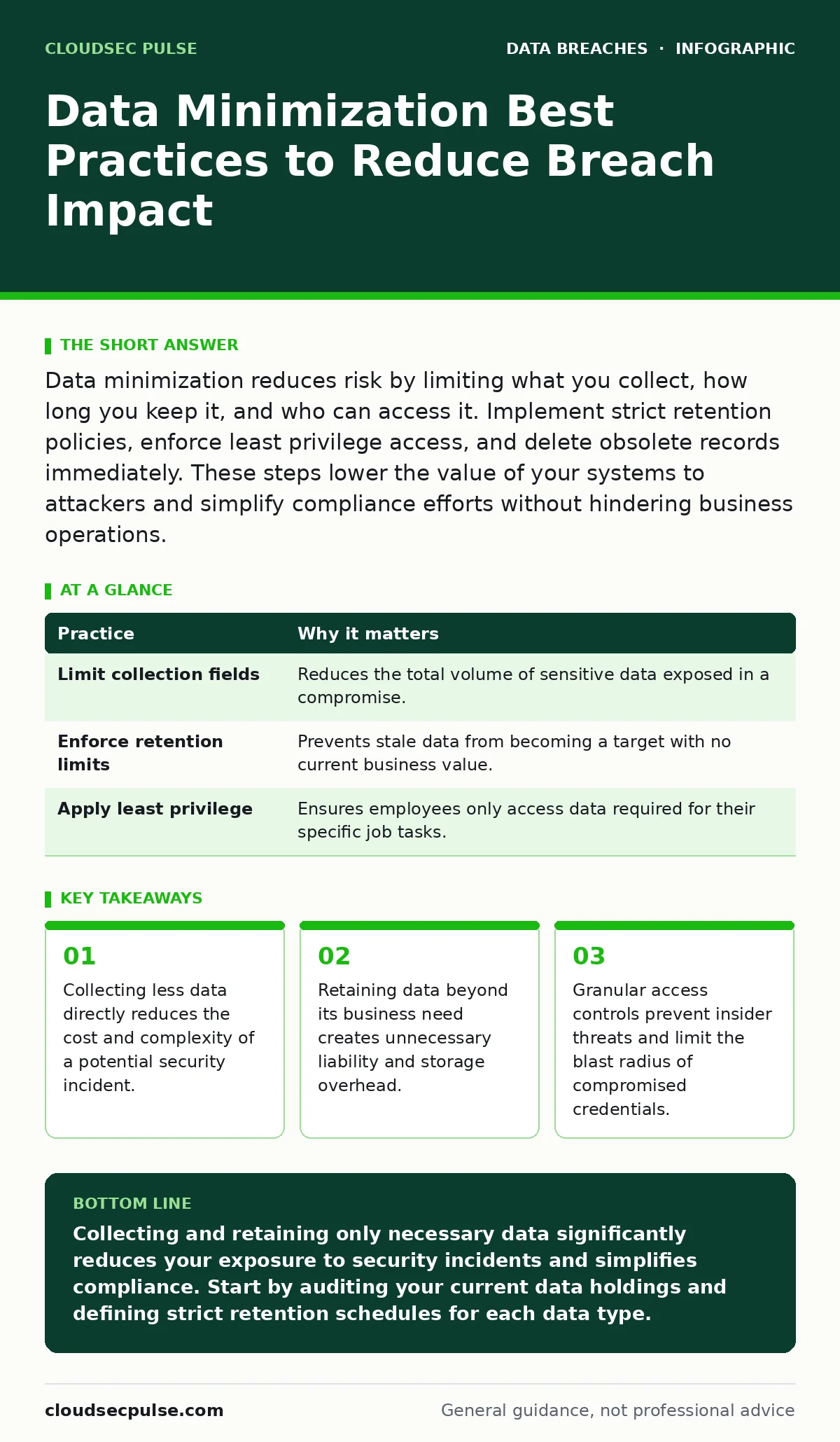
Data minimization reduces risk by limiting what you collect, how long you keep it, and who can access it. Implement strict retention policies, enforce least privilege access, and delete obsolete records immediately. These steps lower the value of your systems to attackers and simplify compliance efforts without hindering business operations.
Defining Your Data Collection Scope
Data minimization starts before you store a single byte. You must define exactly which data points are necessary for your core business functions. Collecting extra information "just in case" increases your attack surface and complicates future compliance audits. Every field in your database represents a potential entry point for attackers and a liability during a data breaches investigation.
Suppose you run an online store. You need shipping addresses and payment tokens. You do not need the customer's favorite color or their birth date unless it serves a specific, documented business purpose. Removing unnecessary fields at the point of collection prevents data sprawl and ensures your systems only hold what is strictly required for operation.
| Practice | Why it matters |
|---|---|
| Limit collection fields | Reduces the total volume of sensitive data exposed in a compromise. |
| Enforce retention limits | Prevents stale data from becoming a target with no current business value. |
| Apply least privilege | Ensures employees only access data required for their specific job tasks. |
Implementing Automated Retention Policies
Storing data indefinitely is a hidden cost. Old records accumulate over time, creating a massive repository of sensitive information that serves no current function. Attackers often target these legacy databases because they are less monitored and contain historical data that is valuable for identity theft. You must define explicit retention periods for each data type and automate the deletion process.
Imagine a system that keeps customer logs for five years when your legal requirement is two. That extra time creates unnecessary risk. Configure your storage systems to automatically purge records that exceed their retention period. This ensures you are not holding data that could be used against you in a future dispute or breach, aligning your storage costs with your actual legal obligations.
Enforcing Least Privilege Access
Access controls determine who can view or modify your data. The principle of least privilege dictates that users and applications should only have access to the minimum data necessary to perform their tasks. Broad access rights increase the risk of insider threats and expand the blast radius if an account is compromised. Regularly review access permissions to ensure they align with current job roles.
Consider an employee who leaves the marketing department and joins finance. If their access rights are not updated immediately, they may still view marketing data they no longer need, or worse, they may have retained access to financial systems they should not touch. Implement role-based access control (RBAC) to streamline permissions and reduce the administrative overhead of managing individual user rights.
Encrypting Data at Rest and in Transit
Encryption renders data unreadable to unauthorized parties, even if they gain physical or logical access to your storage systems. While encryption key management is complex, neglecting it leaves your data vulnerable. You must encrypt sensitive data both when it is stored on disks and when it moves across networks. This protection layer ensures that stolen data remains useless without the corresponding decryption keys.
Think of encryption as a lock on your digital vault. If an attacker breaks into the building, they still cannot open the vault without the key. Ensure that your encryption standards are current and that keys are rotated regularly. This step does not prevent unauthorized access, but it significantly reduces the impact if access is gained, protecting your customers' privacy even in the worst-case scenario.
Masking and Tokenizing Sensitive Fields
Not all data needs to be stored in its original form. Masking replaces sensitive characters with symbols, while tokenization substitutes sensitive data with non-sensitive equivalents. These techniques allow you to process transactions or display information without exposing the actual raw data. This is particularly useful for customer support teams who need to verify identities without seeing full credit card numbers.
Suppose a support agent needs to verify a customer's payment method. Instead of showing the full 16-digit card number, the system displays only the last four digits. This reduces the risk of accidental exposure through screenshots or shoulder surfing. By tokenizing payment data, you ensure that even if your application layer is compromised, the attacker gains no usable financial information.
See also: Customer Breach Notification Letters: The Legal and Trust Checklist · Defense in Depth: How Layered Security Stops Breaches
Monitoring Data Access Patterns
Visibility into how data is accessed helps detect anomalies before they become full-blown incidents. Database activity monitoring tools track queries, logins, and data exports in real time. Establishing a baseline of normal activity allows you to spot deviations, such as a user downloading large volumes of data at an unusual hour. Early detection enables you to respond quickly and mitigate potential damage.
Imagine a scenario where a compromised account begins exporting customer records. Without monitoring, this activity might go unnoticed until the data is sold on the dark web. With proper logging and alerting, you can trigger an immediate investigation and revoke access. This proactive approach limits the amount of data exfiltrated and preserves trust with your customers.
Managing Third-Party Data Risks
Your vendors and partners often have access to your data or collect data on your behalf. Third-party data breaches are a significant source of risk, as you may not have direct control over their security practices. Vet your partners thoroughly and include strict data protection clauses in your contracts. Ensure they adhere to similar minimization and security standards as your own organization.
Consider a cloud provider that stores your backup files. If they experience a security incident, your data is at risk regardless of your own internal controls. Require regular security assessments and audit rights in your agreements. This ensures accountability and provides you with the necessary information to respond effectively if a partner’s security posture fails.
Conducting Regular Data Audits
Data minimization is not a one-time task. Business needs change, and so do regulatory requirements. Regular audits help identify data that is no longer necessary or is stored insecurely. Review your data flows, storage locations, and access logs periodically. This ongoing process ensures that your data practices remain aligned with your current operations and risk profile.
Suppose you launch a new feature that collects additional user data. An audit six months later might reveal that this data is not being used or is redundant. Deleting it immediately reduces your liability. Make auditing a routine part of your security program, integrating it with your overall strategy for credential exposure prevention and general system hardening.
Planning for Data Disposal
When data reaches the end of its retention period, it must be destroyed securely. Simply deleting a file does not remove it from storage; it only removes the reference to it. Secure deletion methods, such as cryptographic erasure or physical destruction of storage media, ensure that data cannot be recovered. This final step is critical for maintaining compliance and preventing unauthorized recovery of sensitive information.
Imagine a laptop that is retired from service. If the hard drive is not wiped or destroyed, the data remains recoverable by anyone with the right tools. Implement a standardized disposal process for all storage devices, whether they are internal servers or employee laptops. This practice closes the loop on data lifecycle management and protects your organization from residual risks.
Key takeaways
- Collecting less data directly reduces the cost and complexity of a potential security incident.
- Retaining data beyond its business need creates unnecessary liability and storage overhead.
- Granular access controls prevent insider threats and limit the blast radius of compromised credentials.
Collecting and retaining only necessary data significantly reduces your exposure to security incidents and simplifies compliance. Start by auditing your current data holdings and defining strict retention schedules for each data type.
Frequently asked questions
How do I know what data is actually necessary?
Review your business processes and legal requirements to identify specific data points needed for operations and compliance. Remove any fields that do not serve a direct, documented purpose.
Can I minimize data if I use cloud services?
Yes, cloud providers offer tools for access control, encryption, and automated retention. Configure these settings to align with your minimization goals and verify that the provider supports secure deletion.
Does data minimization affect customer experience?
Properly implemented minimization should not impact experience. It often improves trust by showing customers you respect their privacy and only collect what is needed for the service they requested.
What happens if I accidentally delete important data?
Maintain **backup data exposure** controls to ensure backups are secure and separate from primary storage. Regularly test restoration procedures to verify you can recover critical data without exposing unnecessary information.
How this guide was produced: written by the CloudSec Pulse editorial team with AI assistance, checked against the public references listed below, and reviewed when the facts change. See our editorial policy or report an error.