Fake Antivirus Software: How Scamware Hijacks Your Computer
Fake antivirus software installs malicious code that locks your screen and demands payment for a threat that does not actually exist on your system.
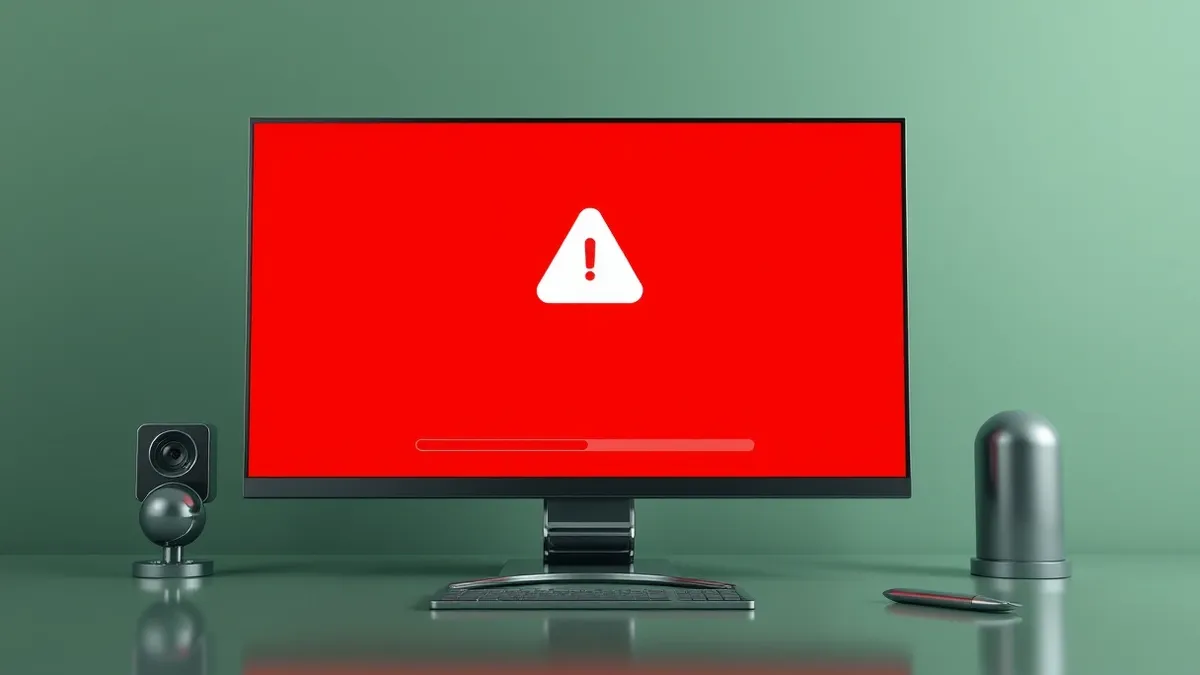
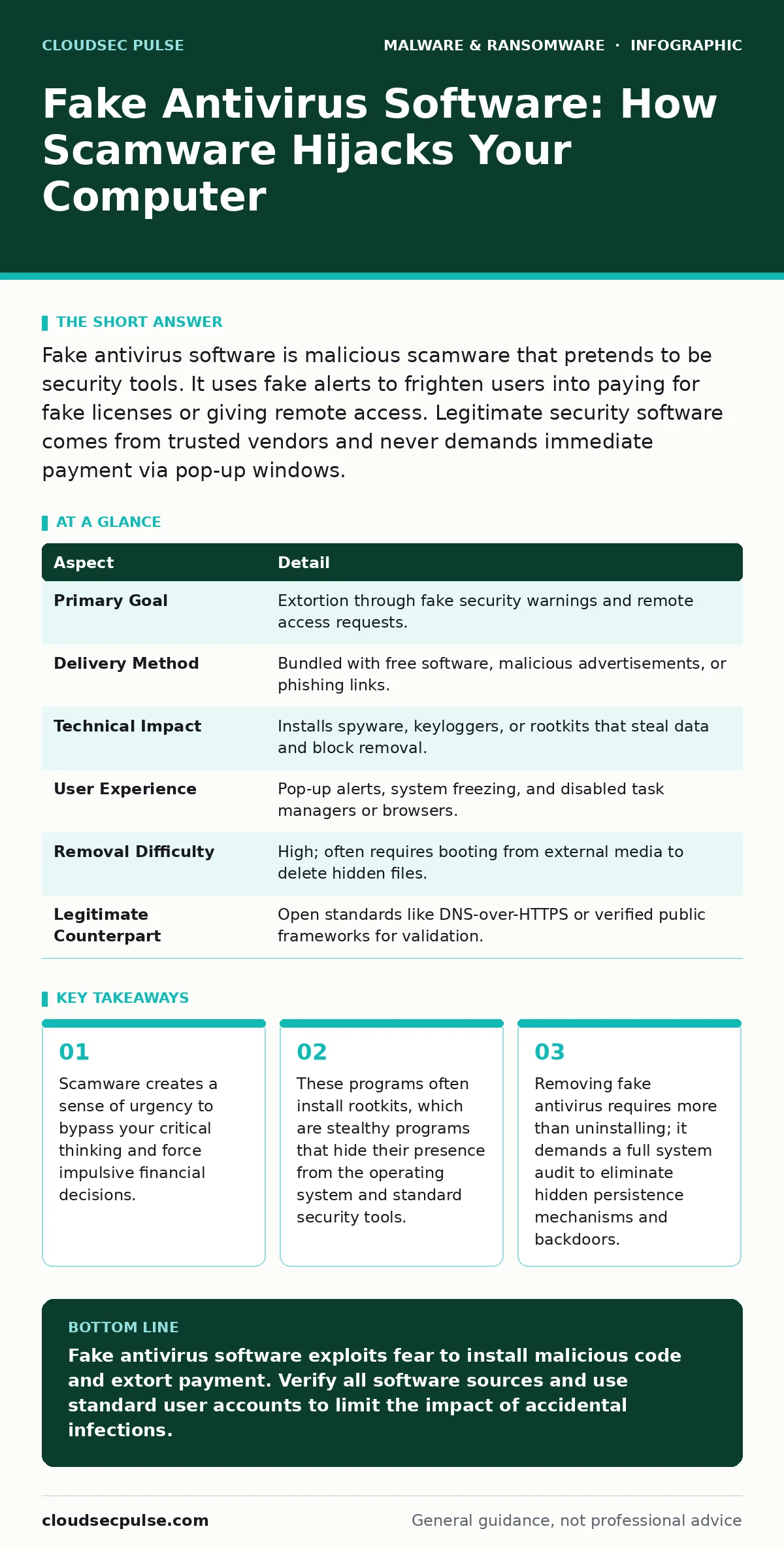
Fake antivirus software is malicious scamware that pretends to be security tools. It uses fake alerts to frighten users into paying for fake licenses or giving remote access. Legitimate security software comes from trusted vendors and never demands immediate payment via pop-up windows.
The Illusion of Protection
Imagine finding a lock on your front door that only works when you pay a stranger standing on the porch. This is the core mechanic of fake antivirus software, also known as scamware. It mimics the interface and behavior of legitimate security products to gain your trust. The goal is not to protect your data but to extort money or steal credentials.
This software relies on psychological manipulation rather than technical sophistication. It generates fear by claiming your computer is infected with critical viruses. The alerts are designed to look identical to those from reputable security vendors. You see red banners, hear alarm sounds, and watch fake progress bars scan your system.
The deception works because it exploits your natural desire to keep your device safe. When a warning appears, your instinct is to comply. The scamware counts on this instinct to bypass your skepticism. It turns a standard security concern into a high-pressure sales pitch.
| Aspect | Detail |
|---|---|
| Primary Goal | Extortion through fake security warnings and remote access requests. |
| Delivery Method | Bundled with free software, malicious advertisements, or phishing links. |
| Technical Impact | Installs spyware, keyloggers, or rootkits that steal data and block removal. |
| User Experience | Pop-up alerts, system freezing, and disabled task managers or browsers. |
| Removal Difficulty | High; often requires booting from external media to delete hidden files. |
| Legitimate Counterpart | Open standards like DNS-over-HTTPS or verified public frameworks for validation. |
How Scamware Enters Your System
Scamware rarely installs itself directly. It hides inside other packages or tricks you into enabling it. One common method is bundling. You download a free utility, such as a PDF converter or media player. The installer includes an option to install additional software. If you click "Next" too quickly, the fake antivirus installs alongside the tool you wanted.
Another vector is malicious advertising, often called malvertising. You visit a legitimate website. An advertisement on that page redirects your browser to a malicious domain. This domain runs a script that checks your browser settings. If your security settings are low, the script may prompt you to install a "plugin" for video playback. This plugin is actually the scamware installer.
Phishing emails also deliver these threats. The email claims your account is compromised and provides a link to "verify" your security. The link leads to a download page for fake security software. The email uses professional branding and urgent language to make the threat seem real. You download the file, thinking you are fixing a problem, but you are creating one.
The Mechanics of Extortion
Once installed, scamware changes your system settings to maintain control. It modifies your browser homepage and search engine. It blocks access to security websites and anti-malware download pages. This isolation prevents you from researching the problem or downloading legitimate removal tools.
The software often installs a rootkit. A rootkit is a collection of software tools that enables unauthorized access to a computer or operating system while actively hiding its presence. It hooks into system calls, intercepting requests from other programs. When you try to open the Task Manager to end the process, the rootkit intercepts that command and returns an error or an empty list.
Some variants use screen lockers. These programs take over your display, showing a full-screen warning that mimics law enforcement or security agencies. They claim you have accessed illegal content or that your data is encrypted. They demand payment via gift cards or cryptocurrency. Unlike real ransomware, which encrypts your files, these lockers only restrict your view of the desktop. However, the effect on you is the same: you cannot use your computer.
Who Falls Victim and Why
Scamware targets anyone who uses a computer, but it disproportionately affects those with limited technical knowledge. Small business owners often fall victim because they prioritize productivity over security hygiene. They may install software from unverified sources to meet deadlines. They may click on links in urgent-seeming emails without verifying the sender.
The financial impact varies. Some users pay the ransom, losing money and still not getting their system back. Others suffer data theft. Keyloggers installed by the scamware record your keystrokes. This includes passwords for email, banking, and social media accounts. The attackers then use this information for identity theft or further infiltration.
There is also a hidden cost in time and reputation. Removing scamware can take hours or days. You may need to reinstall your operating system to ensure all components are gone. For a business, this downtime means lost productivity. If customer data was stolen, the reputational damage can be severe. Trust is hard to rebuild once it is broken.
What People Usually Get Wrong
Many users believe that having a legitimate antivirus installed protects them from fake antivirus software. This is a partial truth. Real security software can detect and block known scamware signatures. However, new variants appear daily. If your security definitions are not updated, the scamware may slip through.
Another common mistake is assuming that paying the ransom solves the problem. It does not. The attackers have no incentive to help you. They may provide a fake decryption key or a tool that does nothing. You lose your money, and the malware remains on your system. The attackers may even use your payment details to target you again.
Some users try to remove the software by renaming files or deleting folders manually. This rarely works. Scamware uses persistence mechanisms to reinstall itself after a reboot. It may create multiple copies of its files in different locations. It may modify system registries to launch on startup. Manual removal is often incomplete and leaves backdoors open.
See also: Whaling Attacks: Risks and Low-Cost Protection Strategies · Baiting Attacks: Risks and Protection for Small Businesses
Reducing the Risk of Infection
Prevention starts with source verification. Only download software from official vendor websites or trusted app stores. Avoid third-party download portals that bundle extra software. Read the installation steps carefully. Decline any offers to install additional tools or change your browser settings.
Keep your operating system and applications updated. Patches fix security holes that attackers exploit to install malware. Enable automatic updates where possible. This ensures you have the latest defenses without having to remember to check manually. Regular updates reduce the attack surface available to scammers.
Use least privilege principles. Do not run your daily tasks as an administrator. Create a standard user account for everyday use. This limits the damage malware can do. If a program tries to install itself without your explicit consent, the system will block it. This simple step stops many automated infections.
The Role of Analysis and Recovery
When infection occurs, containment is the first step. Disconnect the computer from the network. This stops the scamware from communicating with command and control servers. It also prevents the spread to other devices on your local network.
Next, perform a thorough analysis. Use a bootable rescue disk to scan the system. This allows you to scan the operating system before it fully loads, bypassing many rootkit protections. Look for unusual processes, hidden files, and modified system settings. Refer to public frameworks for malware analysis to guide your investigation.
If the system is heavily infected, consider wiping and reinstalling the operating system. This is the most reliable way to remove persistent threats. Restore data from clean backups. Ensure your backups were created before the infection occurred. If you are unsure, verify the integrity of the backups before restoring them.
Understanding the difference between this and polymorphic malware is key. Polymorphic malware changes its code signature with each infection to evade detection. Scamware usually relies on social engineering and static code. However, both require similar removal strategies: isolation, analysis, and often a full system rebuild. Do not confuse this with ransomware decryption tools, which are rarely effective against scamware lockers since no actual encryption has occurred.
Key takeaways
- Scamware creates a sense of urgency to bypass your critical thinking and force impulsive financial decisions.
- These programs often install rootkits, which are stealthy programs that hide their presence from the operating system and standard security tools.
- Removing fake antivirus requires more than uninstalling; it demands a full system audit to eliminate hidden persistence mechanisms and backdoors.
Fake antivirus software exploits fear to install malicious code and extort payment. Verify all software sources and use standard user accounts to limit the impact of accidental infections.
Frequently asked questions
How do I know if my antivirus is real or fake?
Check the vendor's official website for the software name. Real vendors do not use pop-up alerts to demand immediate payment. Legitimate software is available through official app stores or direct downloads from the vendor.
Can fake antivirus software steal my files?
Yes, it can install spyware and keyloggers that record your activity. This includes passwords and financial information. It may also encrypt files if it is a hybrid threat combining scamware with ransomware capabilities.
Is it safe to ignore the pop-up warnings?
Yes, ignoring them is safer than paying. Do not click any buttons on the warning screen. Use the keyboard shortcuts to open the task manager or boot into safe mode to investigate the process without triggering further actions from the scamware.
Does having a firewall stop fake antivirus?
A firewall can block some communication from the scamware to its servers. However, it does not prevent the initial installation if you download the file. You still need endpoint protection and careful browsing habits to avoid installing the software in the first place.
How this guide was produced: written by the CloudSec Pulse editorial team with AI assistance, checked against the public references listed below, and reviewed when the facts change. See our editorial policy or report an error.