Ransomware Decryption Tools: Do They Actually Work?
Decryption tools only restore data if the criminals leave a mathematical flaw in their encryption or if you hold the private key.

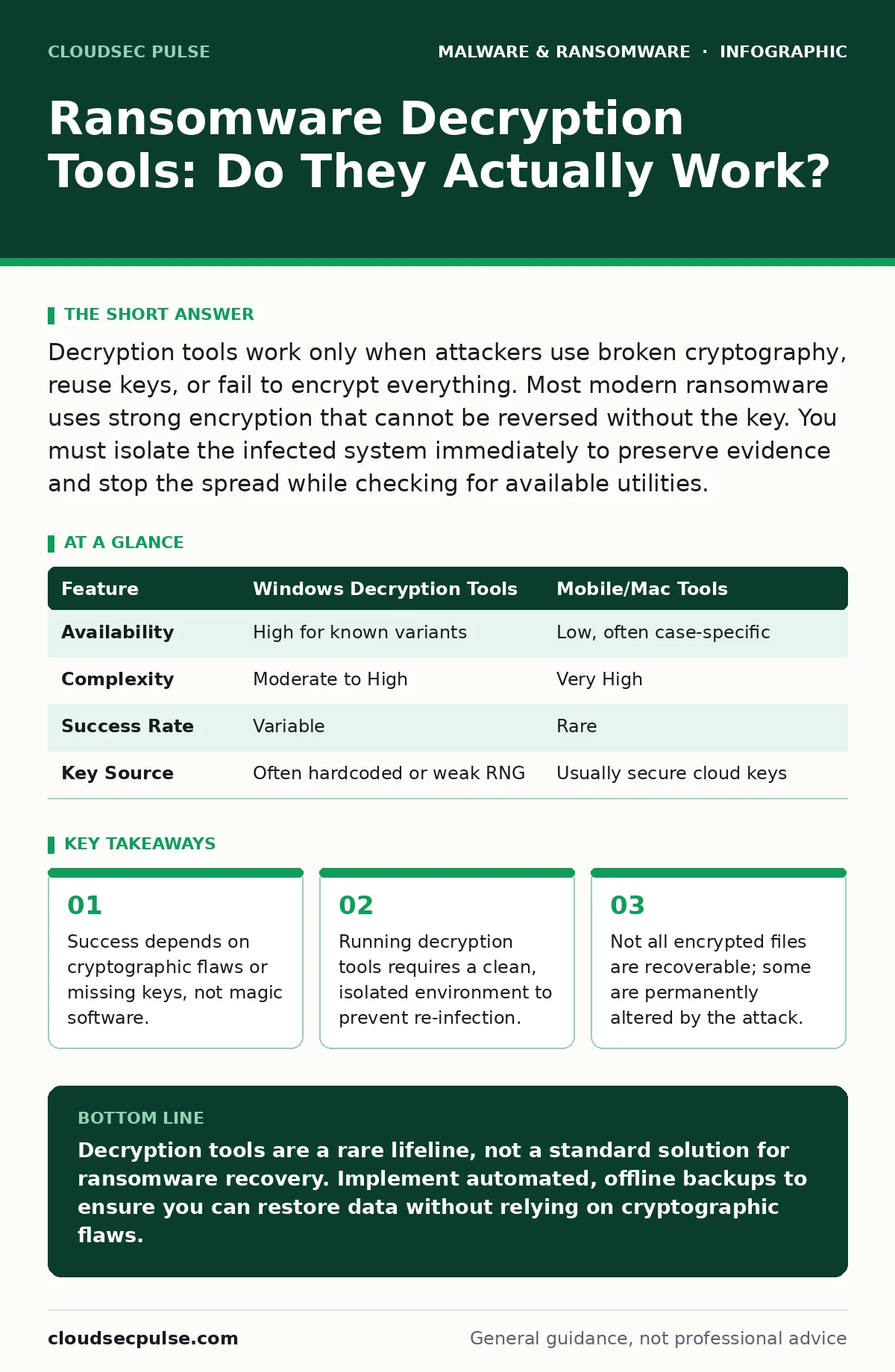
Decryption tools work only when attackers use broken cryptography, reuse keys, or fail to encrypt everything. Most modern ransomware uses strong encryption that cannot be reversed without the key. You must isolate the infected system immediately to preserve evidence and stop the spread while checking for available utilities.
Do decryption tools work for every type of ransomware?
No, decryption utilities only function when the malware contains a specific vulnerability that researchers have identified and reverse-engineered. Most modern ransomware variants use strong, standard encryption algorithms that are mathematically secure. If the attackers generated a unique key for your files and kept the private key secure, no tool can break the encryption. You are looking for variants where the criminals made a mistake in their code or key management.
How do I know if a decryption tool exists for my infection?
You must identify the exact strain of ransomware before searching for a solution. Security vendors and non-profit organizations maintain databases of known ransomware families and their associated decryption utilities. These databases are updated regularly as new variants emerge and are analyzed. You can use automated identification tools that scan your files for specific extensions and ransom note text to match the malware to a known family.
Where do these decryption utilities come from?
These tools are typically developed by cybersecurity firms, law enforcement agencies, or non-profit security organizations. They are released publicly to help victims recover their data without paying the ransom. The development process involves static malware analysis to understand the code structure and dynamic analysis to observe the encryption behavior. Researchers look for hardcoded keys, weak random number generators, or bugs in the encryption routine that allow for key reconstruction.
Can I run the decryption tool on the infected computer?
You should never run decryption software on a machine that is still infected with active malware. The ransomware may still be running in the background and could re-encrypt your files immediately after you decrypt them. It can also spread to other devices on your network during the recovery process. You must isolate the infected system from the network and boot from a clean, trusted operating system environment before attempting decryption.
Imagine you decrypt your financial records while the malware is still active. The attacker’s script detects the change in file timestamps or permissions and triggers a secondary encryption event. You would lose the same data again, potentially with a higher ransom demand. Isolation breaks this cycle and gives you control over the recovery process.
What happens if the decryption tool fails to restore my files?
If the tool cannot recover the files, the encryption was likely too strong or the key was properly managed by the attackers. In this case, your only options are restoring from backups or accepting the data loss. Do not pay the ransom, as there is no guarantee the attackers will provide a working key. You may also have files that were partially encrypted or corrupted during the attack, which cannot be fixed by software.
See also: Managed Detection and Response Misunderstandings and Correct Views · Disaster Recovery Plan Checklist: Restore Operations After Attack
Are there hidden costs to using free decryption tools?
While the tools themselves are free, the time and resources required to use them effectively can be significant. You need a clean environment, which may require purchasing new hardware or dedicated storage for the recovery process. There is also the risk of user error, where improper handling of the decryption software leads to further data corruption. Some tools require technical expertise to configure correctly, meaning you may need to hire a professional for assistance.
How do I prevent decryption tools from becoming useless?
Decryption tools become useless when attackers fix the bug that allowed the key to be recovered. As soon as a vulnerability is disclosed, the criminal group updates their code to use proper key generation. This is why relying on decryption tools as a primary defense is a failed strategy. You must focus on prevention through strict access controls, regular backups, and network segmentation. This aligns with broader business continuity planning principles that prioritize resilience over reaction.
Can mobile devices and Macs use the same decryption tools?
Desktop decryption tools often do not work on mobile malware or Mac malware due to different operating systems and file structures. Mobile devices have distinct security architectures that isolate apps and manage permissions differently than Windows or Linux systems. Mac malware also uses different encryption libraries and file permissions, requiring specialized recovery approaches. You must seek tools specifically designed for the operating system that was compromised.
| Feature | Windows Decryption Tools | Mobile/Mac Tools |
|---|---|---|
| Availability | High for known variants | Low, often case-specific |
| Complexity | Moderate to High | Very High |
| Success Rate | Variable | Rare |
| Key Source | Often hardcoded or weak RNG | Usually secure cloud keys |
What is the role of polymorphic malware in decryption failures?
Polymorphic malware changes its code signature with each infection to avoid detection by antivirus software. This variation can make it difficult for identification tools to recognize the ransomware family. If the tool cannot identify the variant, it cannot apply the correct decryption algorithm. The underlying encryption method may remain the same, but the wrapper obscures the entry points needed for key recovery. This adds a layer of complexity that often renders automated decryption attempts ineffective.
How do macro malware infections complicate decryption efforts?
Macro malware spreads through documents and spreadsheets, often infecting multiple files before triggering the ransomware payload. This means the infection vector is widespread and may have encrypted files across different directories and drives. Decryption tools must be applied to every affected location, which is time-consuming and prone to oversight. If any file is missed, it remains encrypted and may serve as a reservoir for re-infection if the malware persists.
Understanding these limitations helps you set realistic expectations for recovery. Decryption is a lucky break, not a reliable safety net. Your primary defense remains a robust backup strategy that is tested and isolated from your active network.
Key takeaways
- Success depends on cryptographic flaws or missing keys, not magic software.
- Running decryption tools requires a clean, isolated environment to prevent re-infection.
- Not all encrypted files are recoverable; some are permanently altered by the attack.
Decryption tools are a rare lifeline, not a standard solution for ransomware recovery. Implement automated, offline backups to ensure you can restore data without relying on cryptographic flaws.
Frequently asked questions
Is it safe to pay the ransom to get the decryption key?
No, paying the ransom funds criminal activity and offers no guarantee of receiving a working key. Many victims who pay still do not recover their files or are targeted for additional extortion.
Can antivirus software decrypt files after ransomware encryption?
No, standard antivirus software can detect and remove the malware, but it cannot reverse the encryption process. Once files are encrypted, only a specific decryption tool or backup can restore them.
Why do some files have different extensions after infection?
Ransomware renames files and adds unique extensions to indicate they have been encrypted and to display the ransom note. This helps the attacker identify the scope of the encryption and demand payment.
How long does it take to decrypt files with a tool?
Decryption time varies based on the number of files, their size, and the speed of your hardware. Small sets of files may take minutes, while large databases can take hours or days.
How this guide was produced: written by the CloudSec Pulse editorial team with AI assistance, checked against the public references listed below, and reviewed when the facts change. See our editorial policy or report an error.