Polymorphic Malware Warning Signs You Will Actually See
Polymorphic malware changes its code structure with every infection, making signature-based detection fail and forcing reliance on behavioral monitoring.

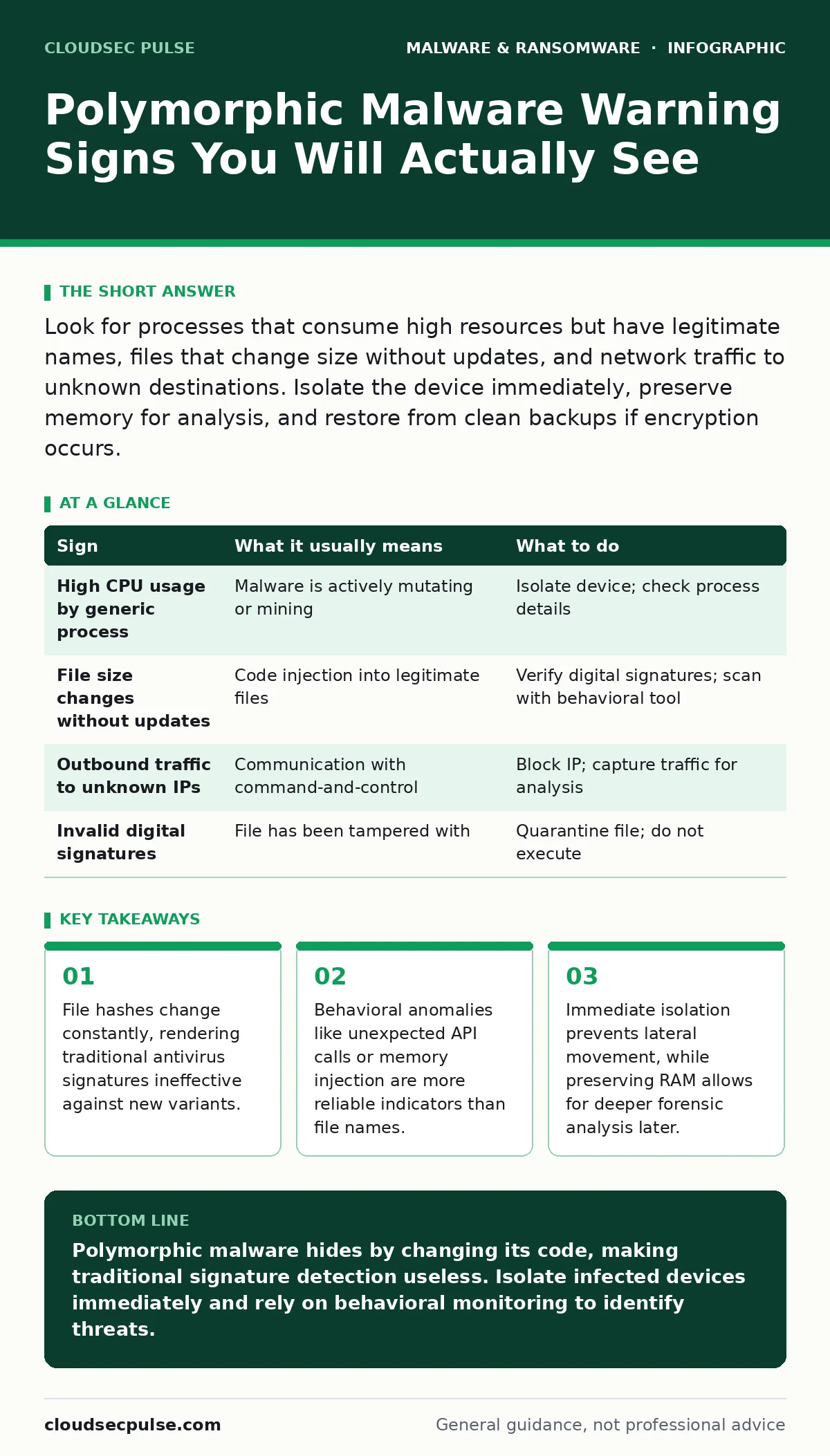
Look for processes that consume high resources but have legitimate names, files that change size without updates, and network traffic to unknown destinations. Isolate the device immediately, preserve memory for analysis, and restore from clean backups if encryption occurs.
The Illusion of Familiarity
Polymorphic malware alters its binary code every time it replicates or executes. This mutation changes the file’s cryptographic hash, the unique string of characters that identifies a file’s content. Traditional security tools often rely on matching these hashes against a database of known threats. When the code changes, the hash changes, and the malware slips past static checks. You might assume a file is safe because it looks like a standard system process, but its internal behavior tells a different story.
Imagine a scenario where a routine system update fails, but a background service continues to run with elevated privileges. This service might be a polymorphic engine rewriting itself to avoid detection. The visual interface remains normal, but the underlying code is in constant flux. This is why relying solely on file reputation or name matching is a dangerous strategy.
First Signs: Obvious Anomalies
The first signs people notice are usually performance-related. Your computer may slow down significantly, not because of age, but because the malware is actively rewriting its code in memory. This process consumes CPU and memory resources.
Another early warning is unexpected network activity. If your firewall logs show outbound connections to IP addresses you do not recognize, this is a red flag. Polymorphic malware often needs to communicate with a command-and-control server to receive new mutation parameters or exfiltrate stolen data. These connections might appear as small, intermittent bursts rather than large data transfers, making them easy to dismiss as normal background noise.
Hidden Signs: What You Miss
Signs that are easy to miss involve subtle changes in file metadata. Check the modification dates of your system files. If a core operating system file shows a recent change timestamp but you did not perform an update, something has tampered with it. Polymorphic malware often injects itself into legitimate executables, altering their size and timestamp. This injection technique allows the malware to hide in plain sight, leveraging the trust users place in known applications.
You may also notice discrepancies in digital signatures. Legitimate software from major vendors is digitally signed, a cryptographic proof of authenticity. If a signed file suddenly loses its signature or shows an invalid certificate, it has likely been modified. This is a critical indicator, as most users never inspect digital signatures. For deeper technical analysis, understanding the principles of static malware analysis can help you recognize when a file’s structure is inconsistent with its expected behavior.
Immediate Response Protocol
When you suspect polymorphic malware, speed is your primary defense. Do not attempt to delete the file immediately. Deleting it may trigger the malware’s defensive routines, which could encrypt your files or wipe your drive. Instead, disconnect the device from the network. Pull the Ethernet cable or disable Wi-Fi. This isolation stops the malware from communicating with its control server and prevents it from spreading to other devices on your local network.
Next, preserve the state of the system. If possible, take a memory dump. Polymorphic malware often resides in RAM rather than on the hard drive. A memory capture allows security experts to analyze the active code before it mutates again. Do not reboot the machine unless absolutely necessary, as this clears the volatile memory and destroys evidence. If you are dealing with a ransomware variant, refer to guides on ransomware decryption tools to see if a free decryption method exists, though this is rare for advanced strains.
Assessment and Cleanup
Once isolated, you must assess the extent of the compromise. Check for new user accounts with administrative privileges. Malware often creates backdoor accounts to maintain access even if you remove the initial infection. Review scheduled tasks and startup items for unfamiliar entries. These persistence mechanisms ensure the malware restarts after a reboot.
Cleaning the system requires more than a standard antivirus scan. You may need to use specialized tools that detect behavioral anomalies rather than specific signatures. In many cases, the safest option is to wipe the drive and reinstall the operating system. This ensures no hidden components remain. If you rely on cloud storage, ensure your backups are clean before restoring data. For guidance on maintaining operations during such incidents, review your business continuity planning procedures.
| Sign | What it usually means | What to do |
|---|---|---|
| High CPU usage by generic process | Malware is actively mutating or mining | Isolate device; check process details |
| File size changes without updates | Code injection into legitimate files | Verify digital signatures; scan with behavioral tool |
| Outbound traffic to unknown IPs | Communication with command-and-control | Block IP; capture traffic for analysis |
| Invalid digital signatures | File has been tampered with | Quarantine file; do not execute |
See also: Managed Detection and Response Misunderstandings and Correct Views · Disaster Recovery Plan Checklist: Restore Operations After Attack
Prevention Strategies
Prevention focuses on reducing the attack surface. Keep your operating system and applications updated. Many polymorphic strains exploit known vulnerabilities in outdated software. Enable macro security settings in your office suite, as macro malware is a frequent carrier for these complex threats. Disable automatic execution of scripts from untrusted sources.
Use application whitelisting where possible. This security control allows only approved applications to run, blocking any new or modified code. This is particularly effective against polymorphic malware, as the mutated code will not match the approved signatures. For users of Apple devices, be aware that Mac malware is increasingly targeting these platforms, so do not assume immunity based on operating system alone.
Long-Term Vigilance
Security is not a one-time fix. You must establish a baseline of normal behavior for your systems. Monitor for deviations from this baseline. Log analysis can reveal patterns that human observers miss. Regularly review access logs and network traffic reports.
Educate your team on the signs of compromise. They are the first line of defense. Encourage them to report unusual behavior, no matter how minor it seems. A single ignored warning sign can lead to a full-scale breach. By understanding how polymorphic malware operates, you can anticipate its moves rather than reacting to them.
Key takeaways
- File hashes change constantly, rendering traditional antivirus signatures ineffective against new variants.
- Behavioral anomalies like unexpected API calls or memory injection are more reliable indicators than file names.
- Immediate isolation prevents lateral movement, while preserving RAM allows for deeper forensic analysis later.
Polymorphic malware hides by changing its code, making traditional signature detection useless. Isolate infected devices immediately and rely on behavioral monitoring to identify threats.
Frequently asked questions
Can antivirus software detect polymorphic malware?
Modern antivirus uses heuristic and behavioral analysis to detect anomalies, but it is not always effective against new mutations. Signature-based detection will fail.
How do I know if my backup is clean?
Restore backups to an isolated environment and scan them thoroughly before reintegrating them into your production network.
Is disabling macros enough to prevent infection?
Disabling macros reduces risk significantly, but polymorphic malware can also spread via drive-by downloads, exploit kits, and phishing links.
What is the difference between polymorphic and metamorphic malware?
Polymorphic malware changes its encryption key and wrapper, while metamorphic malware rewrites its actual code logic. Both evade signature detection.
How this guide was produced: written by the CloudSec Pulse editorial team with AI assistance, checked against the public references listed below, and reviewed when the facts change. See our editorial policy or report an error.