Why do browser hijackers exist: The hidden economics of attention theft
Browser hijackers persist because redirecting search queries generates more predictable revenue than stealing passwords, creating a low-risk business model for attackers.

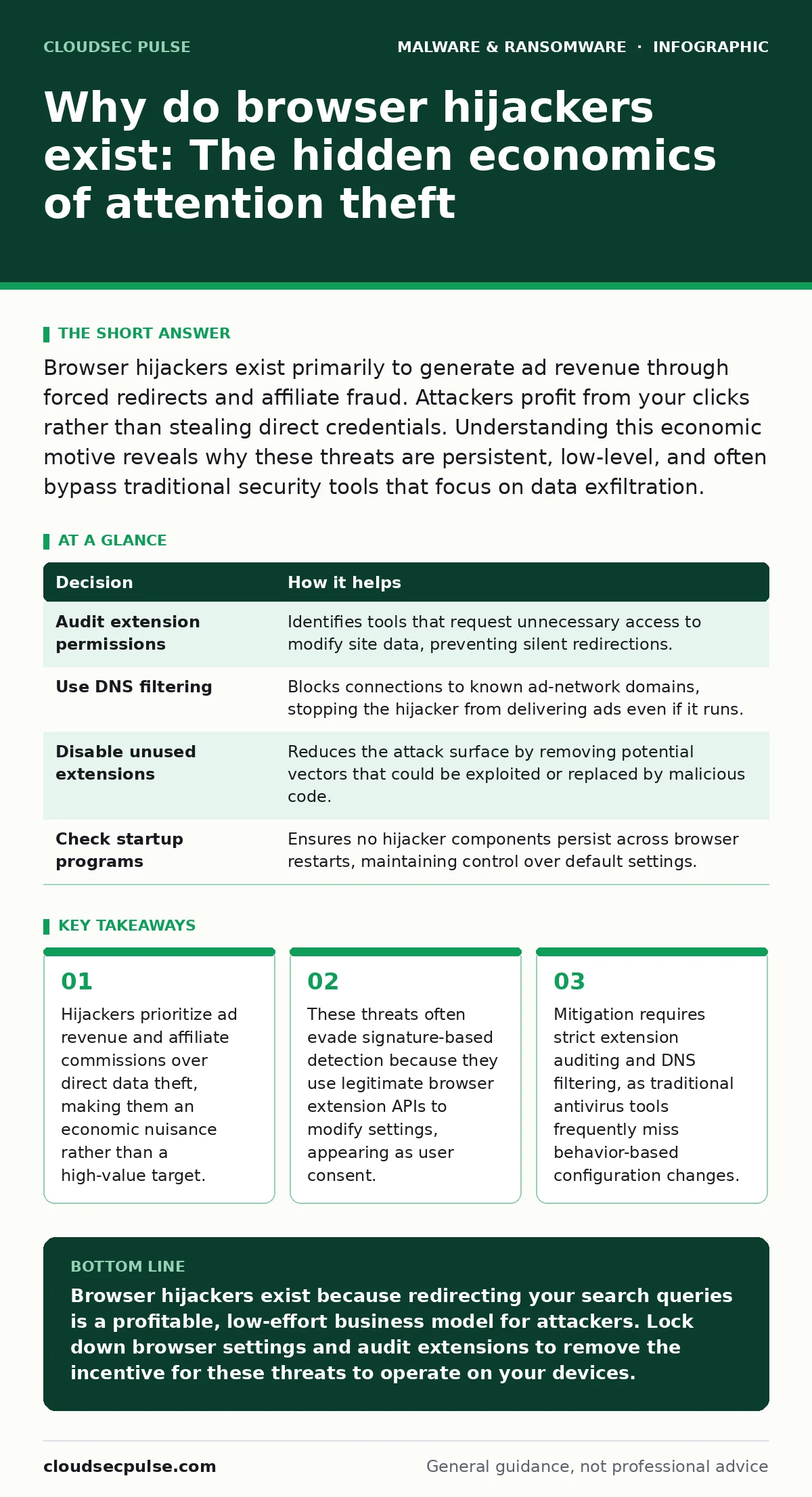
Browser hijackers exist primarily to generate ad revenue through forced redirects and affiliate fraud. Attackers profit from your clicks rather than stealing direct credentials. Understanding this economic motive reveals why these threats are persistent, low-level, and often bypass traditional security tools that focus on data exfiltration.
Why do browser hijackers exist
Browser hijackers exist because monetizing user attention through deceptive redirects is financially sustainable and technically simple. Attackers do not need to breach a server or steal a credit card number to profit. They only need to change your default search engine or homepage. This modification forces every query to pass through a partner search portal.
The portal pays the attacker a fraction of a cent for each click. This model scales effortlessly across thousands of infected machines. The low barrier to entry means anyone with basic scripting skills can create a hijacker. The profit motive is pure volume, not high-value theft. This economic reality explains why these threats are so common and why they rarely trigger high-alert security protocols.
The mechanics of silent redirection
The technical mechanism behind a hijacker is often a benign-looking browser extension. These extensions request permission to "read and change data on websites you visit." This is a standard API permission for many legitimate tools. Malicious developers abuse this permission to inject scripts into web pages. These scripts alter the Document Object Model to insert ads or redirect links.
The browser believes the user initiated the change. This creates a trust gap. Security software sees a signed, installed extension. It does not see malicious intent in the code structure. The hijacker operates within the bounds of what the browser allows. This is why fileless malware techniques are effective here. The threat lives in the configuration, not in a standalone executable file.
Economic drivers of low-level threats
The primary driver is affiliate fraud. When you search for a product, the hijacker routes you to a specific retailer. If you buy the item, the attacker earns a commission. This is known as pay-per-install or pay-per-action fraud. A secondary driver is ad impression revenue. Every page load generates an advertisement. The hijacker ensures you see these ads even if you do not click them.
This model is resilient. Shutting down one hijacker variant is easy, but the economic incentive creates new variants immediately. This is similar to how computer worms spread; the incentive for propagation is built into the code's purpose. The attacker does not care about your identity. They care about your time spent in the browser.
| Decision | How it helps |
|---|---|
| Audit extension permissions | Identifies tools that request unnecessary access to modify site data, preventing silent redirections. |
| Use DNS filtering | Blocks connections to known ad-network domains, stopping the hijacker from delivering ads even if it runs. |
| Disable unused extensions | Reduces the attack surface by removing potential vectors that could be exploited or replaced by malicious code. |
| Check startup programs | Ensures no hijacker components persist across browser restarts, maintaining control over default settings. |
Contrast: Managed versus unmanaged environments
Imagine two teams managing their office browsers. Team A allows employees to install any free extension they find online. They rely on standard antivirus software for protection. Team B enforces a whitelist of approved extensions. They use group policy to lock down homepage and search settings. Team A experiences frequent slowdowns and unexpected pop-ups. Employees waste hours resetting settings.
Productivity drops. Team B has no hijacker incidents. Their DNS filtering blocks ad networks. Their locked settings prevent unauthorized changes. The difference is not technology cost. It is policy. Team A treats the browser as a personal device. Team B treats it as a corporate asset. This distinction determines whether hijackers become a nuisance or a non-issue.
What goes wrong otherwise
Without strict controls, hijackers degrade system performance and user trust. The injected scripts consume CPU and memory. Pages load slower. Network bandwidth is wasted on ad traffic. More critically, hijackers often bundle other threats. They may install toolbars that collect browsing history. This data is sold to data brokers.
In worse cases, the hijacker serves as a loader for ransomware decryption tools or other malware. The initial hijack is the foot in the door. If you ignore the hijacker, you ignore the breach of configuration integrity. This leads to a false sense of security. You believe your antivirus protects you, but the threat operates within allowed parameters. The result is a slow erosion of privacy and performance.
See also: Managed Detection and Response Misunderstandings and Correct Views
Mitigation through configuration hardening
You must treat browser settings as critical infrastructure. Start by auditing installed extensions. Remove anything you do not recognize or use. Check the permissions for remaining tools. Does a weather widget need access to all site data? If so, remove it. Use browser policies to lock default search engines and homepages. This prevents any extension from overriding your choice.
Enable DNS filtering on your network. This stops hijackers from communicating with their command and control servers. Regularly review static malware analysis reports for new hijacker families. This helps you recognize new indicators of compromise. Do not rely on signature-based detection alone. Hijackers change their code frequently to avoid detection. Behavior-based controls are more effective.
The hidden cost of convenience
The convenience of free tools is the hidden cost you pay for hijackers. Developers of free extensions often monetize through data collection or ad injection. You are the product. When you install a "free" PDF converter or video downloader, you accept this risk. The hijacker is not always a malicious actor in the traditional sense. Sometimes it is a business model.
This nuance is critical. It means that even well-intentioned software can hijack your browser. You must evaluate the trustworthiness of the source, not just the functionality. This approach aligns with understanding mobile malware risks, where app permissions are similarly abused. The lesson is universal: free access usually requires a payment in privacy or performance.
Operationalizing the defense
Integrate hijacker prevention into your disaster recovery plans. If a hijacker compromises a critical workstation, you need a clean image to restore. Document your approved extension list. Train users to recognize permission requests. Explain that "read and change data" is a red flag for unnecessary tools. Monitor for unusual outbound traffic.
Hijackers generate significant DNS queries. Anomalies in this traffic can indicate an active hijack. Respond by isolating the device and resetting browser settings to default. Do not just uninstall the extension. Hijackers often leave residual files or registry entries. A full reset ensures complete removal. This disciplined approach turns a common nuisance into a manageable operational risk.
Key takeaways
- Hijackers prioritize ad revenue and affiliate commissions over direct data theft, making them an economic nuisance rather than a high-value target.
- These threats often evade signature-based detection because they use legitimate browser extension APIs to modify settings, appearing as user consent.
- Mitigation requires strict extension auditing and DNS filtering, as traditional antivirus tools frequently miss behavior-based configuration changes.
Browser hijackers exist because redirecting your search queries is a profitable, low-effort business model for attackers. Lock down browser settings and audit extensions to remove the incentive for these threats to operate on your devices.
Frequently asked questions
Can a browser hijacker steal my passwords?
Most hijackers do not directly steal passwords, but they can install additional malware that does. They primarily focus on ad revenue and affiliate fraud.
Do antivirus programs detect browser hijackers?
Standard antivirus tools often miss hijackers because they operate as legitimate browser extensions. You need behavior-based monitoring and extension auditing.
How do I know if my browser is hijacked?
Look for changed default search engines, unexpected toolbars, or slow page loads. Check your installed extensions for unknown or unnecessary tools.
Is this a problem on Mac computers?
Yes, Mac malware often includes browser hijackers. macOS users are frequently targeted because they may assume their system is immune to such threats.
How this guide was produced: written by the CloudSec Pulse editorial team with AI assistance, checked against the public references listed below, and reviewed when the facts change. See our editorial policy or report an error.