Computer Worms: How Self-Replicating Malware Spreads Without You
Unlike other malware that requires a user to click a file, computer worms exploit system vulnerabilities to copy themselves across networks automatically, creating a silent and rapid threat.

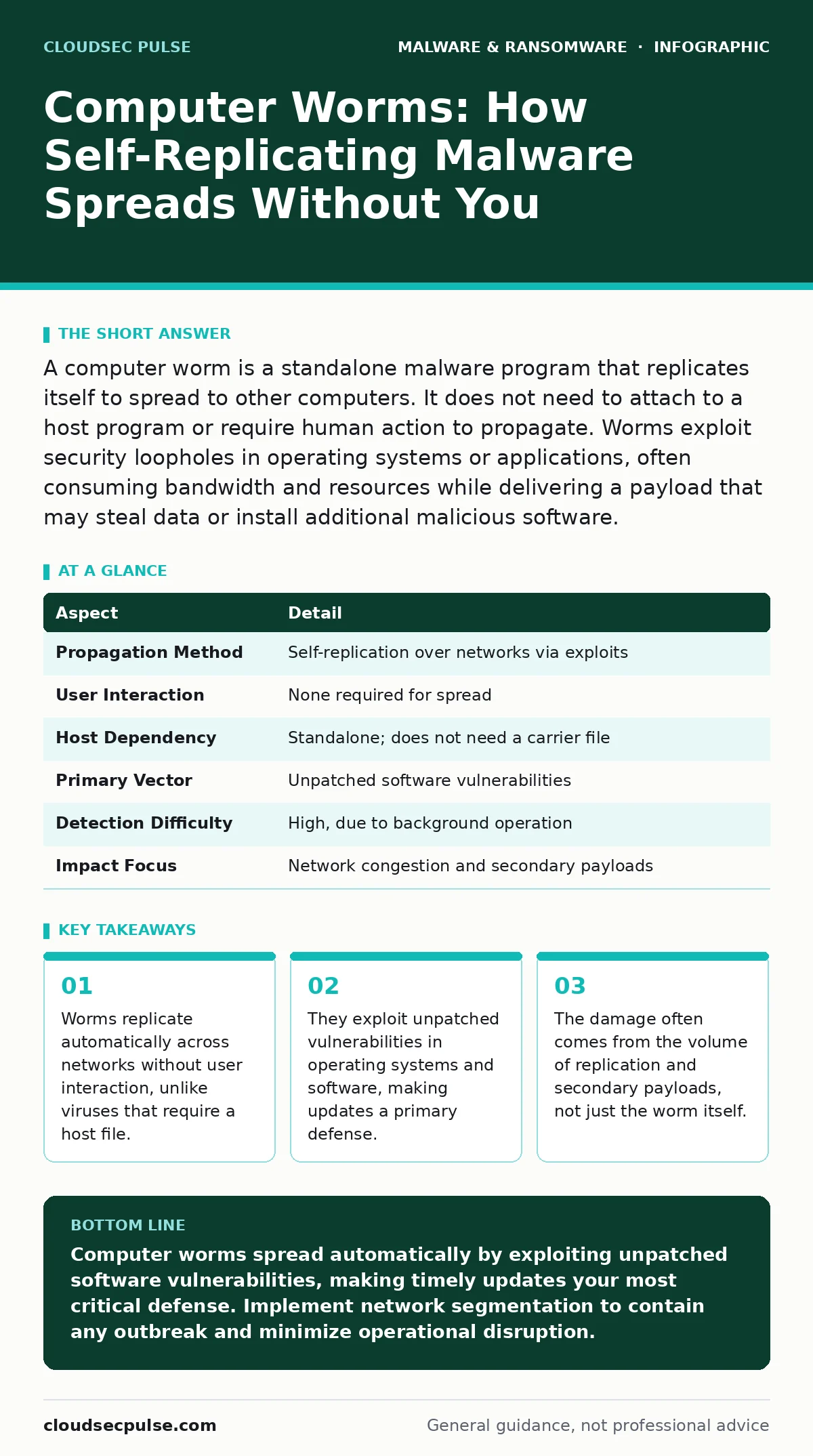
A computer worm is a standalone malware program that replicates itself to spread to other computers. It does not need to attach to a host program or require human action to propagate. Worms exploit security loopholes in operating systems or applications, often consuming bandwidth and resources while delivering a payload that may steal data or install additional malicious software.
The Mechanism of Autonomous Spread
Imagine a rumor that spreads through an office not because anyone tells it, but because it prints itself on every printer and emails itself to every contact list. This is the core behavior of a computer worm. A worm is a standalone piece of malicious software that replicates itself to spread to other computers. It does not need to attach itself to an existing program, which distinguishes it from a traditional virus.
This autonomy is what makes worms particularly dangerous. They operate in the background, often without your knowledge. Once a worm infects a single machine on a network, it scans for other vulnerable devices. It then copies itself to those devices, repeating the process exponentially. The result is a rapid, unchecked expansion that can saturate network bandwidth and degrade system performance.
| Aspect | Detail |
|---|---|
| Propagation Method | Self-replication over networks via exploits |
| User Interaction | None required for spread |
| Host Dependency | Standalone; does not need a carrier file |
| Primary Vector | Unpatched software vulnerabilities |
| Detection Difficulty | High, due to background operation |
| Impact Focus | Network congestion and secondary payloads |
How Worms Exploit System Weaknesses
Worms rely on specific technical weaknesses to gain entry. They scan for open ports or known vulnerabilities in operating systems and applications. When a worm finds a device with an unpatched flaw, it sends a payload that executes code on that machine. This code then establishes the worm’s presence and begins scanning for new targets.
The most common entry point is a failure to update software. Developers release patches to fix security holes, but many users delay these updates. This delay creates a window of opportunity for worms. Some worms exploit flaws in email clients, allowing them to spread when a message is merely previewed. Others target file-sharing services or remote desktop protocols.
The Hidden Cost of Bandwidth Saturation
You might assume the primary danger of a worm is data theft. While some worms do steal information, the immediate impact is often resource exhaustion. As the worm replicates, it consumes significant network bandwidth. This traffic can slow down legitimate business operations to a crawl.
This congestion can trigger a denial-of-service effect. Employees cannot access shared drives, email servers become unresponsive, and internet connections stall. The worm does not need to destroy data to cause harm. The disruption itself can halt productivity and lead to financial loss. In severe cases, the sheer volume of scanning traffic can crash network infrastructure.
Common Forms and Delivery Vectors
Worms adapt to the technologies people use. Email worms remain prevalent, spreading through attachments or links that exploit flaws in email clients. Network worms travel through file shares and remote administration tools. Some worms exploit vulnerabilities in web servers, allowing them to spread across the internet from a single compromised site.
You may encounter macro malware disguised as documents. While macros often require user execution, some worms exploit vulnerabilities in office software to execute automatically. Mobile malware also includes worm-like behavior, spreading via Bluetooth or messaging apps on smartphones. Understanding these vectors helps you identify potential entry points.
What People Usually Get Wrong
A common misconception is that antivirus software alone stops worms. Antivirus tools scan for known signatures, but they may miss new or modified worms. Polymorphic malware changes its code structure with each replication, making signature-based detection difficult. Relying solely on antivirus leaves gaps in your defense.
Another error is assuming that being offline provides total safety. If you insert an infected USB drive into an offline computer, a worm can still infect that machine. It may then wait until the computer connects to a network to spread. Air-gapped systems are safer, but not immune to physical transfer vectors.
See also: Snort and Suricata Rules Checklist for Network Defense · Implement Zero Trust Security: A Step-by-Step Execution Plan
Reducing Risk Through Layered Defense
The most effective defense against worms is patch management. Keeping operating systems and applications up to date closes the vulnerabilities that worms exploit. Automate updates where possible to ensure no patch is missed. This is the single most impactful step you can take.
Network segmentation limits the spread. Divide your network into smaller zones. If a worm infects one zone, it cannot easily jump to others. Use firewalls to restrict unnecessary traffic between segments. This containment strategy buys you time to detect and respond to an outbreak.
Beyond Basic Protection
While worms are distinct from ransomware, they often serve as a delivery mechanism for other threats. A worm might spread across a network and then drop ransomware decryption tools or encryption payloads on critical servers. Understanding this relationship is key to comprehensive security.
You should also consider business continuity planning. If a worm disrupts your network, how quickly can you restore operations? Having backups and a clear response plan reduces the impact of an outage. Regularly test these plans to ensure they work under pressure.
For deeper analysis, malware analysis can help you understand how a specific worm operates. While this is often a specialized task, knowing the behavior of threats helps you tailor your defenses. Additionally, be aware of fake software updates that can introduce worms by tricking users into installing malicious code.
The Role of Endpoint Security
Modern endpoint detection and response tools look for behavior, not just signatures. These tools monitor for unusual activity, such as a process trying to replicate itself across the network. This behavioral analysis can catch worms that antivirus software misses.
Combine this with user education. While worms do not require user interaction to spread, users can inadvertently introduce them via physical media or by visiting compromised sites. Training helps create a culture of security awareness. This human layer adds depth to your technical controls.
Consider the risk of Mac malware if your environment includes Apple devices. While historically less targeted, Mac systems are increasingly vulnerable to worms that exploit macOS vulnerabilities. Do not assume your platform is immune. Apply the same patching and segmentation principles to all devices.
Key takeaways
- Worms replicate automatically across networks without user interaction, unlike viruses that require a host file.
- They exploit unpatched vulnerabilities in operating systems and software, making updates a primary defense.
- The damage often comes from the volume of replication and secondary payloads, not just the worm itself.
- Network segmentation and strict access controls limit the speed and scope of a worm outbreak.
Computer worms spread automatically by exploiting unpatched software vulnerabilities, making timely updates your most critical defense. Implement network segmentation to contain any outbreak and minimize operational disruption.
Frequently asked questions
Can a computer worm delete my files?
Yes, some worms are designed to delete or corrupt files as part of their payload. Others may install additional malware that performs this action.
Do I need internet access for a worm to spread?
Most worms require a network connection, but they can spread via local networks without external internet access. Physical media can also transfer them to isolated systems.
How do I know if my computer has a worm?
Look for signs of high network usage, slow performance, or unusual system behavior. Security tools may also alert you to suspicious replication activity.
Are worms the same as viruses?
No, worms are standalone and self-replicating, while viruses need a host file and user action to spread. Worms can move across networks independently.
How this guide was produced: written by the CloudSec Pulse editorial team with AI assistance, checked against the public references listed below, and reviewed when the facts change. See our editorial policy or report an error.