IT Asset Inventory: How Tracking Devices Prevents Silent Data Loss
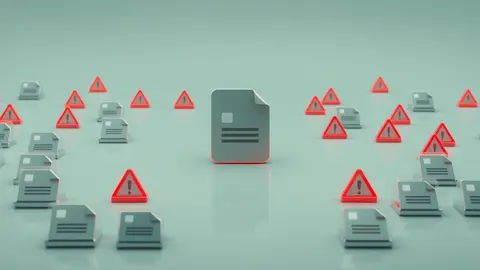
Unrecorded devices bypass security controls because the system literally does not know they exist, creating blind spots that attackers exploit.

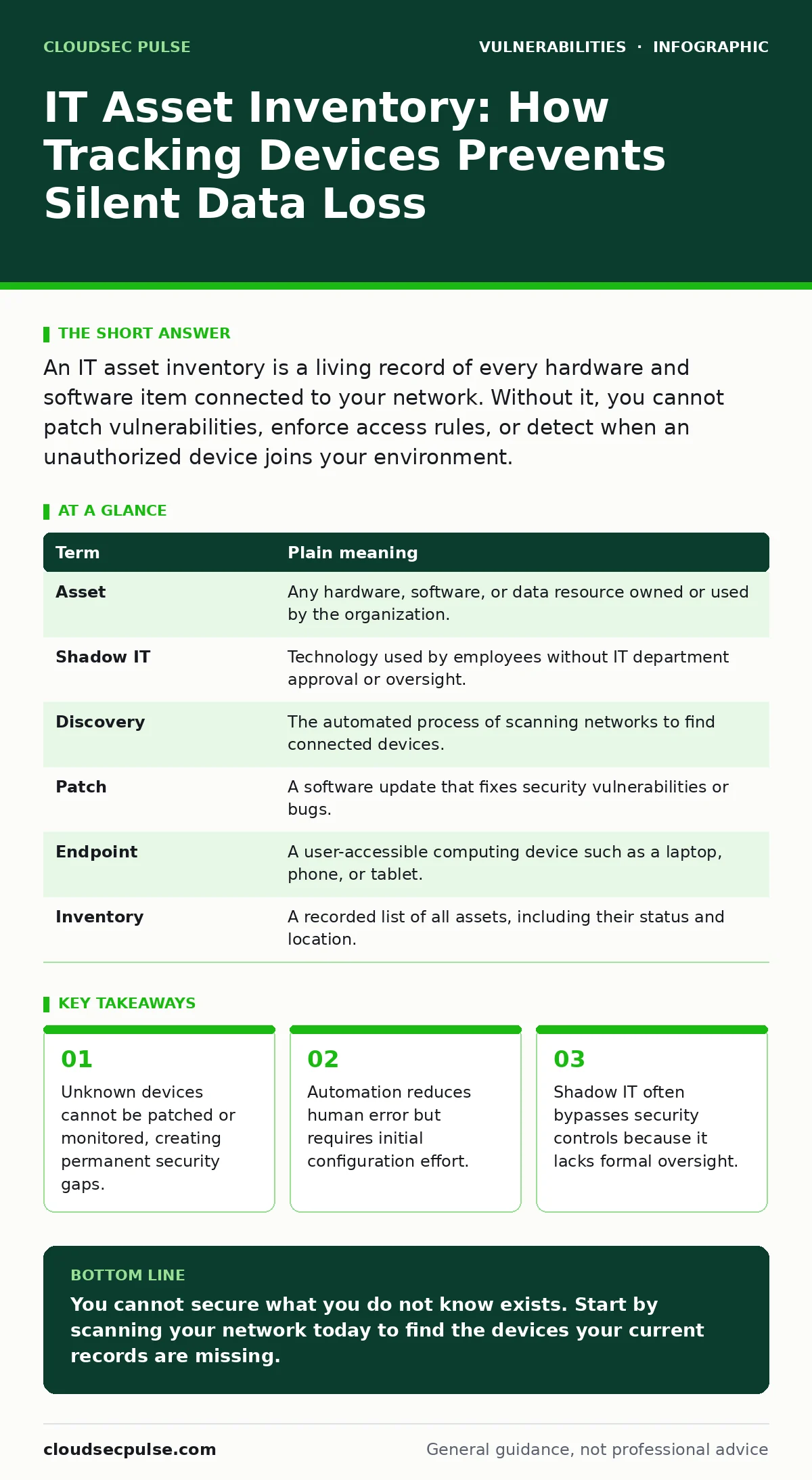
An IT asset inventory is a living record of every hardware and software item connected to your network. Without it, you cannot patch vulnerabilities, enforce access rules, or detect when an unauthorized device joins your environment.
The Library Analogy
Imagine your organization is a public library. The security guard at the front door checks identification and issues a badge. This badge allows entry to the main reading area. However, the library also has a basement archive and a rooftop terrace. If the guard does not know these spaces exist, he cannot check badges there.
An intruder does not need to break down the front door. He simply walks through the unlocked basement door. Because no one recorded that the basement door exists, no one notices the intruder. Your IT asset inventory is the complete map of every room, door, and window in the library. Without this map, your security measures only protect the front entrance.
Defining the Inventory Scope
Many organizations track only their servers and laptops. This is like mapping only the main reading room while ignoring the rest of the building. You must include every device that connects to your network. This includes mobile phones, tablets, smart printers, and Internet of Things sensors.
Each of these devices has a unique identifier, such as a Media Access Control address or a serial number. You must record this identifier in your inventory. If a device is not in the list, it is effectively invisible to your security team. This invisibility is the primary reason for exposure management failures.
The Hidden Cost of Shadow IT
Shadow IT refers to technology resources used by employees without the knowledge of the IT department. Imagine an employee brings a personal tablet to work to print documents. They connect it to the guest Wi-Fi. The tablet has an outdated operating system with known security flaws.
Because this tablet is not in your inventory, your security software does not scan it. It does not receive security patches. If an attacker compromises this tablet, it becomes a bridge into your internal network. This scenario highlights why vulnerability prioritization fails when you do not know the full scope of your assets. You cannot prioritize risks you cannot see.
Automation vs Manual Tracking
Manual spreadsheets are prone to human error. Employees forget to report new devices. People leave the company and take their devices, but the spreadsheet remains unchanged. Over time, the inventory becomes inaccurate. An inaccurate map is worse than no map because it gives a false sense of security.
Automated discovery tools scan your network to find active devices. They compare the found devices against your inventory. If a device appears that is not in the list, the tool alerts you. This process is continuous. It ensures that your map updates in real-time as devices join or leave the network.
Integrating with Security Controls
An inventory is not just a list. It is the foundation for all other security measures. When you know every device, you can enforce broken access control policies. You can ensure that only authorized devices connect to sensitive networks.
You can also apply output encoding rules to prevent data leakage from unmanaged devices. If a device is not in the inventory, it should not be allowed to access internal resources. This principle is known as zero trust. It assumes that any unknown device is hostile until proven otherwise.
See also: Snort and Suricata Rules Checklist for Network Defense · Implement Zero Trust Security: A Step-by-Step Execution Plan
Glossary of Key Terms
| Term | Plain meaning |
|---|---|
| Asset | Any hardware, software, or data resource owned or used by the organization. |
| Shadow IT | Technology used by employees without IT department approval or oversight. |
| Discovery | The automated process of scanning networks to find connected devices. |
| Patch | A software update that fixes security vulnerabilities or bugs. |
| Endpoint | A user-accessible computing device such as a laptop, phone, or tablet. |
| Inventory | A recorded list of all assets, including their status and location. |
Try This Now
- Run a network scan to identify all currently active devices. Compare this list to your existing records. Note any discrepancies.
- Select one department and audit their devices manually. Ask employees to list every device they use for work. Compare their list to the scan results.
- Define a policy for new device onboarding. Require that any new device be added to the inventory before it connects to the corporate network.
Maintaining Accuracy Over Time
An inventory is a living document. It changes every day. Devices break, get replaced, or are stolen. New software is installed. Old software is removed. You must have a process for updating the inventory regularly.
If you do not update the inventory, it becomes stale. A stale inventory leads to IoT device vulnerabilities going unpatched. Smart cameras and sensors are often forgotten. They remain connected but unmonitored. Regular audits ensure that your map remains accurate. This accuracy allows you to respond quickly to security incidents.
Key takeaways
- Unknown devices cannot be patched or monitored, creating permanent security gaps.
- Automation reduces human error but requires initial configuration effort.
- Shadow IT often bypasses security controls because it lacks formal oversight.
You cannot secure what you do not know exists. Start by scanning your network today to find the devices your current records are missing.
Frequently asked questions
How often should I update my IT asset inventory?
You should update it continuously using automated tools. Manual audits should happen at least quarterly to catch discrepancies.
Do I need to track software in my inventory?
Yes. Software vulnerabilities are a major attack vector. Knowing which software runs on which device helps you patch quickly.
What if I find a device I do not recognize?
Isolate it from the network immediately. Investigate its origin and usage. Do not reconnect it until you have verified its legitimacy.
Can I use a spreadsheet for a small business?
Spreadsheets work for very small teams but fail as you grow. They lack automation and real-time validation, leading to errors.
How this guide was produced: written by the CloudSec Pulse editorial team with AI assistance, checked against the public references listed below, and reviewed when the facts change. See our editorial policy or report an error.