Prototype Pollution Warning Signs and Detection Methods
Silent data corruption often precedes visible failures, meaning the first sign is usually a subtle logic error rather than a crash or explicit security alert.

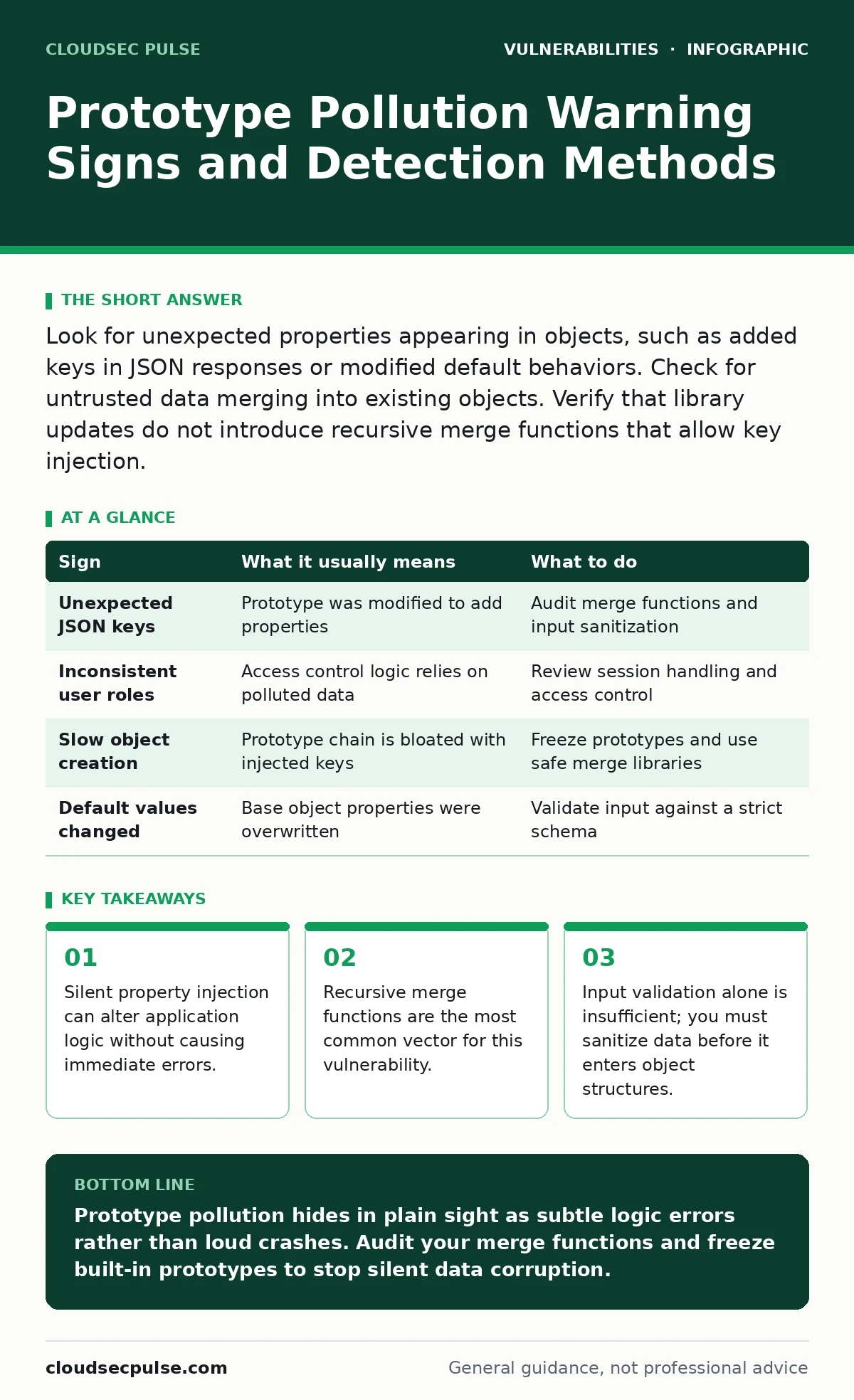
Look for unexpected properties appearing in objects, such as added keys in JSON responses or modified default behaviors. Check for untrusted data merging into existing objects. Verify that library updates do not introduce recursive merge functions that allow key injection.
The Silent Nature of Object Corruption
Prototype pollution occurs when an attacker modifies the prototype of a built-in JavaScript object. This changes the behavior of all objects inheriting from that prototype. You rarely see a direct error message. Instead, the application behaves strangely because it trusts data it did not create.
This vulnerability exploits how JavaScript handles inheritance. Every object in JavaScript has a link to its prototype. When you access a property, the engine checks the object first, then the prototype. If an attacker injects a property into the prototype, every object inherits that property.
Imagine a shopping cart application that merges user preferences with default settings. If the user input contains a key like __proto__, it can modify the base object. This affects every subsequent operation in the application session.
First Signs: Visible Logic Errors
The first signs you notice are often functional failures. These are easy to spot but hard to attribute correctly. You might see features that usually work suddenly stop working.
A common early sign is the appearance of unexpected properties in API responses. If your JSON output contains keys you did not define, such as isAdmin or role, suspect pollution. These keys often appear after a user submits a form or uploads a file.
Another sign is inconsistent behavior across different parts of the application. One page might show a user as an administrator, while another shows them as a guest. This inconsistency happens because the polluted prototype affects different objects differently.
Hidden Signs: Subtle Data Drift
Some signs are much harder to detect. These manifest as subtle data drift or performance issues. You might not see an error, but the data feels wrong.
Watch for changes in default values. If a setting that should be false is true, or a counter starts at 1 instead of 0, check for prototype pollution. These changes often occur silently in the background.
Performance degradation can also be a clue. Polluting the prototype adds overhead to every object creation. If your application slows down significantly after a specific update or user action, investigate the object creation patterns.
| Sign | What it usually means | What to do |
|---|---|---|
| Unexpected JSON keys | Prototype was modified to add properties | Audit merge functions and input sanitization |
| Inconsistent user roles | Access control logic relies on polluted data | Review session handling and access control |
| Slow object creation | Prototype chain is bloated with injected keys | Freeze prototypes and use safe merge libraries |
| Default values changed | Base object properties were overwritten | Validate input against a strict schema |
The Role of Merge Functions
Most prototype pollution vulnerabilities stem from recursive merge functions. These functions combine two objects into one. If they do not check for special keys, they allow injection.
Functions like deepMerge or extend are common culprits. They iterate through keys and copy values. If a key is __proto__ or constructor.prototype, the function modifies the base object. This breaks the isolation between user input and application state.
You must treat all merge operations as dangerous. Assume any input can contain malicious keys. Use libraries that explicitly block these keys. Alternatively, write your own merge function that skips dangerous keys.
Checking Your Dependencies
Your application likely uses third-party libraries. Some of these libraries may contain vulnerable merge functions. You need to check your dependencies for known issues.
Use the National Vulnerability Database to search for prototype pollution in your specific libraries. Look for advisories that mention __proto__ or constructor. These are clear indicators of a risk.
Keep your dependencies updated. Developers often patch these vulnerabilities quickly. However, updates can introduce new issues. Test thoroughly after updating.
See also: Difference Between RCE and Command Injection: Clear Definitions
Sanitization and Validation
Input validation is your first line of defense. You must check all user input for dangerous keys. This includes form data, API parameters, and file uploads.
Do not rely on output encoding alone. While output encoding prevents cross-site scripting, it does not stop prototype pollution. The pollution happens before the output is generated. You must sanitize the data before it enters your object structures.
Use a strict schema for your data. Define exactly what keys are allowed. Reject any input that contains unexpected keys. This prevents the injection from happening in the first place.
Freezing Prototypes
A powerful mitigation is to freeze the prototypes of built-in objects. This prevents any further modification. In JavaScript, you can use Object.freeze to make an object immutable.
Freeze the prototypes of Object, Array, and Date at the start of your application. This ensures that no code, including malicious code, can modify them. This is a strong defense against prototype pollution.
However, freezing prototypes can break some libraries. Some libraries rely on modifying prototypes to add functionality. Test your application thoroughly after freezing prototypes.
Mitigation Strategies
When you suspect prototype pollution, act quickly. First, isolate the affected component. Stop accepting new input if possible.
Second, audit your code for merge functions. Look for places where user input is combined with internal data. Replace unsafe functions with safe alternatives.
Third, implement strict input validation. Reject any input containing __proto__, constructor, or prototype. This blocks the most common attack vectors.
Finally, consider using a runtime protection library. These libraries can detect and block prototype pollution attempts in real-time. They provide an additional layer of security.
Prioritizing Fixes
Not all vulnerabilities are equal. Use vulnerability prioritization techniques to focus on the most critical issues. Prototype pollution can lead to remote code execution, so it should be high priority.
Check the EPSS score for known vulnerabilities in your dependencies. This score estimates the likelihood of exploitation. High scores indicate immediate risk.
Combine this with your IT asset inventory to understand the impact. If a vulnerable library is used in a public-facing API, fix it immediately. If it is used in an internal tool, you might have more time.
Long-Term Prevention
Prototype pollution is a persistent threat. New variations emerge as developers find new ways to merge data. You must stay vigilant.
Integrate security testing into your development pipeline. Use static analysis tools to detect unsafe merge patterns. Train your developers on the risks of prototype pollution.
Review your hard-coded credentials and other security measures regularly. Prototype pollution can bypass many controls if the underlying object state is compromised. Ensure your entire security posture is strong.
Key takeaways
- Silent property injection can alter application logic without causing immediate errors.
- Recursive merge functions are the most common vector for this vulnerability.
- Input validation alone is insufficient; you must sanitize data before it enters object structures.
Prototype pollution hides in plain sight as subtle logic errors rather than loud crashes. Audit your merge functions and freeze built-in prototypes to stop silent data corruption.
Frequently asked questions
How do I know if my JSON input is safe?
Check for keys like `__proto__`, `constructor`, or `prototype`. Reject any input containing these keys before processing.
Can firewall rules stop prototype pollution?
No, firewalls filter network traffic, not application logic. You must sanitize input within your application code.
Is prototype pollution only a JavaScript issue?
It primarily affects JavaScript and similar languages with prototype-based inheritance. Other languages may have similar issues with class hierarchies.
What is the difference between XSS and prototype pollution?
XSS injects scripts into pages, while prototype pollution modifies object structures. Both can lead to account takeover, but they exploit different mechanisms.
How this guide was produced: written by the CloudSec Pulse editorial team with AI assistance, checked against the public references listed below, and reviewed when the facts change. See our editorial policy or report an error.