Fake Software Updates: Risks and Protection for Small Businesses
Attackers exploit trusted update channels to bypass security, turning routine maintenance into a direct path for persistent access and data theft within your network.

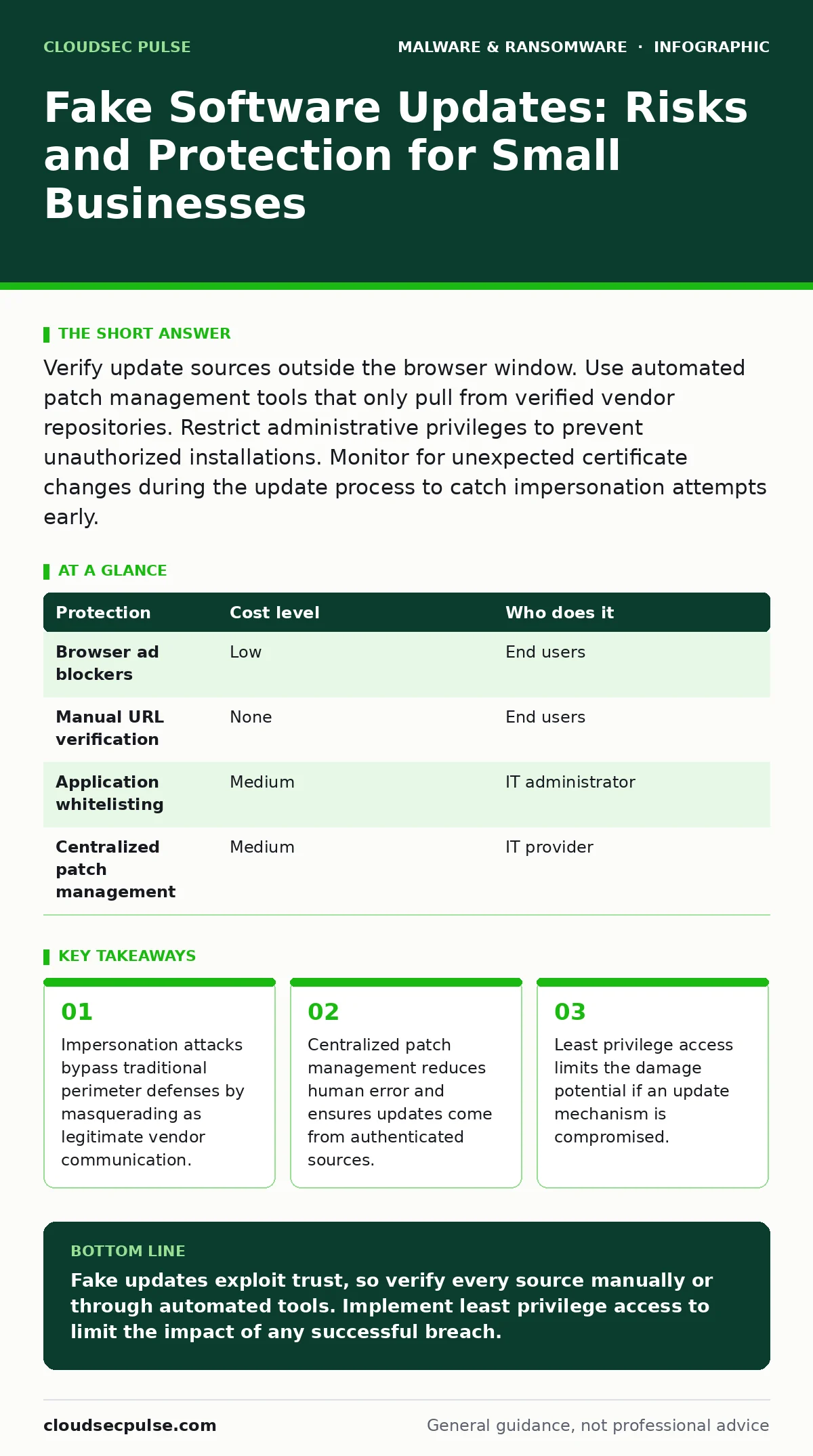
Verify update sources outside the browser window. Use automated patch management tools that only pull from verified vendor repositories. Restrict administrative privileges to prevent unauthorized installations. Monitor for unexpected certificate changes during the update process to catch impersonation attempts early.
The Trust Exploitation Mechanism
Attackers do not always need to break through your firewall. They often wait for you to open the door. Fake software updates exploit the natural trust users place in vendor notifications. When a browser window displays a red banner claiming your software is outdated, the psychological pressure to click is high. This creates a vector where the threat enters through consent rather than force.
The mechanism relies on domain impersonation or ad injection. Malicious actors buy ad space on legitimate websites or register domains that look nearly identical to real vendor addresses. When you download the file, it appears to come from the correct source. However, the code inside is not a patch. It is a payload designed to establish persistence.
This approach is particularly effective because it avoids triggering alerts associated with brute-force attacks. Standard security tools may allow the download if the file signature appears valid or if the user manually overrides a warning. The result is an authorized entry point for unauthorized code.
Why Small Organizations Are Exposed
Small organizations often lack dedicated security teams to verify the authenticity of every notification. The reliance on manual updates increases the surface area for human error. Without automated systems to cross-reference update hashes against known good values, staff members must trust their eyes. This is a fragile defense against sophisticated visual clones.
Another factor is the concentration of administrative privileges. In smaller teams, IT responsibilities often fall to a generalist or even a non-technical manager. This person may have local administrator rights to fix minor issues quickly. If that account is compromised via a fake update, the attacker gains immediate control over the machine. They can then move laterally to other systems without further authentication.
The cost of specialized security software is also a barrier. Many small businesses rely on basic antivirus solutions that scan for known signatures. Fake updates often use new, unsigned code or legitimate-looking wrappers. These tools may not flag the threat until it executes its malicious routine. By then, the damage is often done.
Low-Cost Protections You Can Implement
You do not need expensive hardware to mitigate this risk. The first step is disabling automatic updates from untrusted sources within the browser. Configure your web browsers to block pop-ups and intrusive ads. This reduces the visibility of fake banners that mimic system alerts. While this does not stop all attacks, it removes the most common trigger.
Implement a strict policy of downloading software only from official vendor websites. Never click links in email notifications or browser banners. Instead, open a new tab and type the vendor’s URL manually. This breaks the chain of deception that relies on pre-filled malicious links. It adds a few seconds to the process but significantly increases safety.
Use built-in operating system features to restrict what users can install. Windows Group Policy or macOS configuration profiles can prevent standard users from installing new applications. This ensures that only authorized personnel with verified credentials can change system software. It forces any update to go through a controlled channel.
| Protection | Cost level | Who does it |
|---|---|---|
| Browser ad blockers | Low | End users |
| Manual URL verification | None | End users |
| Application whitelisting | Medium | IT administrator |
| Centralized patch management | Medium | IT provider |
The Hidden Cost of Manual Verification
Relying on staff to verify updates manually creates a hidden operational cost. Every time an employee pauses to check an update source, productivity drops. Over time, this friction leads to update fatigue. Employees may begin to ignore legitimate alerts or click through warnings just to get back to work. This behavioral shift increases risk rather than reducing it.
Furthermore, manual processes are inconsistent. One employee may check the URL, while another trusts the banner. This inconsistency makes it difficult to audit your security posture. You cannot rely on human memory or vigilance as a primary control. The system must enforce safety, not just suggest it.
The alternative is automation, but it requires configuration. Automated patch management tools can verify the cryptographic signature of every update. They compare the file against a known database of legitimate software. If the signature does not match, the update is blocked automatically. This removes the decision burden from the user.
What to Ask an IT Provider
If you outsource your IT, you must ensure they are not just installing updates but verifying them. Ask your provider how they validate the integrity of software before deployment. Do they use a centralized management console that pulls from official repositories? Or do they rely on local scripts that could be intercepted?
Inquire about their incident response plan for compromised update mechanisms. If a vendor’s signing key is stolen, how quickly will your systems be protected? A good provider will have a process to revoke trust in compromised certificates immediately. They should also monitor for unusual behavior during the update process, such as unexpected network connections.
See also: Signature-Based Detection Mistakes That Leave Systems Exposed · Fileless Malware Prevention Checklist: Defend Memory and Scripts
Questions to Ask Your IT Provider
- How do you verify the digital signature of each software update before installation?
- What is your process for detecting and blocking updates from compromised vendor repositories?
- Do you use application whitelisting to prevent unauthorized executables from running?
- How frequently do you review and update your patch management policies?
- What metrics do you use to measure the success of your update verification process?
Beyond the Update: Related Threats
Understanding fake updates helps you recognize broader threats. For instance, fake antivirus software uses similar tactics, claiming your system is infected to sell a fraudulent tool. The psychological manipulation is identical, though the payload differs. Recognizing the pattern of fear-based urgency helps you spot these scams.
Similarly, polymorphic malware changes its code structure to avoid detection. If a fake update installs this type of threat, traditional signature-based scanning may fail. This is why behavioral analysis is necessary. You must monitor what the software does, not just what it looks like.
For a deeper technical understanding, you might explore static malware analysis. This technique examines the code structure without running it. While complex, it provides insights into how attackers obfuscate their payloads. Knowing these basics helps you ask better questions of your security tools.
Maintaining Long-Term Resilience
Protection against fake updates is not a one-time fix. It requires ongoing vigilance and adaptation. As attackers refine their techniques, your defenses must evolve. Regularly review your patch management policies. Ensure that new software is added to your whitelist only after thorough verification.
Consider business continuity planning to prepare for the worst-case scenario. If a fake update leads to a ransomware attack, you need a plan to restore operations. This includes regular, offline backups and clear communication protocols. Testing these plans regularly ensures they work when you need them most.
Finally, stay informed about emerging threats. Malware analysis communities often share indicators of compromise for new fake update campaigns. By staying current, you can proactively block known threats before they reach your network. Security is a continuous process, not a destination.
Key takeaways
- Impersonation attacks bypass traditional perimeter defenses by masquerading as legitimate vendor communication.
- Centralized patch management reduces human error and ensures updates come from authenticated sources.
- Least privilege access limits the damage potential if an update mechanism is compromised.
Fake updates exploit trust, so verify every source manually or through automated tools. Implement least privilege access to limit the impact of any successful breach.
Frequently asked questions
How can I tell if a software update is fake?
Check the URL in the address bar to ensure it matches the official vendor site. Look for spelling errors or slight variations in the domain name. If the update demands immediate action with a countdown timer, it is likely a scam.
Do I need expensive software to protect against fake updates?
No. Built-in operating system features like application whitelisting and browser ad blockers provide significant protection. The key is proper configuration and consistent policy enforcement, not the price tag.
What happens if I install a fake update?
The malware may install keyloggers, spyware, or ransomware. It can steal credentials, monitor activity, or encrypt your files. Immediate isolation of the affected device and a full security scan are necessary steps.
Can my IT provider prevent fake updates?
Yes, if they use centralized patch management with certificate verification. Ensure they have a process to validate software integrity before deployment and monitor for anomalous behavior during updates.
How this guide was produced: written by the CloudSec Pulse editorial team with AI assistance, checked against the public references listed below, and reviewed when the facts change. See our editorial policy or report an error.