Spot Cloud Ransomware: Early Signs and Hidden Indicators
Cloud ransomware often hides in plain sight within legitimate service accounts, making standard perimeter defenses nearly useless against insider-like behavior.

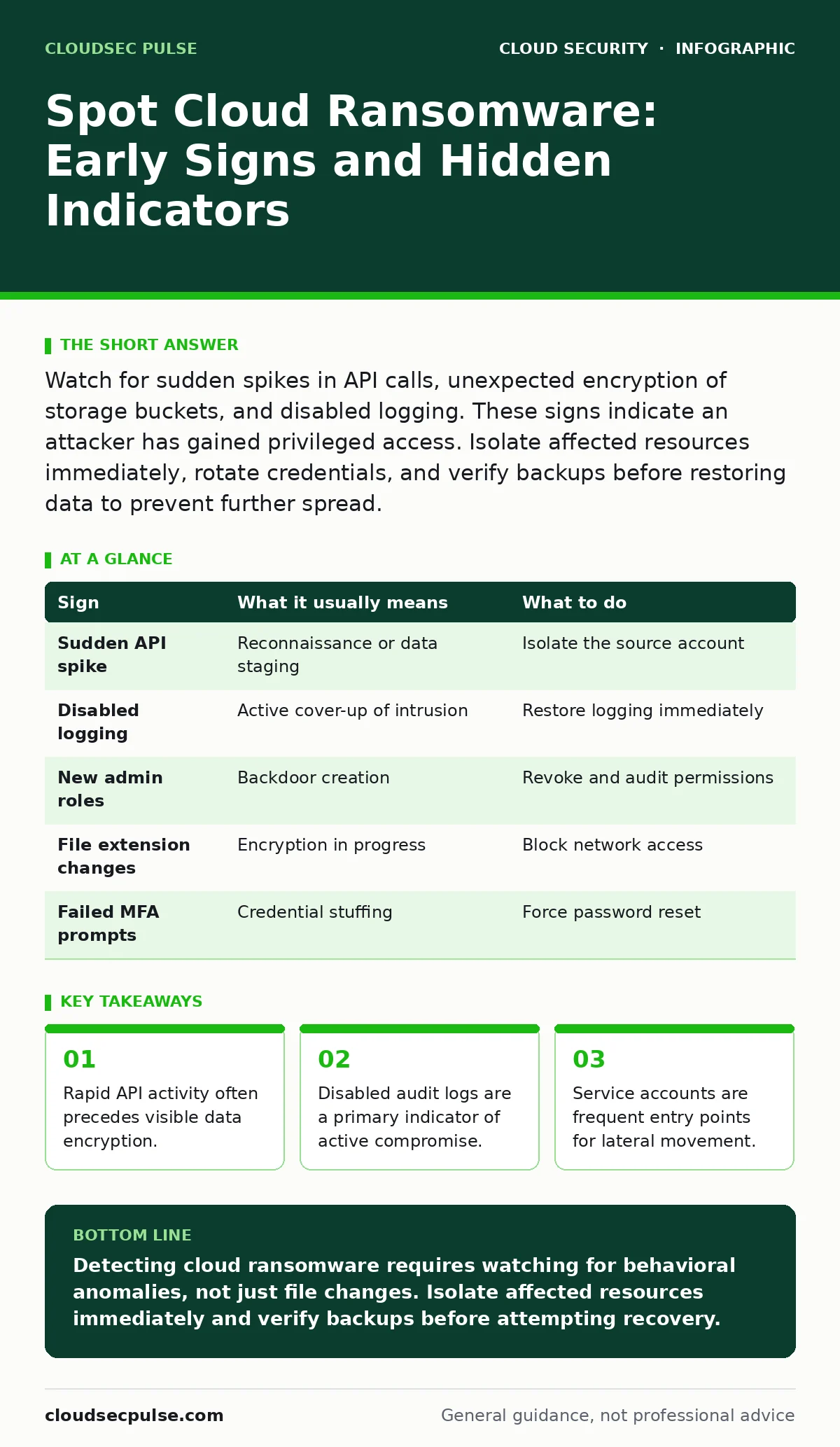
Watch for sudden spikes in API calls, unexpected encryption of storage buckets, and disabled logging. These signs indicate an attacker has gained privileged access. Isolate affected resources immediately, rotate credentials, and verify backups before restoring data to prevent further spread.
The First Visible Signs
The most obvious signs of cloud ransomware appear only after the attack has progressed. You notice them when business operations halt. Files in cloud storage become unreadable, displaying new extensions or corruption. Users report they cannot access shared documents or customer databases.
These symptoms confirm that the encryption process is already underway. By this stage, the attacker has likely established persistence. You are no longer detecting an attempt; you are reacting to a successful breach. The window for prevention has closed, shifting your focus to containment.
Hidden Indicators in Normal Traffic
Before files vanish, the infrastructure behaves strangely. Attackers need time to map your environment and escalate privileges. This reconnaissance phase generates noise, but it often blends with legitimate background processes. You must look for anomalies in behavior, not just alerts for known malware signatures.
One subtle sign is a sudden increase in API calls from a single account. If a service account that usually writes data starts reading large volumes of metadata, something is wrong. Another sign is the creation of new administrative roles. Attackers often create hidden backdoors to maintain access after you reset passwords.
Service Account Abuse
Service accounts are automated identities used by applications to interact with cloud resources. They often have broader permissions than human users because they need to function without interruption. This makes them prime targets for ransomware operators.
If an attacker compromises a service account, they can move laterally without triggering standard login alerts. They do not need to guess passwords; they steal the credentials already in use. Reviewing service account security practices is vital here. Ensure these accounts follow the principle of least privilege, granting only the specific permissions required for their function.
Logging and Monitoring Gaps
Attackers know you watch the logs. Their first move is often to disable or delete audit trails. If your cloud security posture suddenly goes dark, treat it as a critical alert. A gap in logging data is as significant as an error message.
Imagine you check your dashboard and see no activity for the past hour, despite heavy usage. This silence indicates an attacker has tampered with the monitoring tools. They are hiding their tracks to buy time for the encryption phase. You cannot defend what you cannot see.
Response to Immediate Threats
When you spot these signs, speed matters more than perfection. Do not try to debug the issue while the attack is active. Your goal is to stop the spread. Isolate the affected resources immediately. Detach volumes, revoke credentials, and block network paths between compromised and clean systems.
Do not pay the ransom. It does not guarantee data recovery and often funds further attacks. Instead, verify the integrity of your backups. Ensure they are stored in an immutable format that cannot be altered or deleted. This process is part of a solid cloud disaster recovery plan.
See also: Cloud Security Architecture in Cloud Computing: How to Build It Right · Attack Surface Reduction: Practical Steps for Small Business Security
Prevention Through Architecture
Prevention requires shifting security efforts earlier in the development lifecycle. Shift-left security means integrating checks before code reaches production. This reduces the chance of deploying vulnerable applications that attackers can exploit.
Use cloud workload protection platforms to monitor runtime behavior. These tools detect anomalies in how applications interact with the cloud. They can identify when a process attempts to encrypt files or exfiltrate data. This adds a layer of defense that traditional firewalls miss.
Table: Signs and Actions
| Sign | What it usually means | What to do |
|---|---|---|
| Sudden API spike | Reconnaissance or data staging | Isolate the source account |
| Disabled logging | Active cover-up of intrusion | Restore logging immediately |
| New admin roles | Backdoor creation | Revoke and audit permissions |
| File extension changes | Encryption in progress | Block network access |
| Failed MFA prompts | Credential stuffing | Force password reset |
Strengthening Your Defense
You must assume that perimeter defenses will fail. Internal controls are your last line of defense. Implement MFA for cloud accounts to add a layer of verification. Even if credentials are stolen, the attacker cannot proceed without the second factor.
Regularly test your defenses with cloud penetration testing. This reveals weaknesses before attackers do. Focus on identity management and configuration errors. These are the most common entry points.
Maintaining Compliance
Security incidents can violate regulatory requirements. Cloud compliance frameworks provide a baseline for protecting sensitive data. Ensure your incident response plan aligns with these standards. This helps you recover faster and avoid legal penalties.
Do not ignore minor anomalies. Small signs often precede major incidents. Monitor your environment continuously. Adjust your security posture as your cloud usage evolves.
Key takeaways
- Rapid API activity often precedes visible data encryption.
- Disabled audit logs are a primary indicator of active compromise.
- Service accounts are frequent entry points for lateral movement.
Detecting cloud ransomware requires watching for behavioral anomalies, not just file changes. Isolate affected resources immediately and verify backups before attempting recovery.
Frequently asked questions
How do I know if my cloud storage is encrypted?
Check for sudden changes in file extensions or access permissions. If files are unreadable and metadata has changed, encryption has likely occurred.
Can MFA stop cloud ransomware?
MFA prevents unauthorized access to accounts, blocking the initial entry point. It does not stop an attacker who already has valid credentials.
What is the first step in incident response?
Isolate the compromised resources to prevent lateral movement. Do not shut down systems, as this may destroy forensic evidence.
How often should I review service account permissions?
Review permissions quarterly or after significant changes. Remove any permissions that are no longer needed for the account's function.
How this guide was produced: written by the CloudSec Pulse editorial team with AI assistance, checked against the public references listed below, and reviewed when the facts change. See our editorial policy or report an error.