Mac Malware: 9 Questions Answered for Secure Computing
macOS security relies on layered defenses, meaning one failure point rarely compromises the entire system, but user habits often bypass these protections.

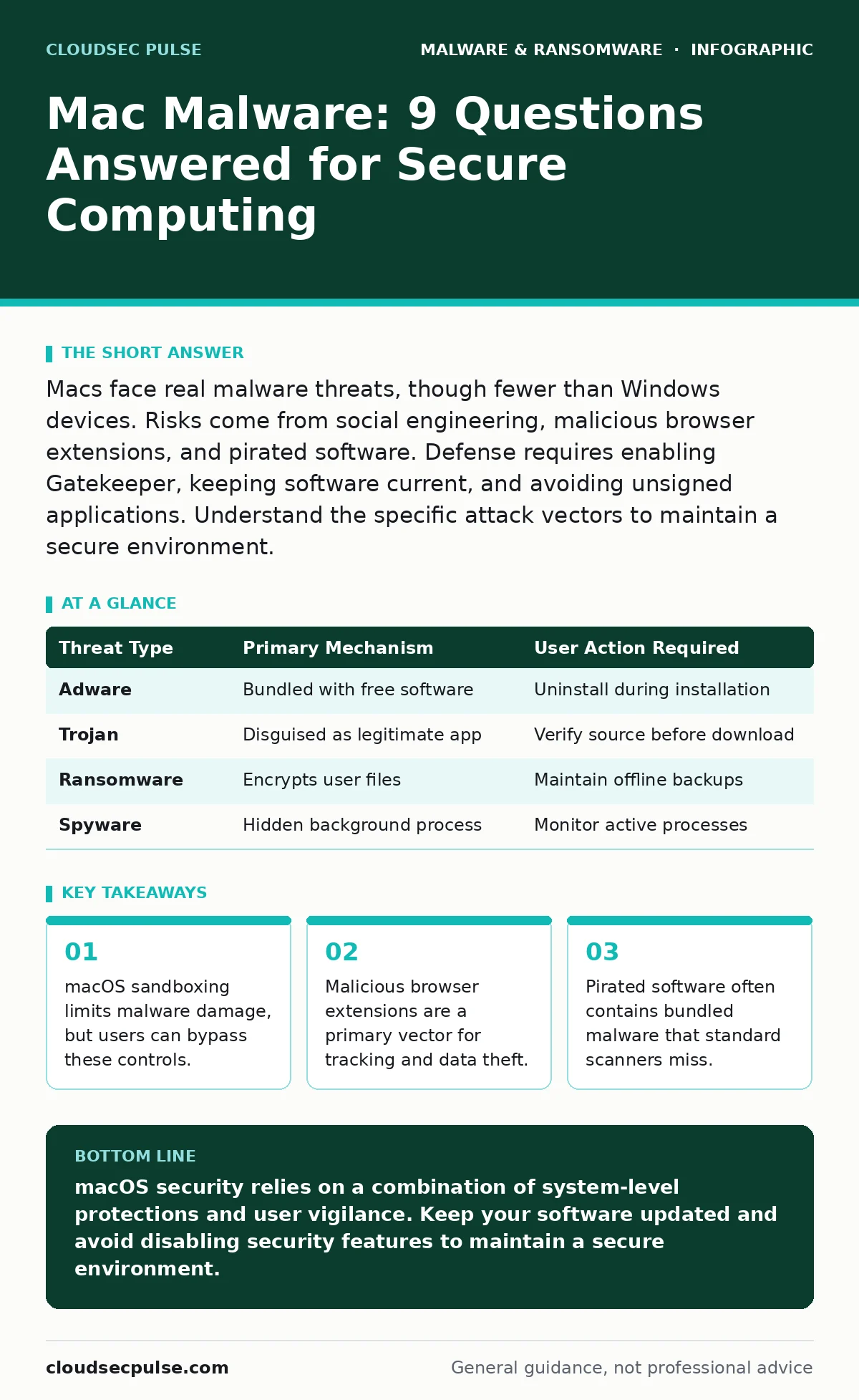
Macs face real malware threats, though fewer than Windows devices. Risks come from social engineering, malicious browser extensions, and pirated software. Defense requires enabling Gatekeeper, keeping software current, and avoiding unsigned applications. Understand the specific attack vectors to maintain a secure environment.
Does macOS actually get infected by malware?
Yes, macOS systems can and do get infected by malware, although the volume of threats is lower than on other operating systems. The macOS architecture includes several security layers, such as Gatekeeper, which checks for developer signatures, and System Integrity Protection, which locks down core system files. These mechanisms make it harder for malware to establish itself silently. However, attackers constantly find ways to bypass these controls by exploiting user trust or software vulnerabilities.
Why do people think Macs are immune to viruses?
The perception of immunity stems from the lower market share of macOS compared to Windows, which makes it a less profitable target for mass-market malware. Additionally, the Unix-based foundation of macOS includes strict file permissions and sandboxing by default. Sandboxing restricts an application’s access to other parts of the system, limiting the damage a compromised program can do. This structural difference means a single infected file rarely compromises the entire operating system.
What is the most common type of Mac malware?
Adware and potentially unwanted programs are the most prevalent threats targeting macOS users. These programs often bundle themselves with legitimate software downloads from third-party sites. They modify browser settings to inject ads, track browsing history, and redirect search queries to affiliate sites. While not always destructive, this behavior degrades performance and compromises privacy by harvesting data for third parties.
How does Gatekeeper protect my Mac?
Gatekeeper scans applications downloaded from the internet to verify they are signed by an identified developer and have not been tampered with. When you open an app, Gatekeeper checks its cryptographic signature against Apple’s records. If the signature is missing or invalid, macOS blocks the application and displays a warning. This mechanism prevents many known malicious scripts from executing automatically upon download.
Can browser extensions harm my Mac?
Yes, malicious browser extensions can harvest cookies, keystrokes, and login credentials without needing system-level access. These extensions run with high privileges within the browser environment, allowing them to see everything you view online. Attackers often distribute these through compromised legitimate extensions or by tricking users into installing fake utility tools. Removing the extension stops the immediate data theft, but you must also reset your passwords.
| Threat Type | Primary Mechanism | User Action Required |
|---|---|---|
| Adware | Bundled with free software | Uninstall during installation |
| Trojan | Disguised as legitimate app | Verify source before download |
| Ransomware | Encrypts user files | Maintain offline backups |
| Spyware | Hidden background process | Monitor active processes |
See also: Fileless Malware Prevention Checklist: Defend Memory and Scripts · Managed Detection and Response Misunderstandings and Correct Views
Is pirated software a major risk?
Pirated software is one of the most dangerous vectors for Mac malware because it requires disabling security features to install. To run cracked applications, users often disable Gatekeeper or execute terminal commands that override system protections. Attackers exploit this by embedding malware directly into the cracked executable. Once installed, the malware has unrestricted access to the system, bypassing the standard security layers.
How do I detect malware on my Mac?
You can detect malware by looking for unexpected changes in browser settings, new toolbars, or significant slowdowns in system performance. Check the login items in System Settings to see which applications launch at startup. Look for unfamiliar processes in the Activity Monitor, particularly those consuming high CPU or network resources. Regularly reviewing these areas helps identify infections before they cause significant damage.
What is the role of static analysis in Mac security?
Static malware analysis involves examining the code of a file without executing it, which helps identify malicious intent based on structure and signatures. Security researchers use this method to understand how a piece of malware functions and what it attempts to do. For users, this means that modern antivirus tools can often detect threats based on known code patterns rather than waiting for the malware to run. This proactive approach reduces the window of exposure.
Can ransomware encrypt Mac files?
Yes, ransomware can encrypt files on a Mac, although it is less common than on other platforms. These attacks often rely on user error, such as opening a malicious document or granting administrator access to a disguised app. Once executed, the malware encrypts user data and demands payment for the decryption key. The best defense is maintaining regular, offline backups of critical data. See our guide on ransomware decryption tools for options if an incident occurs, though prevention remains superior.
How do social engineering attacks bypass security?
Social engineering tricks users into willingly bypassing security controls by creating a sense of urgency or fear. Attackers may pose as IT support or use fake software updates to convince you to install a malicious program. These tactics exploit human psychology rather than technical vulnerabilities. See our guide on fake software updates to learn how to verify the authenticity of update prompts. Always verify the source of any request for administrative credentials.
What is the impact of macro malware on Macs?
Macro malware can infect documents on macOS if the user enables macros in office applications. These malicious scripts run within the document environment, allowing them to download additional payloads or exfiltrate data. While macOS has stricter controls on macro execution, enabling them manually overrides these protections. See our guide on macro malware to understand how to configure your office suite to block untrusted macros by default.
How does mobile malware relate to Mac security?
Mobile malware often shares command-and-control infrastructure with desktop threats, meaning a compromised phone can serve as a backdoor to your Mac. Attackers may use a mobile device to bypass two-factor authentication or to relay commands to a compromised computer. See our guide on mobile malware to understand the cross-platform risks. Keeping mobile devices updated and secured is part of a holistic security strategy.
What should I do if I suspect an infection?
Disconnect your Mac from the internet immediately to prevent the malware from communicating with its command server. Boot into safe mode, which loads only essential system extensions and disables many malicious scripts. Run a full system scan with a reputable security tool. Remove any identified threats and reset your passwords from a clean, trusted device.
How do I prevent future infections?
Enable automatic software updates to patch known vulnerabilities as soon as they are discovered. Use a password manager to generate unique, complex passwords for every account. Enable two-factor authentication on all critical services to add an extra layer of verification. Regularly review your installed applications and remove any you do not recognize or use. See our guide on business continuity planning to ensure you have a recovery strategy in place.
Are fake antivirus programs a threat to Macs?
Yes, fake antivirus software is a common scam targeting Mac users who are worried about security. These programs display false alerts claiming your system is infected and pressure you to buy a "cleaning" service. The software itself is often malware that steals data or displays intrusive ads. See our guide on fake antivirus software to learn how to identify these scams. Always download security tools directly from the developer’s official website.
Do computer worms affect macOS?
Computer worms are self-replicating malware that spread across networks without user interaction. While less common on macOS due to strict firewall rules and file permissions, they can still spread via network shares or vulnerable services. Keeping your firewall enabled and disabling unnecessary file sharing reduces the risk of worm infections. See our guide on computer worms to understand how network segmentation can limit their spread.
Key takeaways
- macOS sandboxing limits malware damage, but users can bypass these controls.
- Malicious browser extensions are a primary vector for tracking and data theft.
- Pirated software often contains bundled malware that standard scanners miss.
macOS security relies on a combination of system-level protections and user vigilance. Keep your software updated and avoid disabling security features to maintain a secure environment.
Frequently asked questions
Can I get malware from a USB drive on my Mac?
Yes, if you auto-run content from an untrusted USB drive, you can execute malicious scripts. macOS does not auto-run by default, but plugging in a drive can still trigger background processes.
Is Safari safer than Chrome on Mac?
Safari benefits from deeper integration with macOS security features, such as Intelligent Tracking Prevention. However, both browsers are secure if you avoid installing untrusted extensions and keep the browser updated.
Do I need antivirus software on my Mac?
While macOS has built-in protections, a reputable antivirus tool provides an additional layer of detection for emerging threats. It is particularly useful if you frequently download software from third-party sources.
How often should I update my Mac?
You should install security updates as soon as they are available. Delaying updates leaves known vulnerabilities open for exploitation. Enable automatic updates to ensure you never miss a critical patch.
How this guide was produced: written by the CloudSec Pulse editorial team with AI assistance, checked against the public references listed below, and reviewed when the facts change. See our editorial policy or report an error.